
Blog — Page 3
Guides for HanFlow PC programs — how to get everyday PC tasks done.
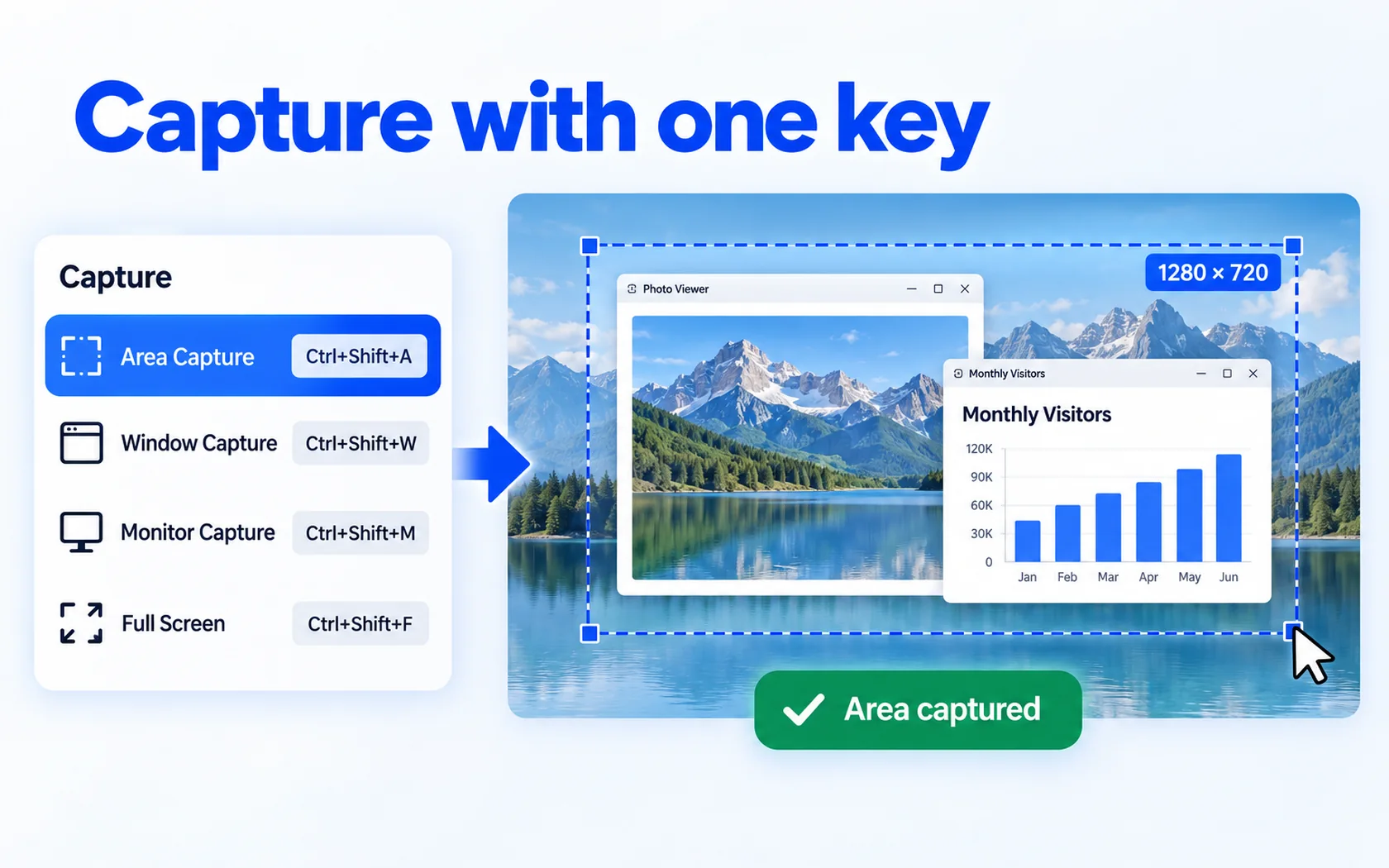
Snagit alternative with sound recording — HanFlow Cap
Looking for a Snagit alternative? HanFlow Cap captures with one key, takes scrolling screenshots, marks up captures and records MP4, GIF or M4A with system sound and mic.
Read more →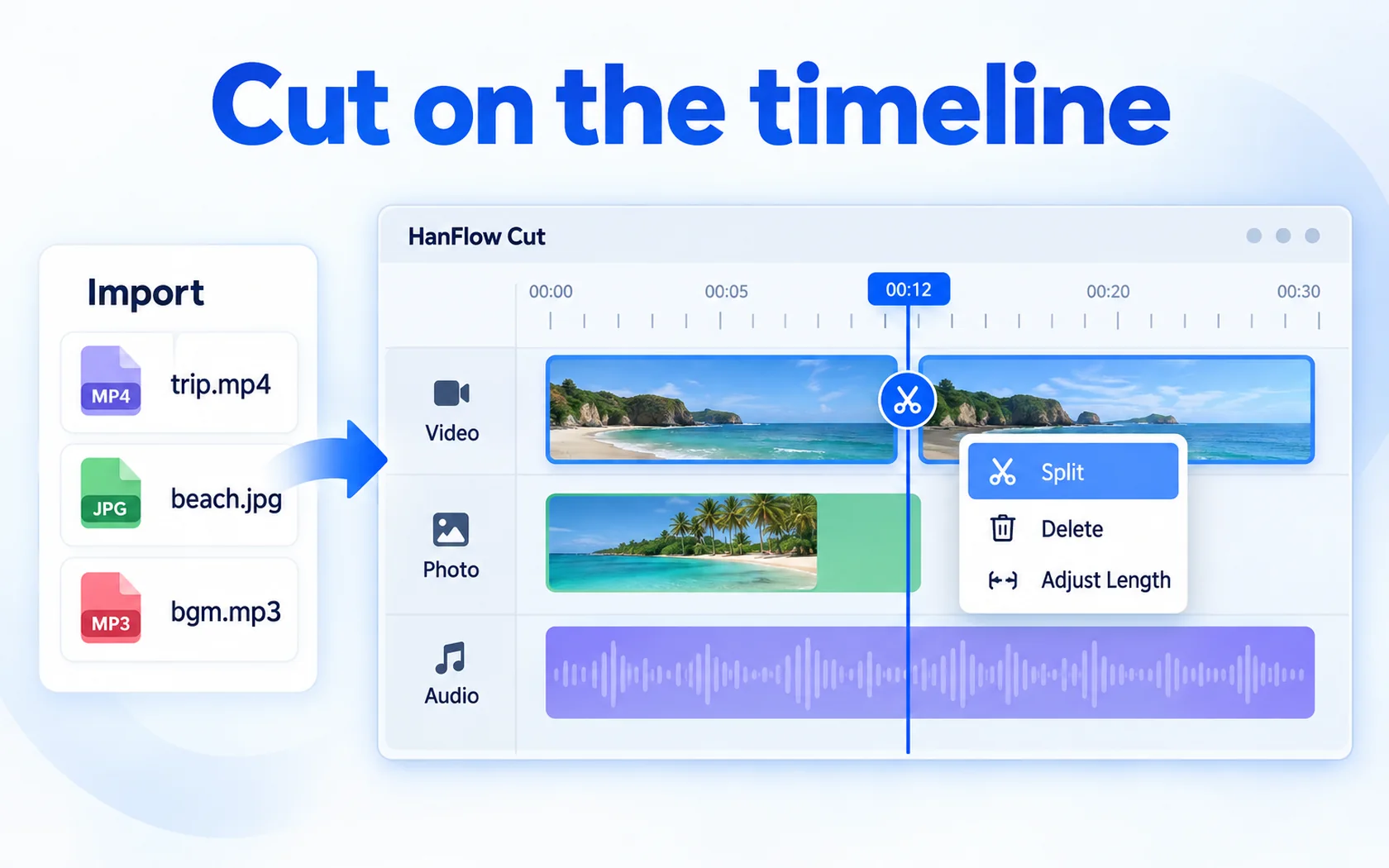
Video editor with no watermark on export — HanFlow Cut
Looking for a video editor with no watermark? HanFlow Cut exports MP4 with no watermark, even during its 30-day trial, and adds captions from speech, speed and sound edits and 4K export.
Read more →ShareX alternative with sound recording — HanFlow Cap
Looking for a ShareX alternative? HanFlow Cap captures with one key, takes scrolling screenshots, marks up captures and records MP4, GIF or M4A with system sound and mic.
Read more →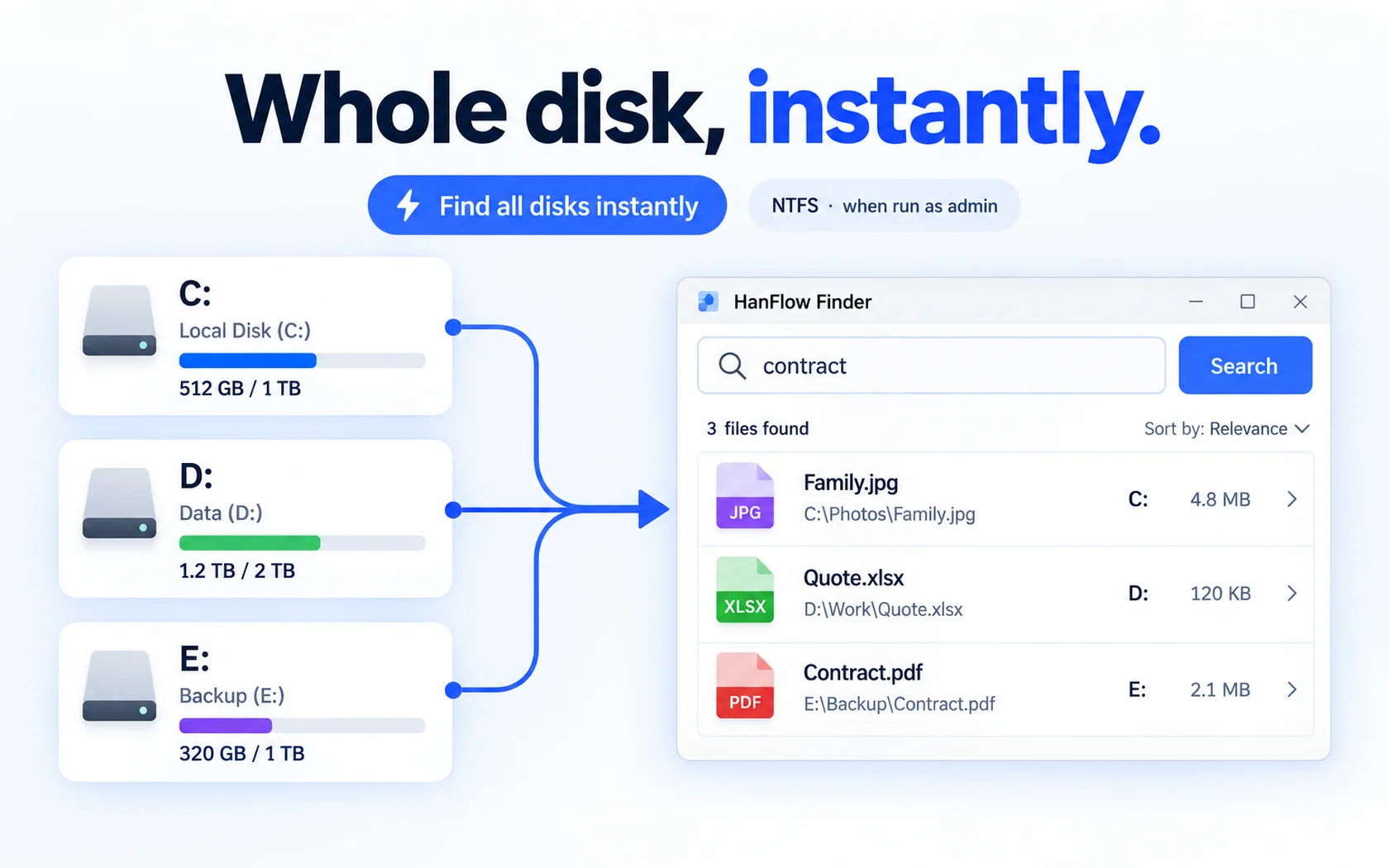
Everything search alternative that also organizes — HanFlow Finder
Looking for an Everything alternative? HanFlow Finder searches all local NTFS drives as you type, updates live, supports regex and lets you drag results into folders with undo.
Read more →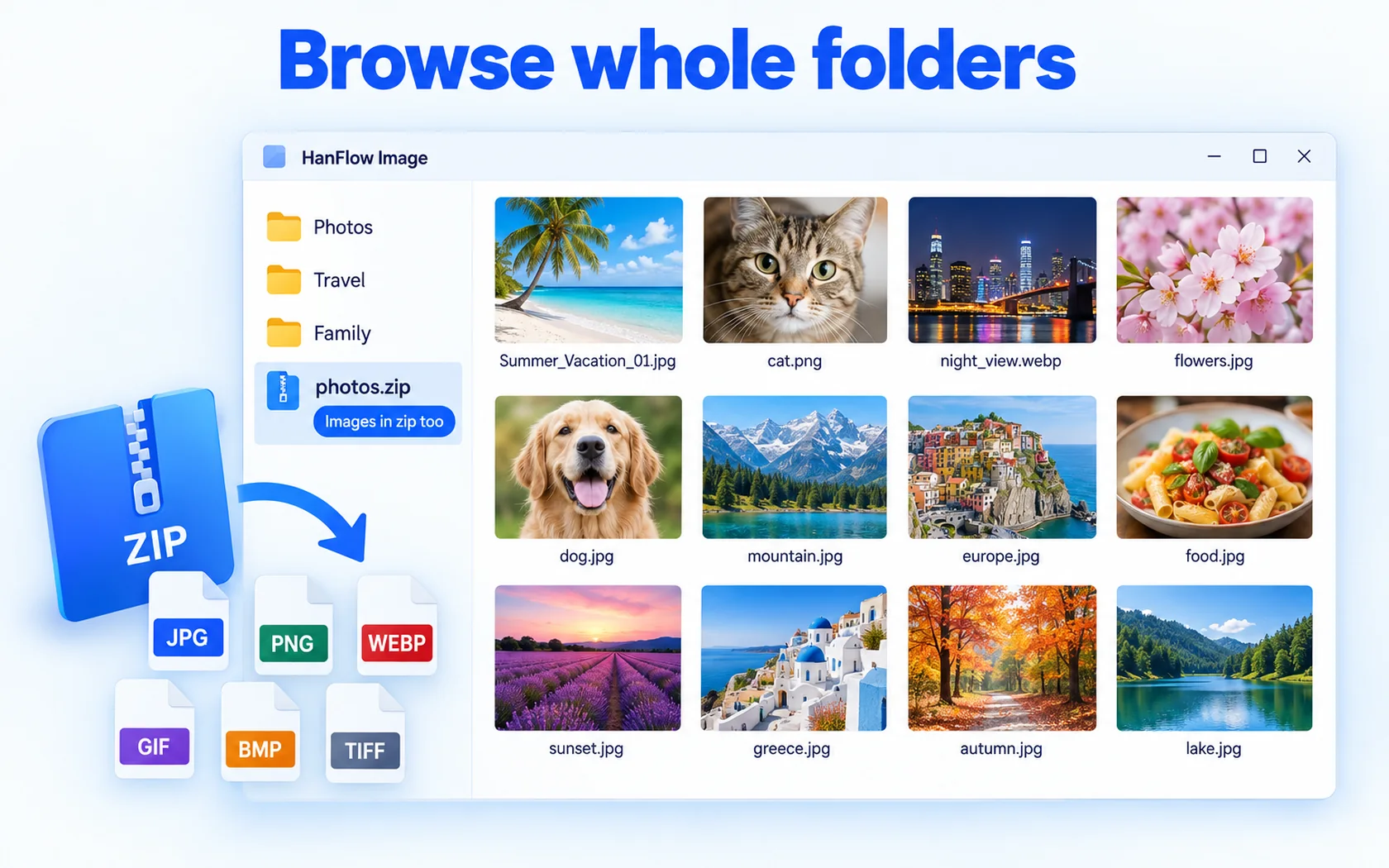
Honeyview alternative after updates ended — HanFlow Image
Honeyview no longer gets updates. HanFlow Image browses folders and zip files as thumbnails, shows full screen, slideshow and tabs, and edits and batch-processes photos.
Read more →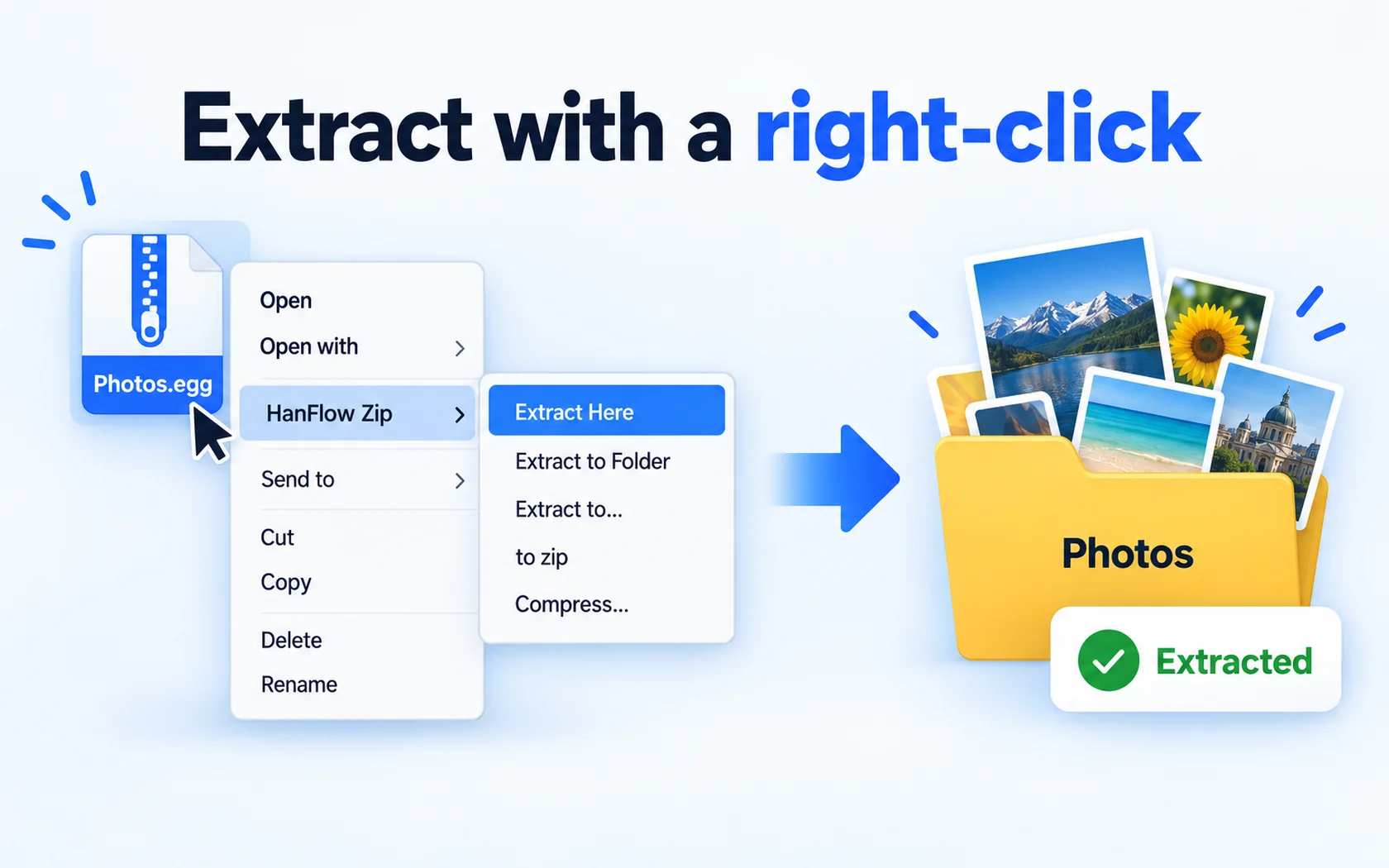
Bandizip alternative without ads — HanFlow Zip for Windows and Mac
Looking for a Bandizip alternative? HanFlow Zip extracts and compresses from the right-click menu, opens 26 formats, has no ads and runs on Windows and Apple silicon Macs.
Read more →How to trim a video — cut the start, end or middle
Trim the start and end of a clip and remove a part in the middle on the HanFlow Cut timeline, then export a new MP4 — your original file stays as it is.
Read more →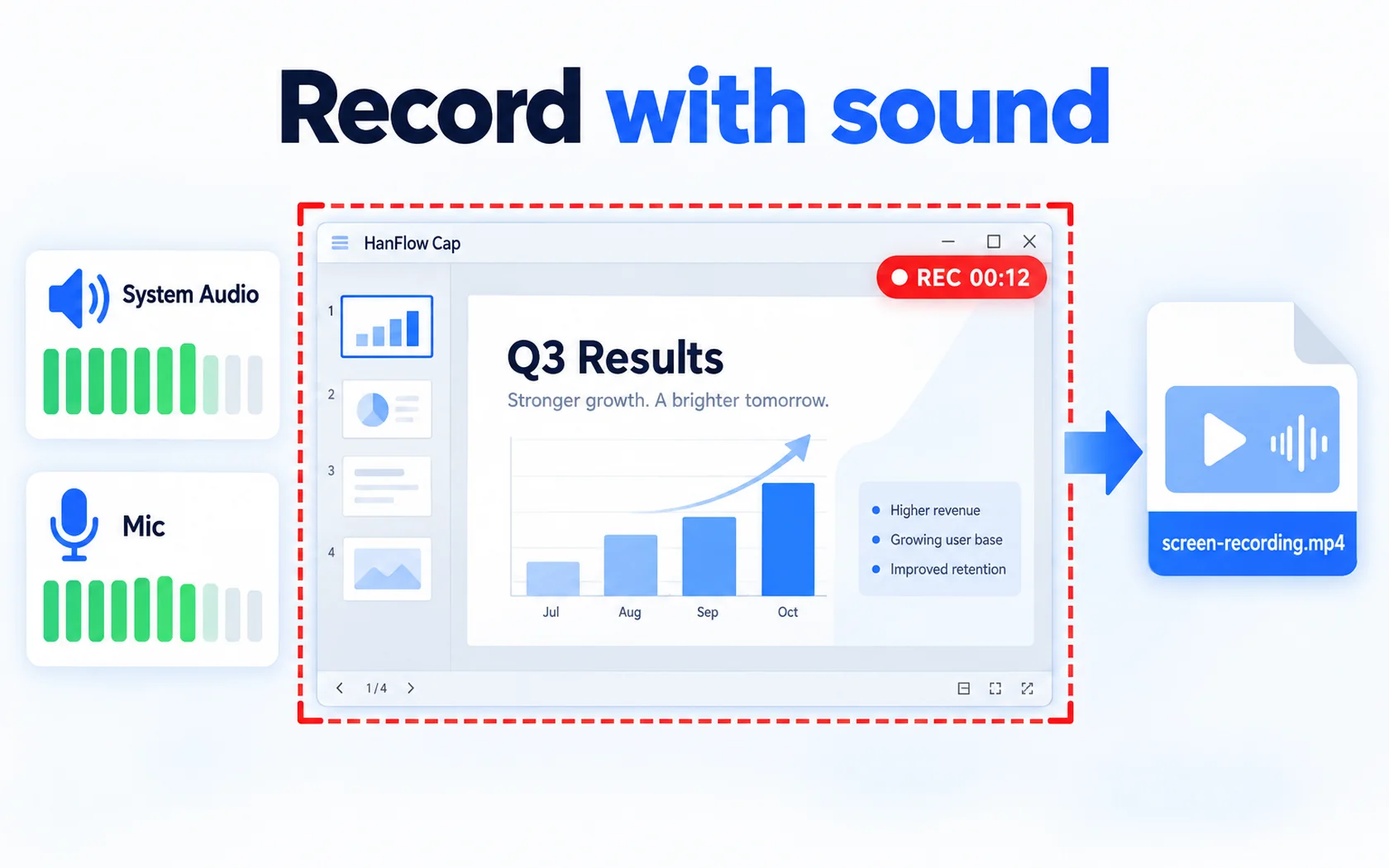
How to record your screen — with sound, to MP4
Set a frame and press F2 to record your screen, capture system sound and your microphone together, and use scheduled recording and a webcam overlay.
Read more →How to open .egg and .alz files on a Mac
If your Mac can’t open an egg or alz archive, one archive app is enough. How to extract with «Open With» and «Services → Extract Here» in Finder.
Read more →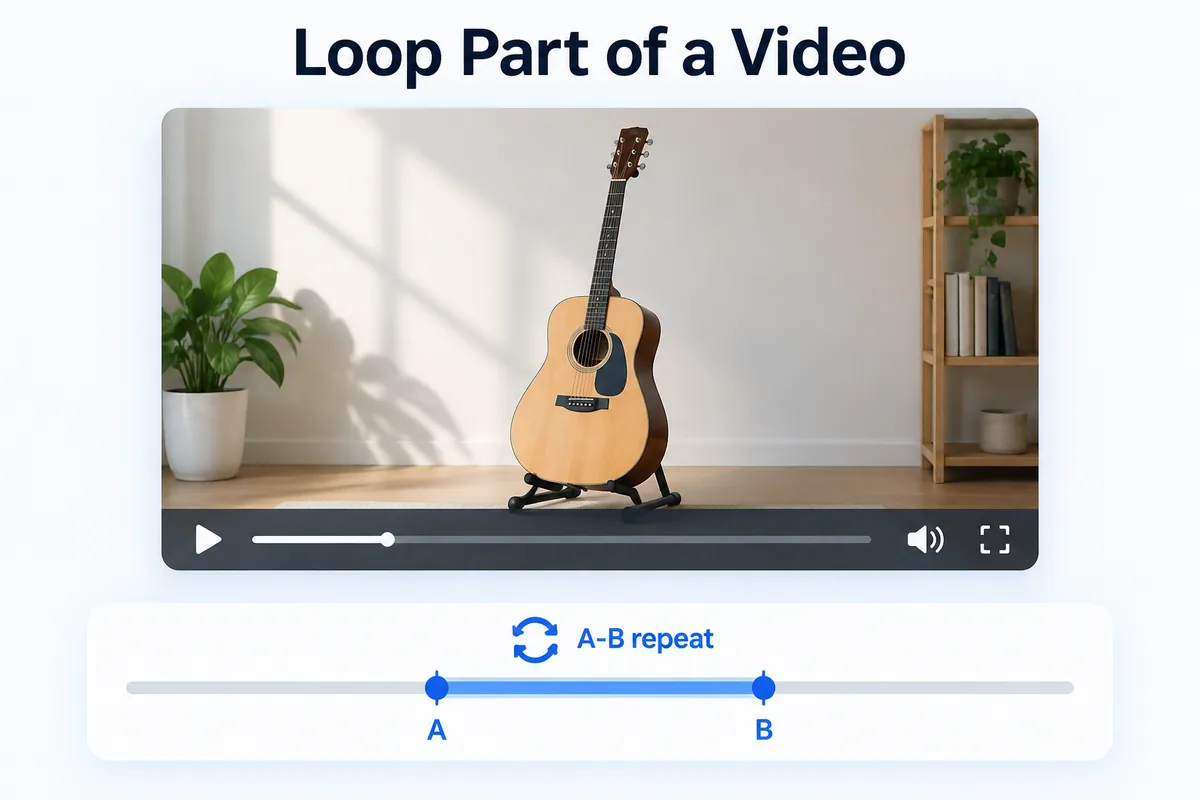
How to loop part of a video — A-B repeat with 0.1× speed steps
Mark point A and point B and only that stretch repeats — for language listening, instrument practice and lecture review. Slow the loop down in 0.1× steps.
Read more →