
Everything you watch and hear,
in one app
Video and music in the same window. When studying, fine-tune the speed in 0.1× steps and loop just the part you need with A-B repeat.
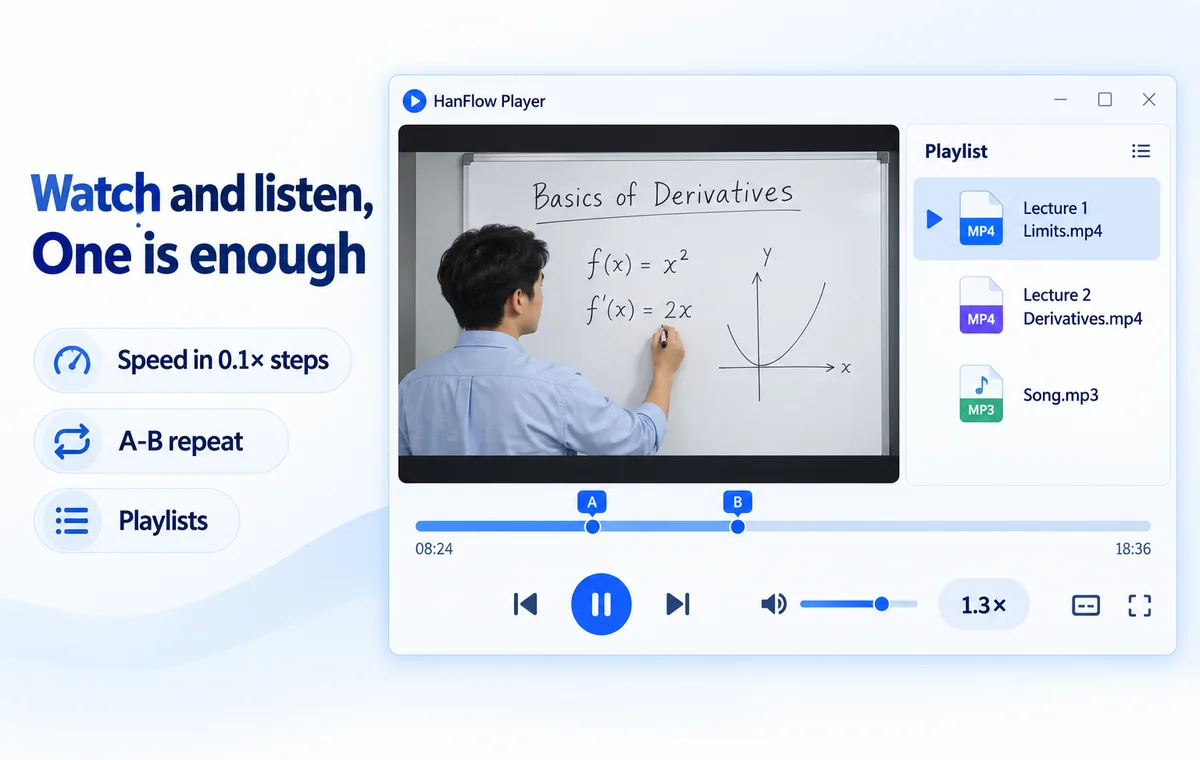
Features
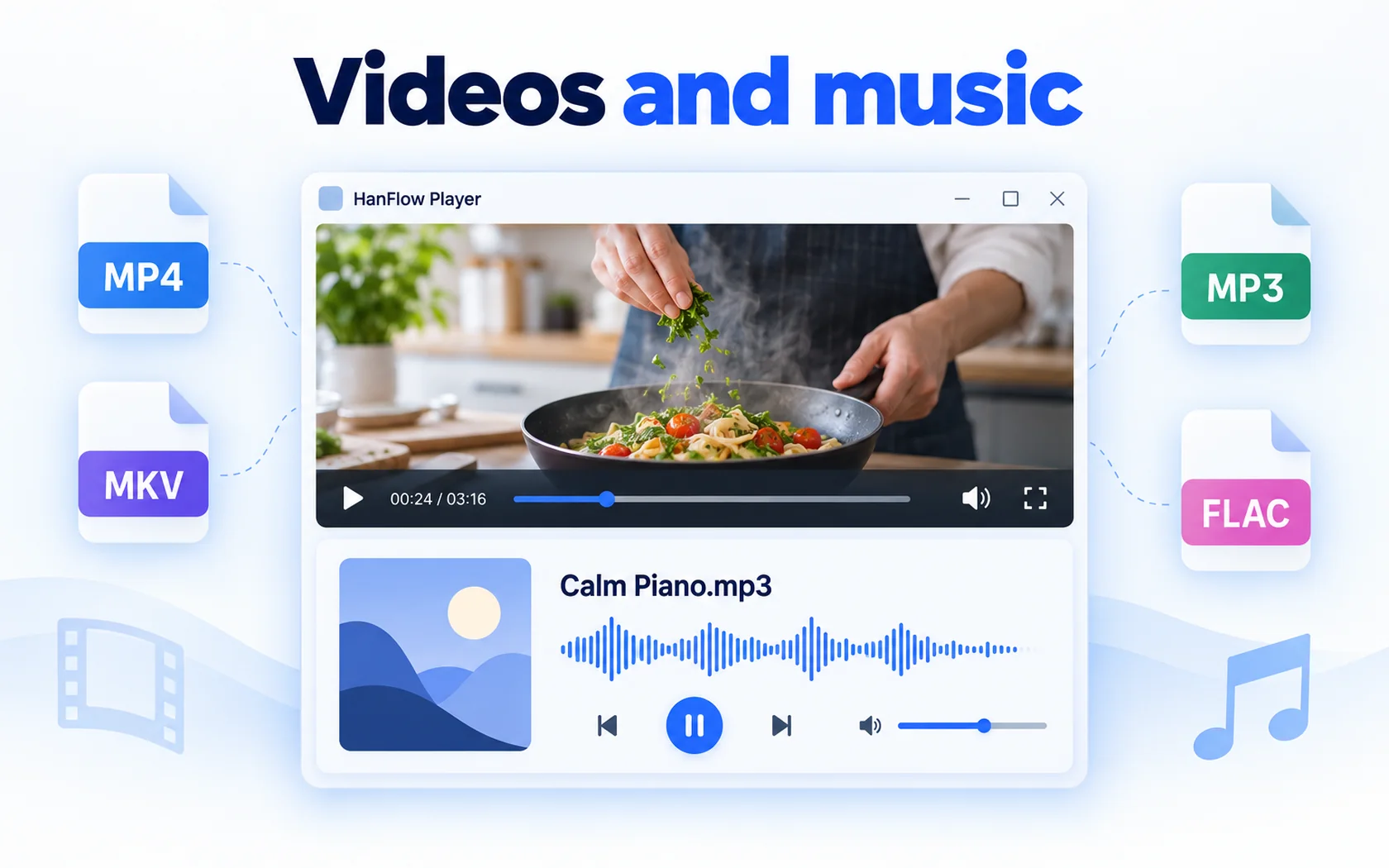
Videos and music
Video and music in one app
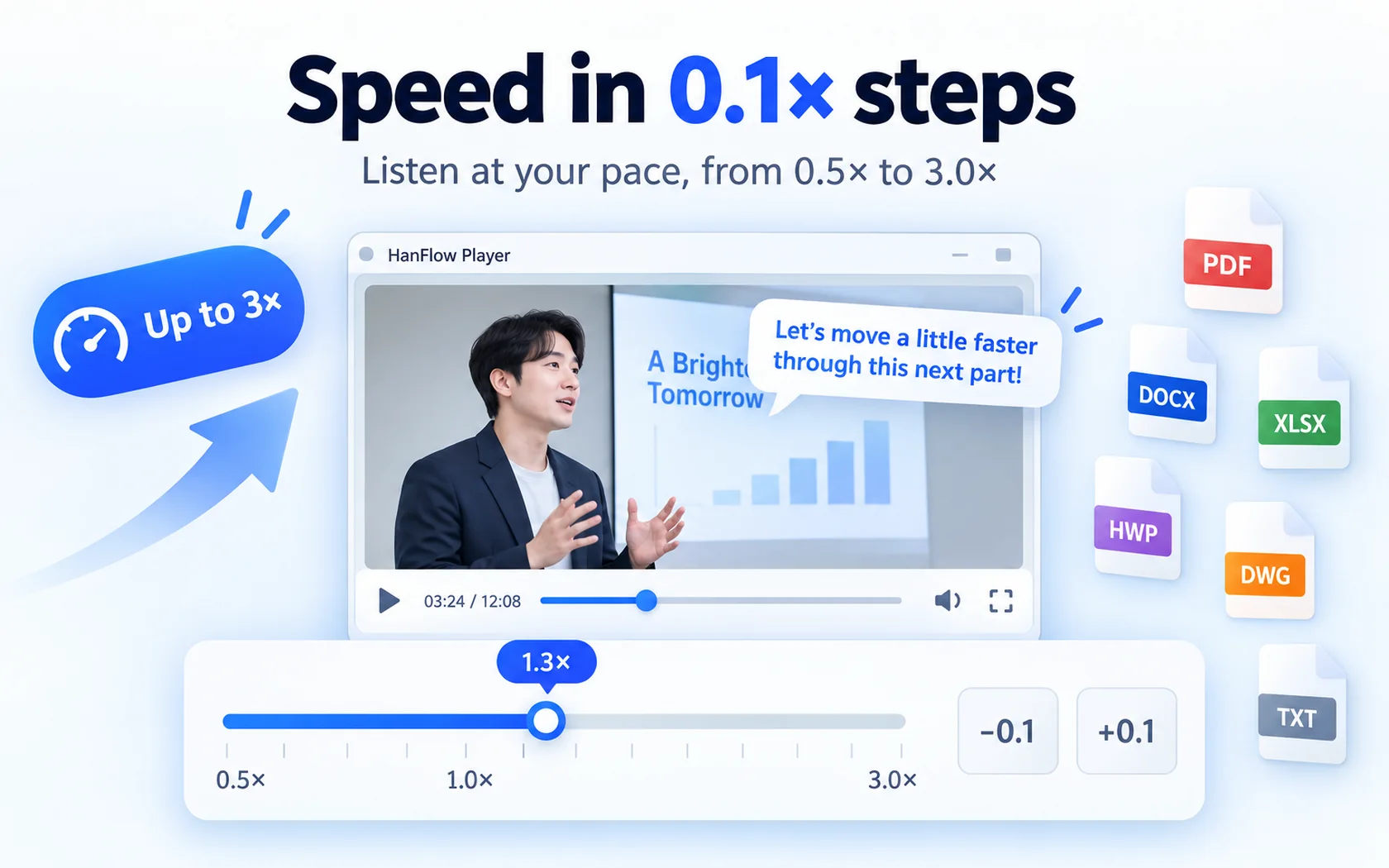
Speed in 0.1× steps
Playback speed in 0.1× steps (up to 3×)
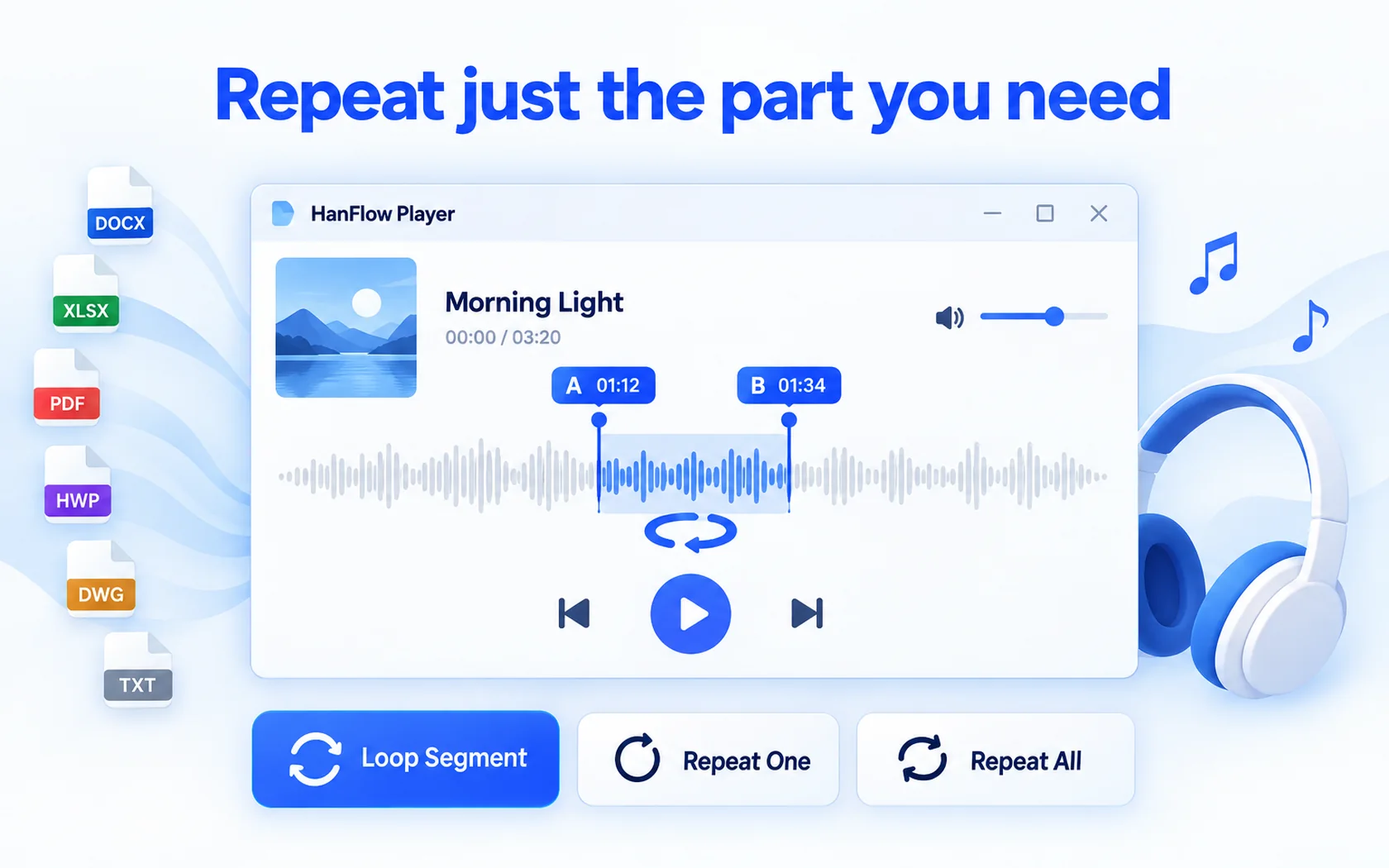
Repeat just the part you need
A-B loop · repeat one · repeat all
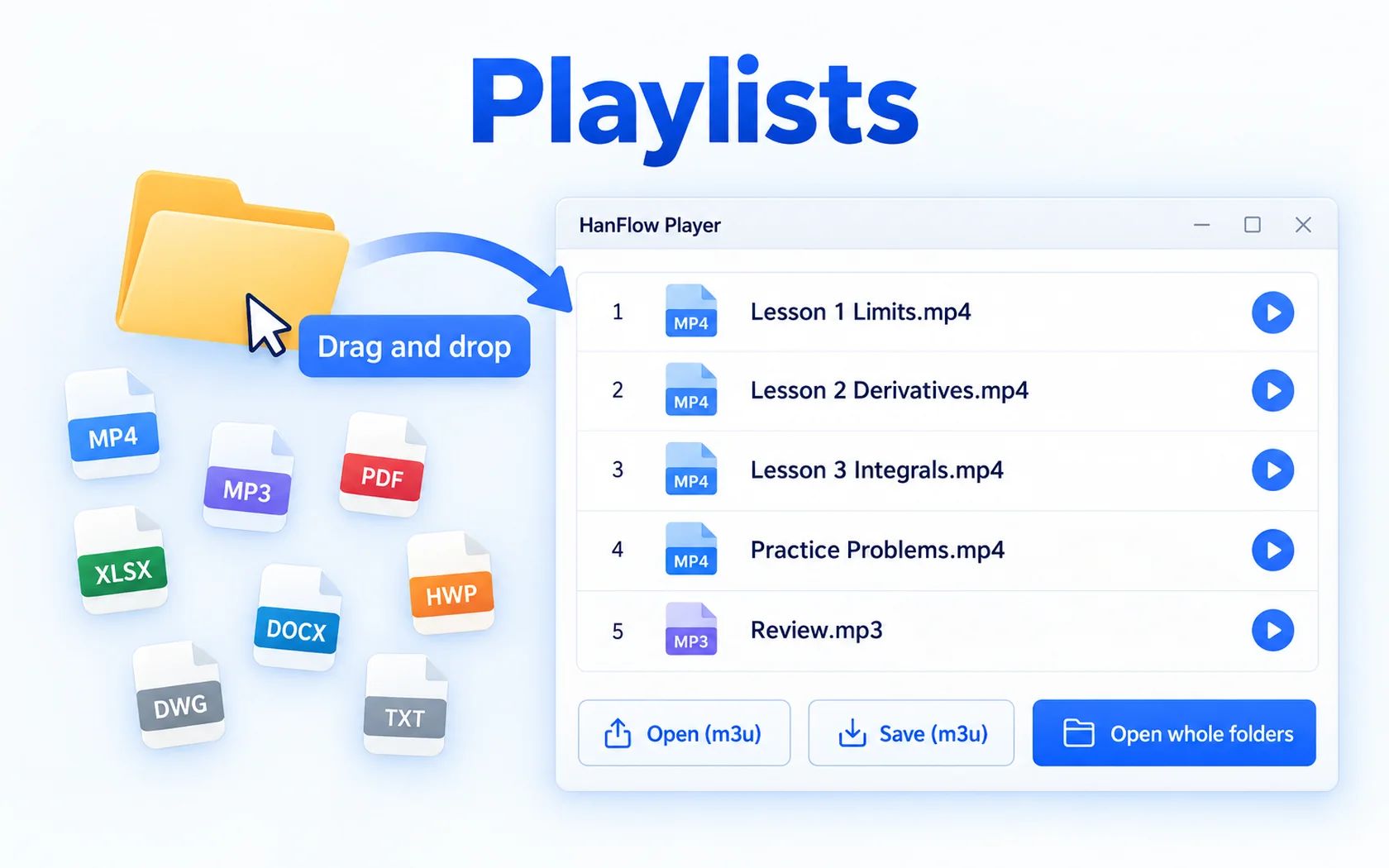
Playlists
Playlists (open/save m3u) · open whole folders · drag and drop
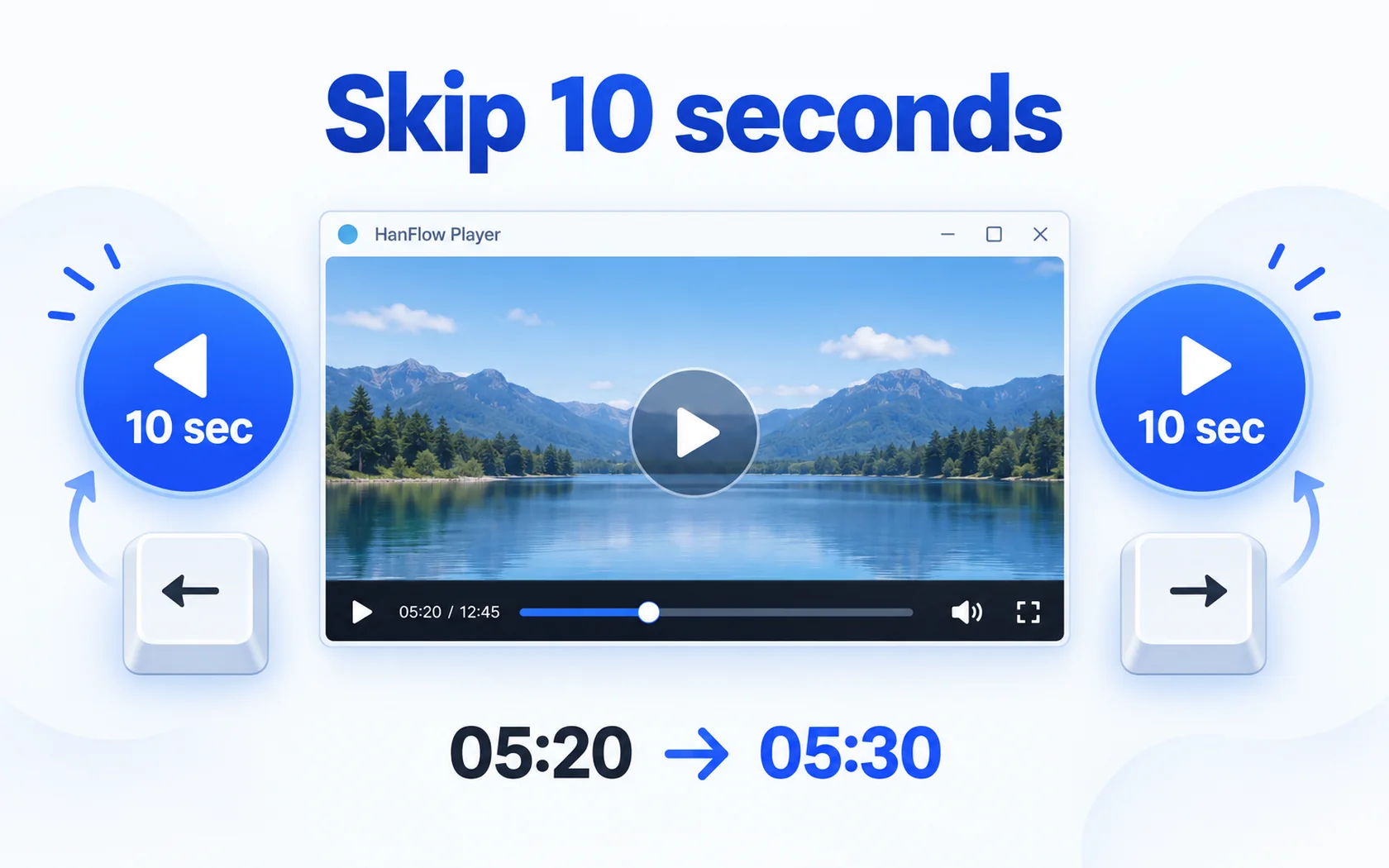
Skip 10 seconds
Skip 10 seconds forward · back
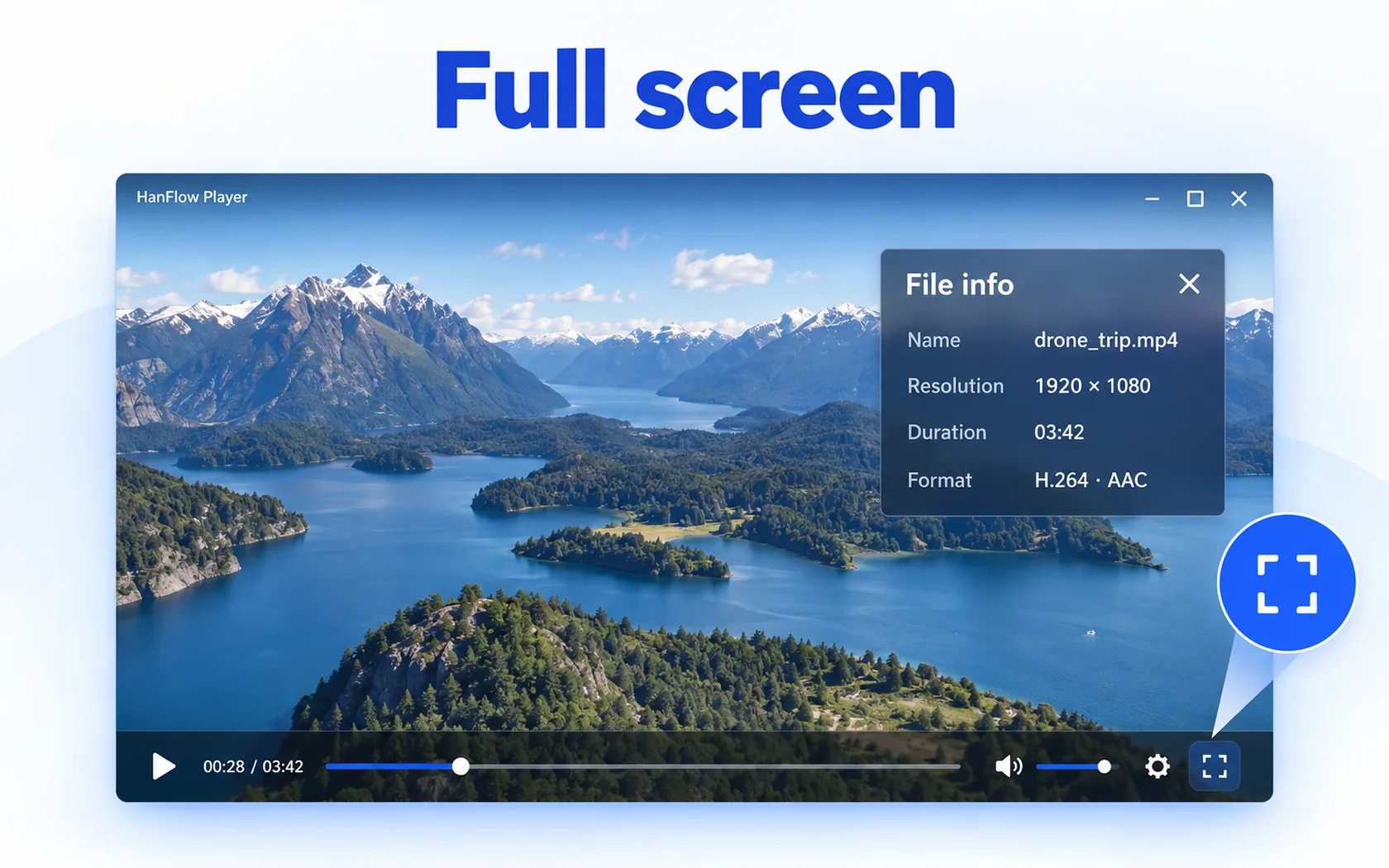
Full screen
Full screen · file info panel
 A-B repeat
 10-second skip
 Playlists
 Open whole folders
 Full screen
 File info

30-day trial
Use every feature for 30 days from the day you install. No payment method required.
FAQ
What happens when the trial ends?
Opening and playing videos and music (at 1× speed and up to 100% volume) and A-B repeat keep working. Only playback speed, volume boost (above 100%) and saving playlists are locked — and a purchase prompt appears when you try.
Supported formats
| Video | MP4 · MKV · WebM · AVI · MOV · WMV … |
|---|---|
| Music | MP3 · M4A · AAC · FLAC · WAV · WMA · OGG · Opus |
| Operating system | Windows (64-bit) · macOS 13 or later (Apple silicon) |
Plays using the codecs installed in Windows (no codecs are bundled). Subtitles and streaming URLs are not supported.
The macOS version opens only formats that macOS plays (MP4·MOV·M4V·3GP·MP3·M4A·AAC·FLAC·WAV). It cannot open MKV·WebM·AVI·WMV.
Which versions of Windows are supported?
For 64-bit Windows, and there is also a version for macOS 13 or later (Apple silicon Macs).