
Cut, join and add subtitles
all on one screen
Trim and change speed on the timeline, add subtitles, icons and background music, then export to MP4. Auto captions turn speech into subtitles, too.
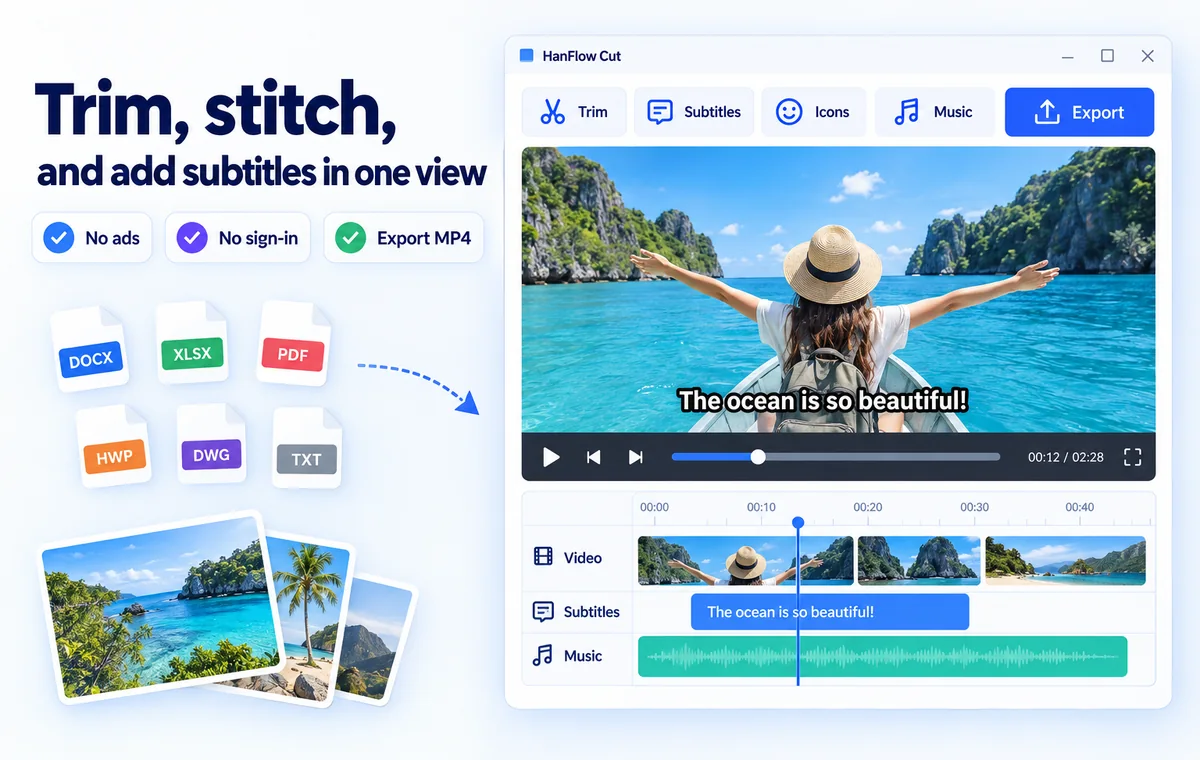
Features
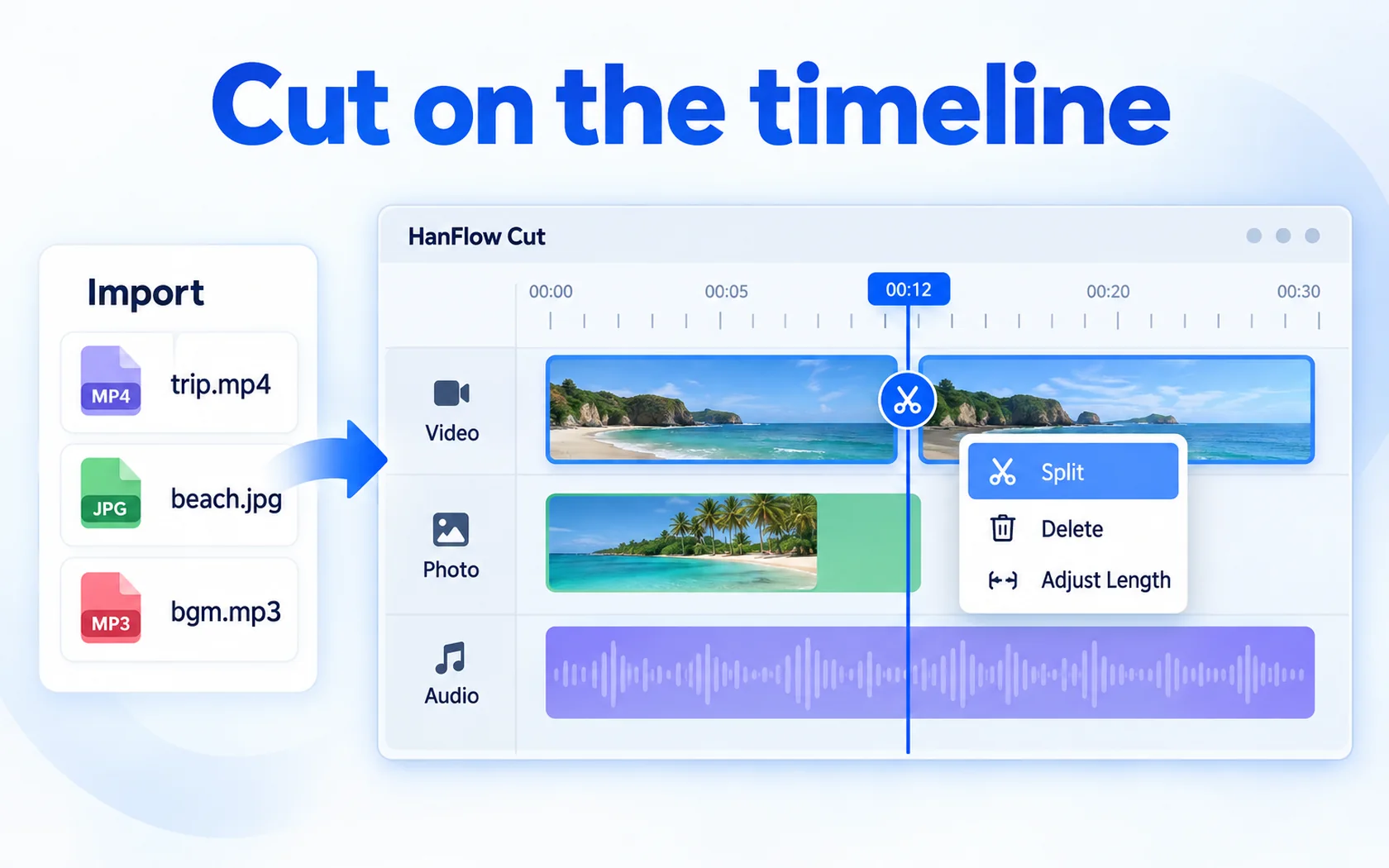
Cut on the timeline
Import video, photos and audio · split · delete · trim
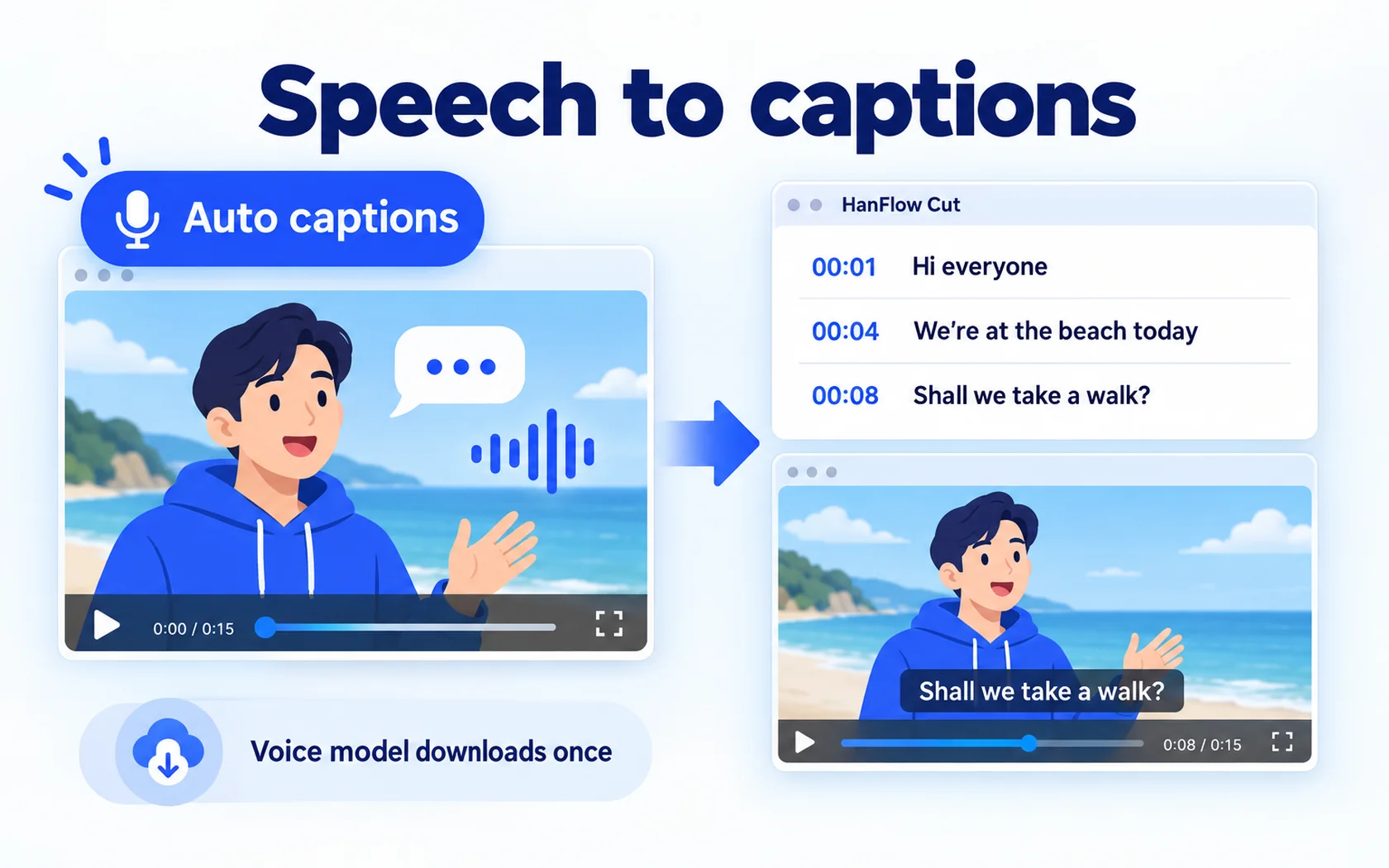
Speech to captions
Auto captions — turn speech into subtitles (the app downloads the speech model once, the first time)
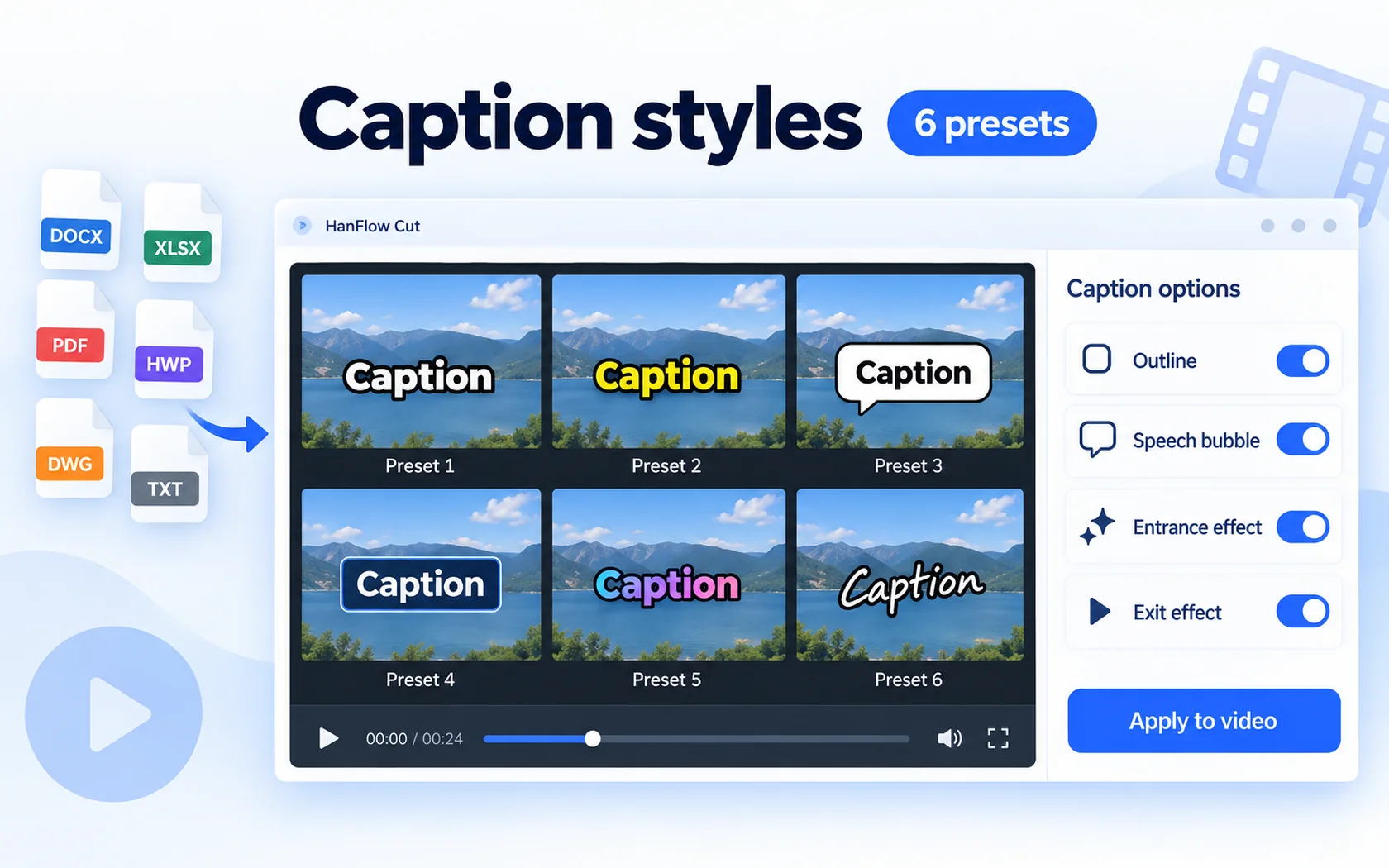
Caption styles
6 subtitle presets · outlines · speech bubbles · entrance and exit effects
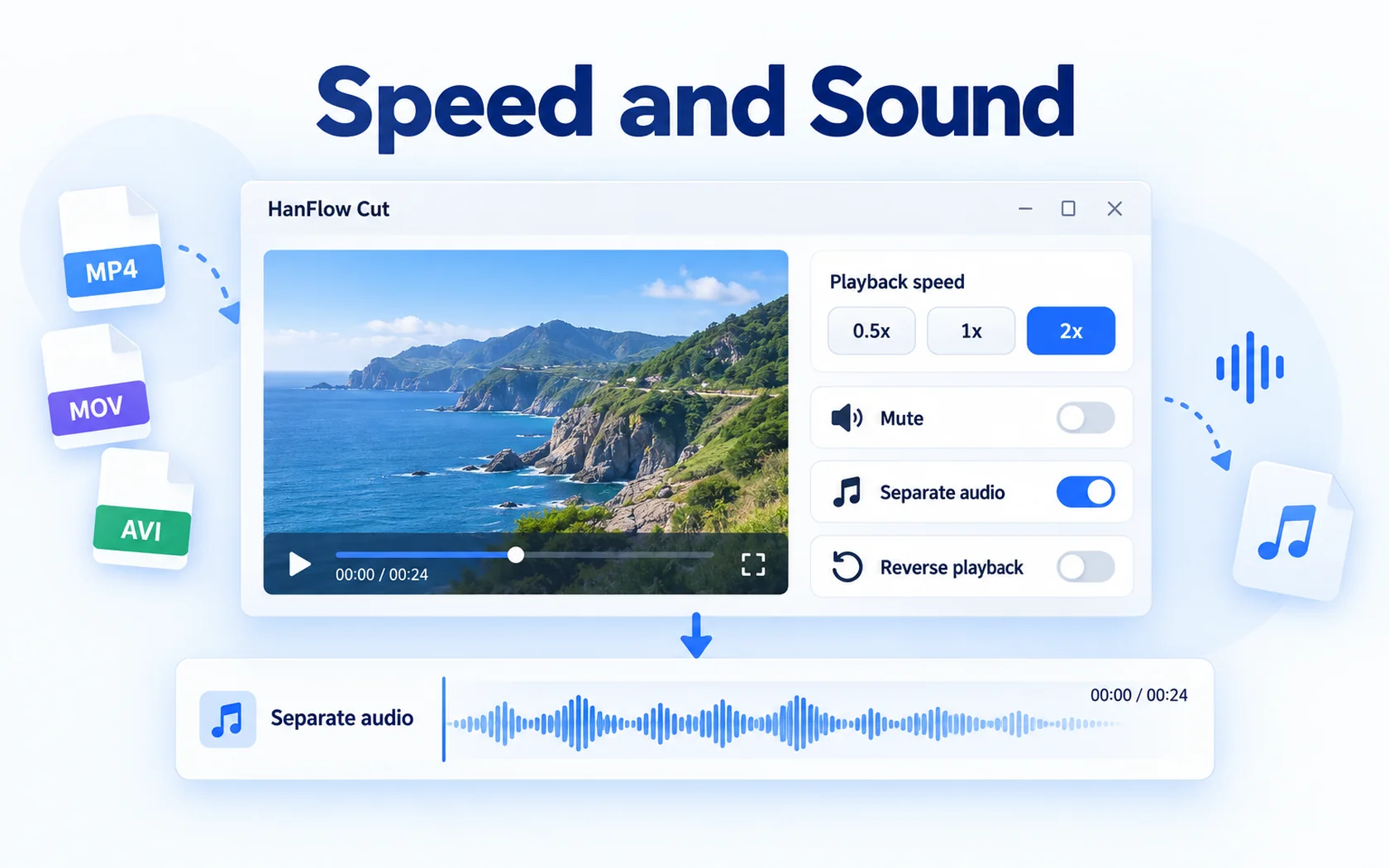
Speed and sound
Speed 0.5× · 1× · 2× · mute · detach audio · reverse playback
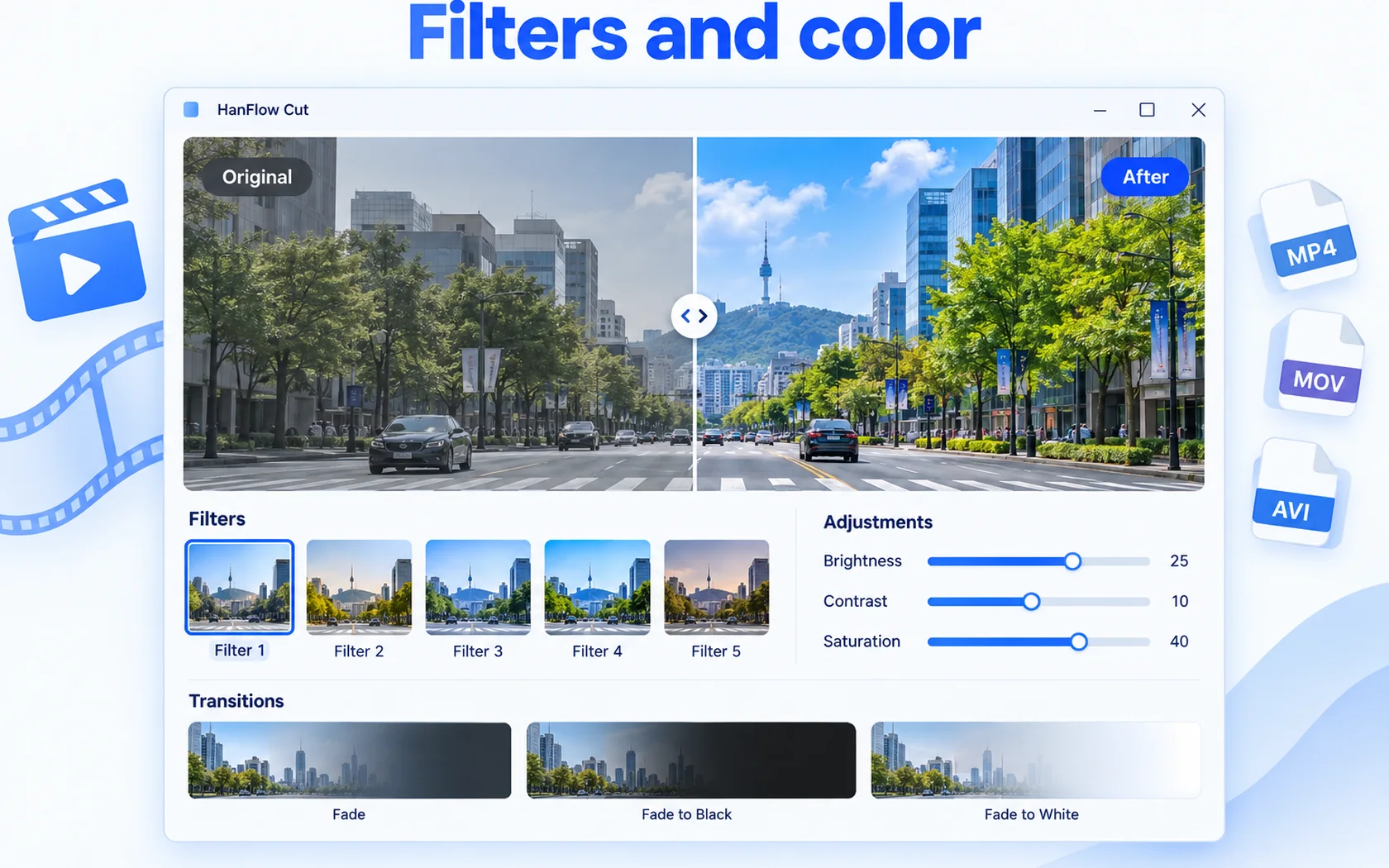
Filters and color
5 filters · brightness, contrast, saturation · fade and black/white transitions
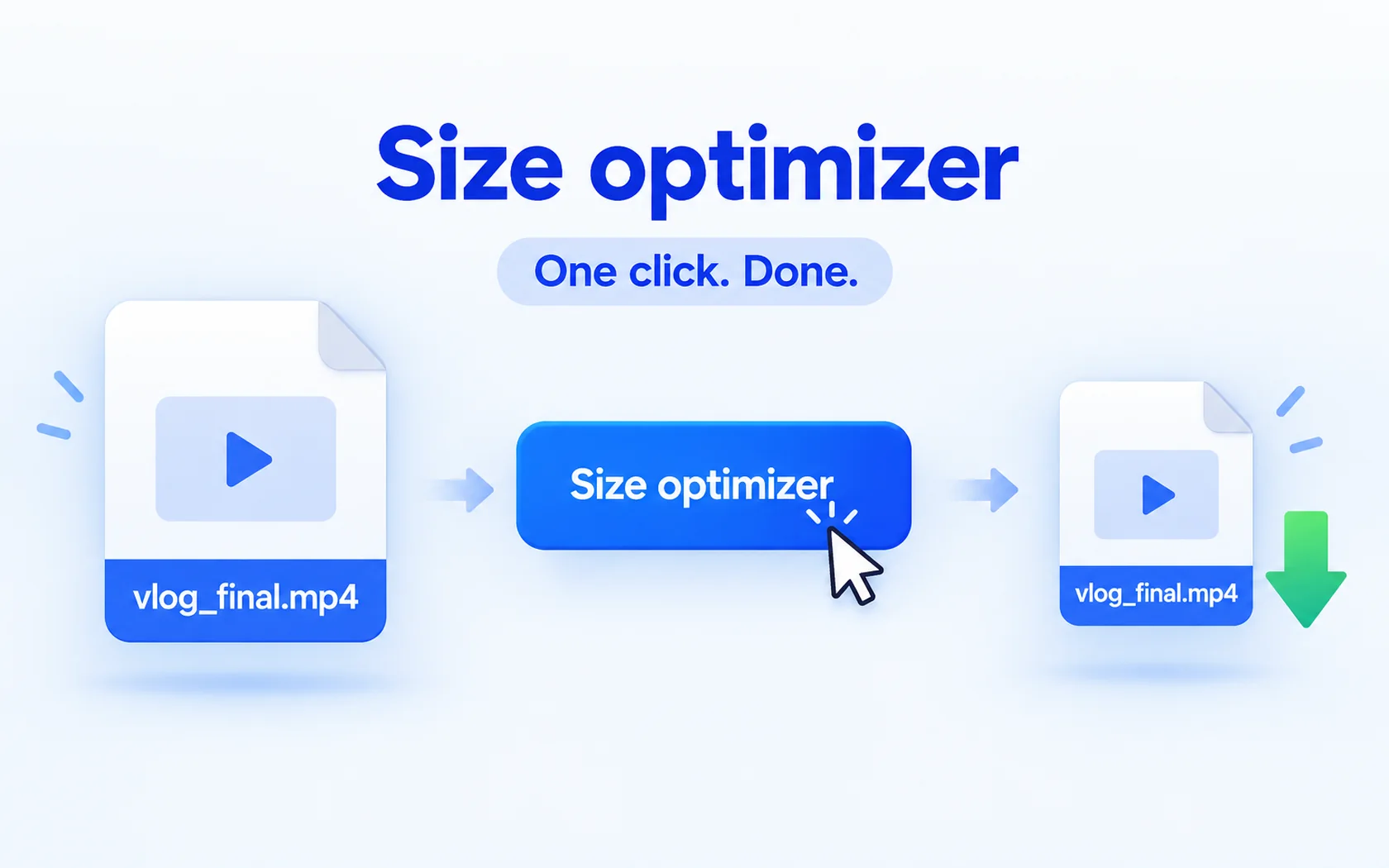
Size optimizer
Video size optimization — shrink the file with one click
 Autosave
 Lossless trim
 Reverse playback
 Background removal
 Voice recording
 Audio waveform

30-day trial
Use every feature for 30 days from the day you install. No payment method required.
FAQ
What happens when the trial ends?
You can still open, view, play and extract existing files. Only creating new captures and saving, exporting or compressing are locked — and a purchase prompt appears when you try.
Supported formats
| Open video | MP4 · MOV · M4V · AVI · MKV · WebM · WMV |
|---|---|
| Open photo | PNG · JPG · BMP · GIF · WebP · TIFF |
| Open audio | MP3 · WAV · M4A · AAC · FLAC · OGG · WMA |
| Export | MP4 (H.264 · AAC) · M4A · original up to 4K · 24–60 fps |
| Operating system | Windows (64-bit) |
Which versions of Windows are supported?
For 64-bit Windows, and there is also a version for macOS 13 or later (Apple silicon Macs).
The macOS version has no overlay video (PiP), stickers, masks, background removal, keyframes, transitions, filters, auto captions or voice recording. Projects that contain these can be opened and edited on macOS, but are exported with the Windows version.