
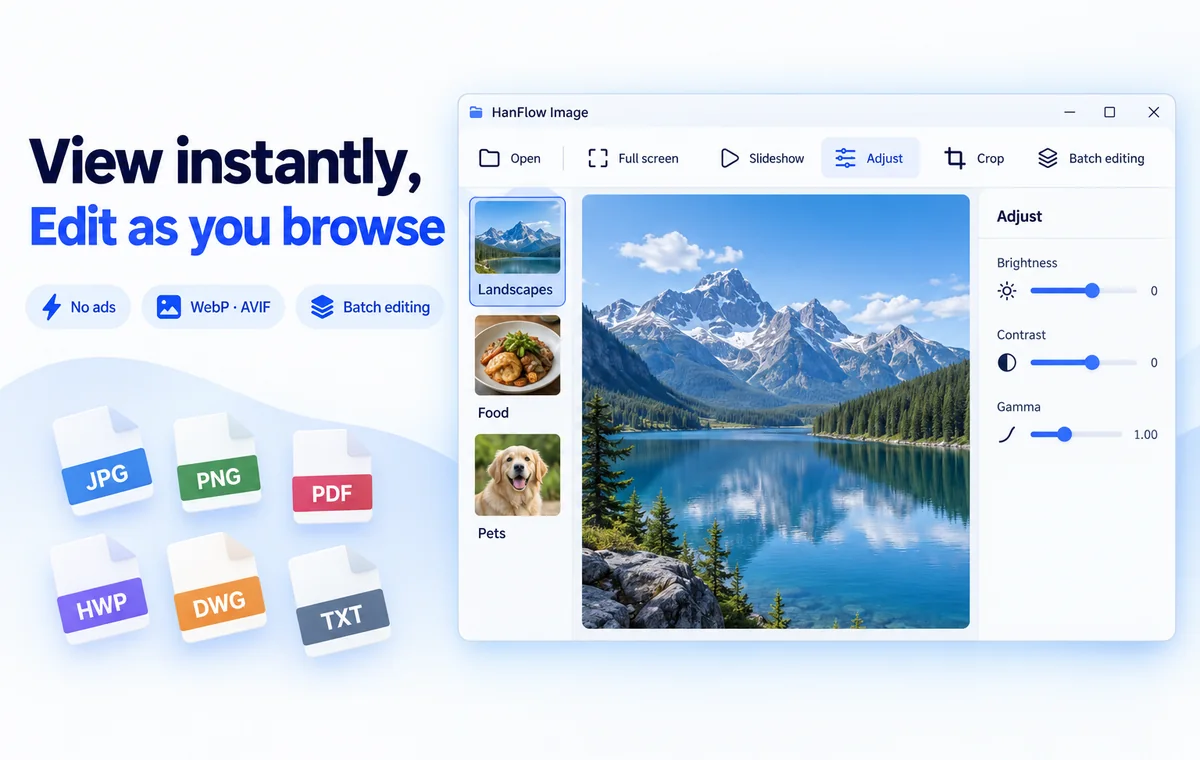
See it the moment you open it,
fix it as you look
Browse a folder's photos as thumbnails and view them full screen or as a slideshow. Brightness, levels and curves adjustments, cropping, and batch editing of many images at once — all in one program.
Features
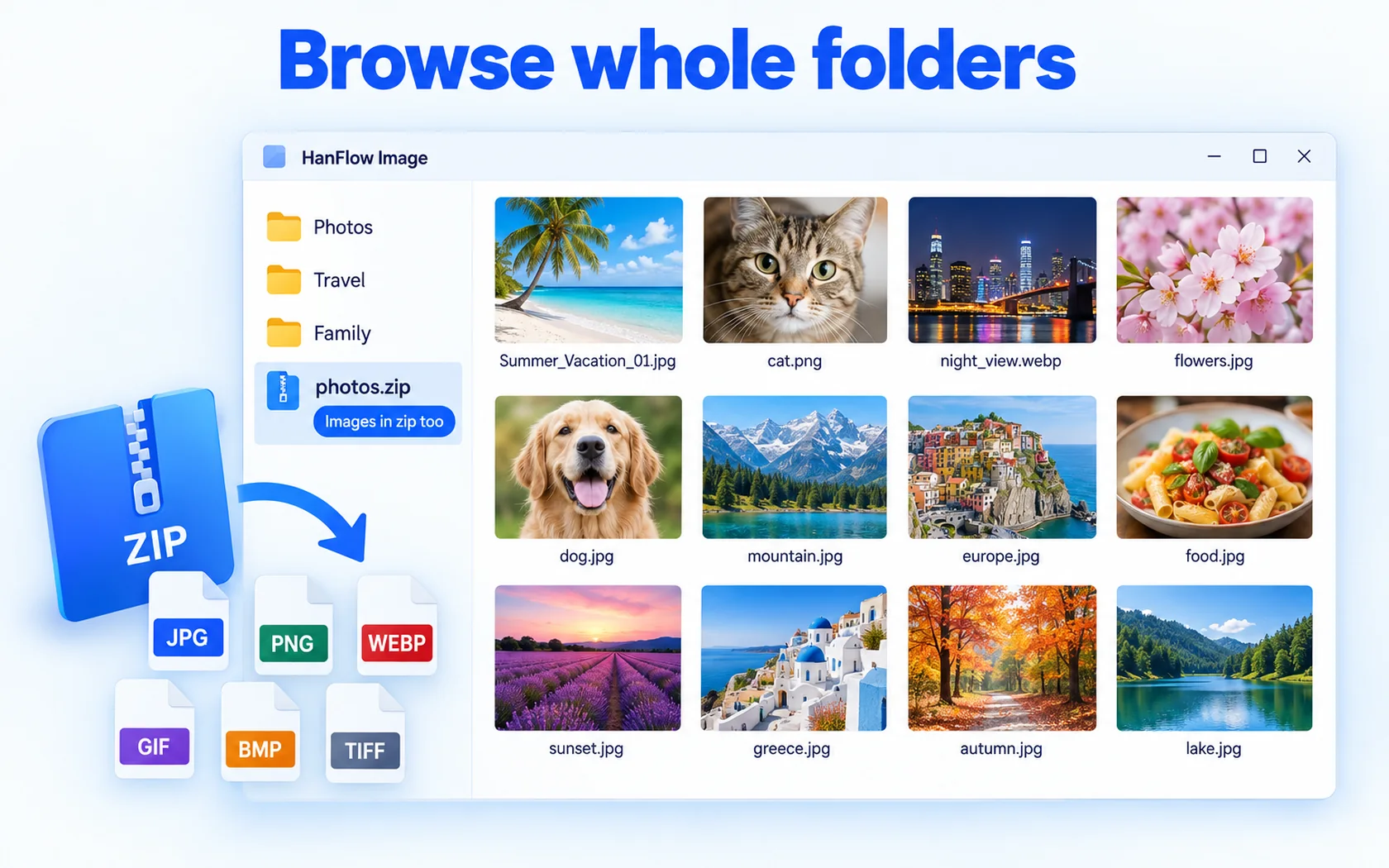
Browse whole folders
Folder browsing — see everything at a glance as thumbnails (even images inside zip files)
The macOS version cannot show images inside zip files yet.
View big
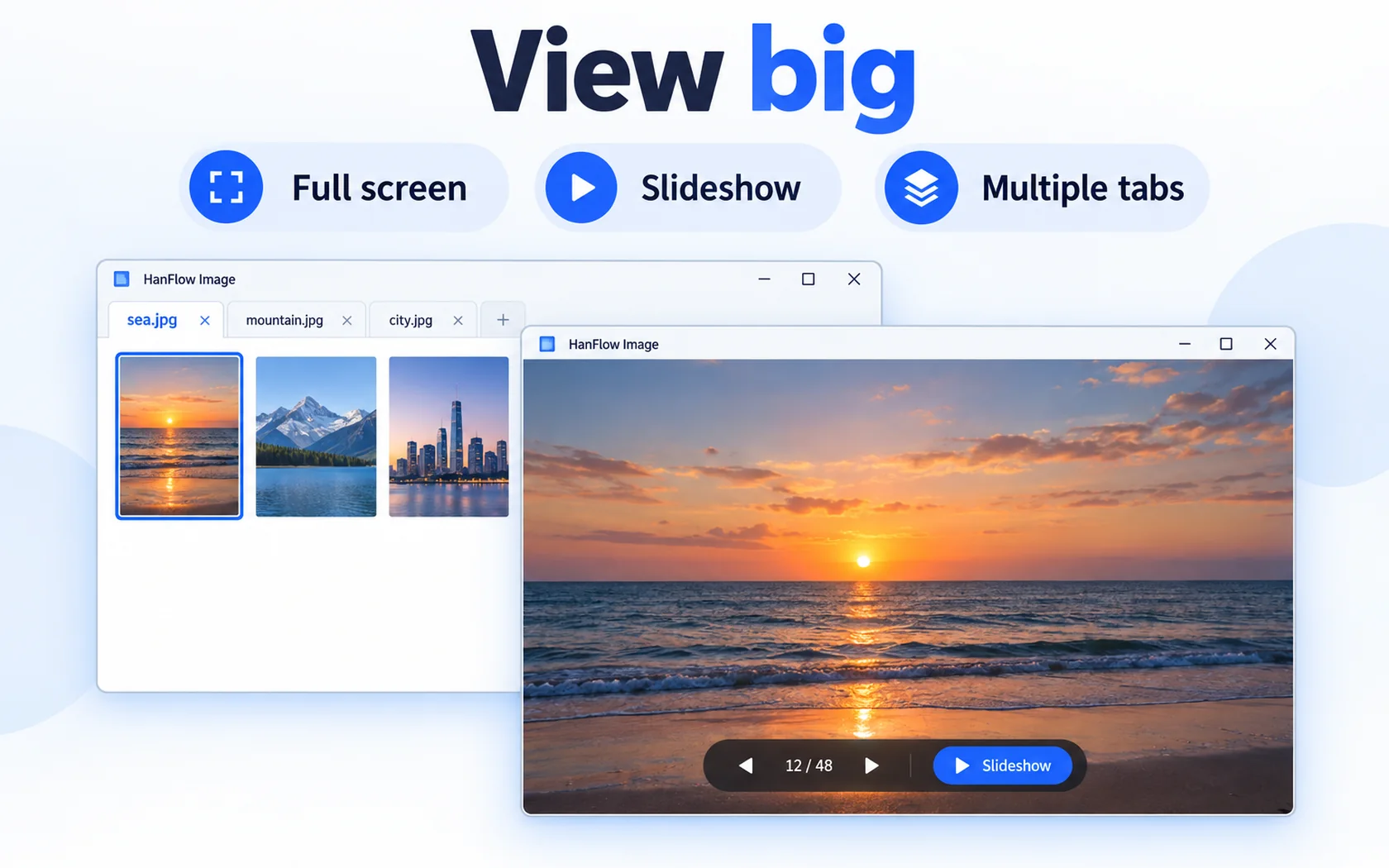
Full screen · slideshow · open multiple images in tabs
Color and brightness
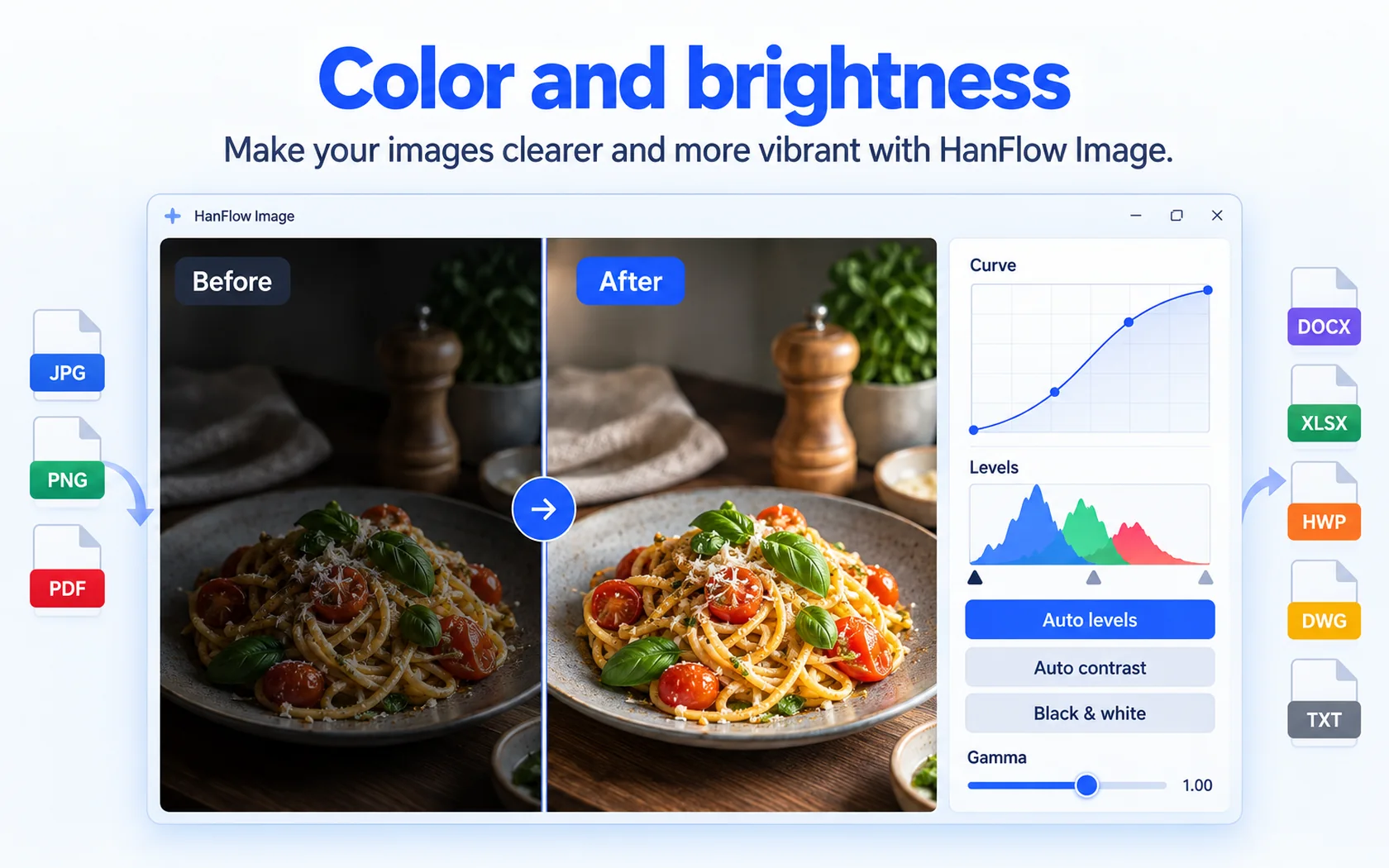
Auto levels & contrast · gamma · levels · curves · black & white · brightness
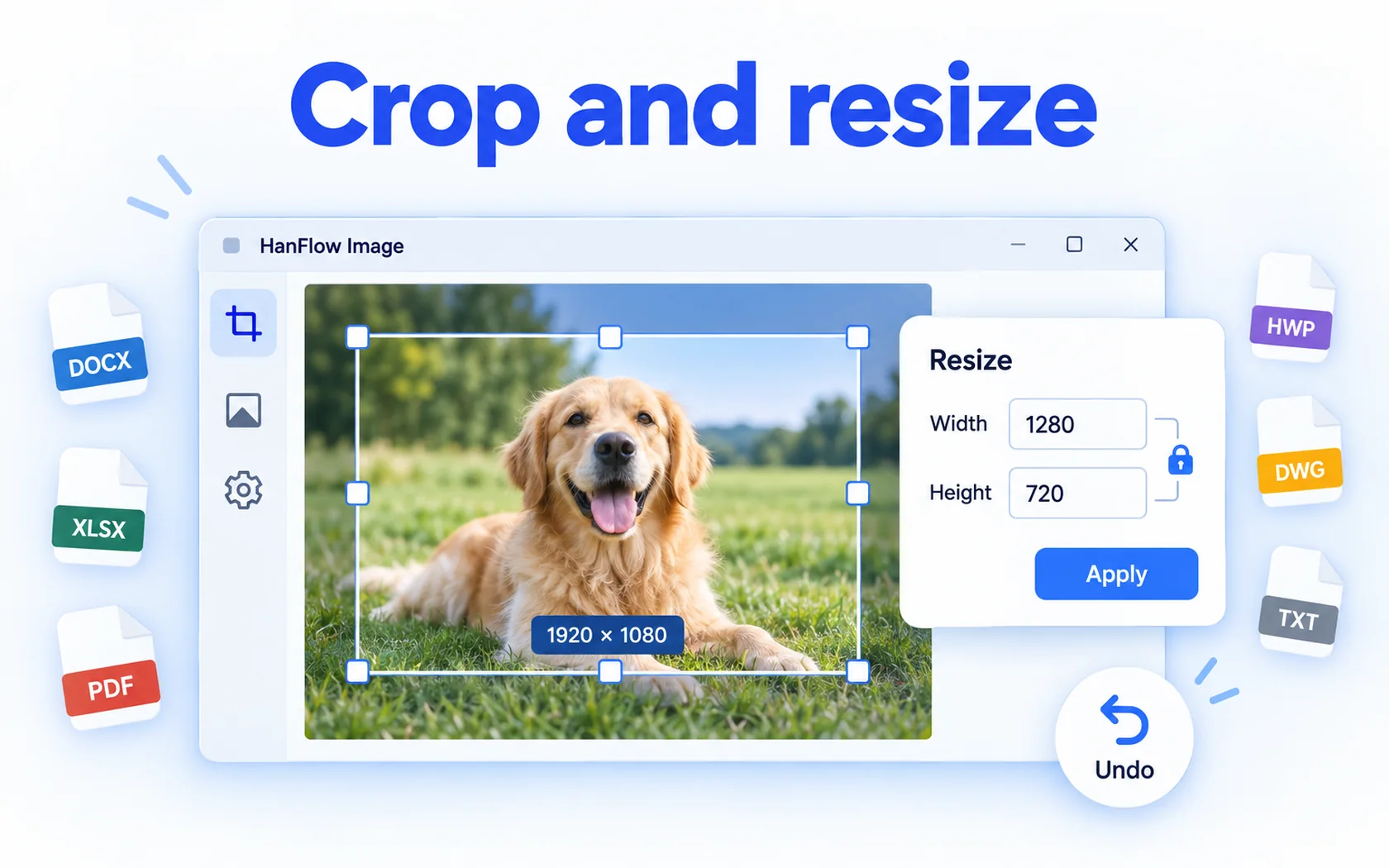
Crop and resize
Crop and resize · undo
Many photos at once
Batch editing — resize, convert, rotate and rename many images at once
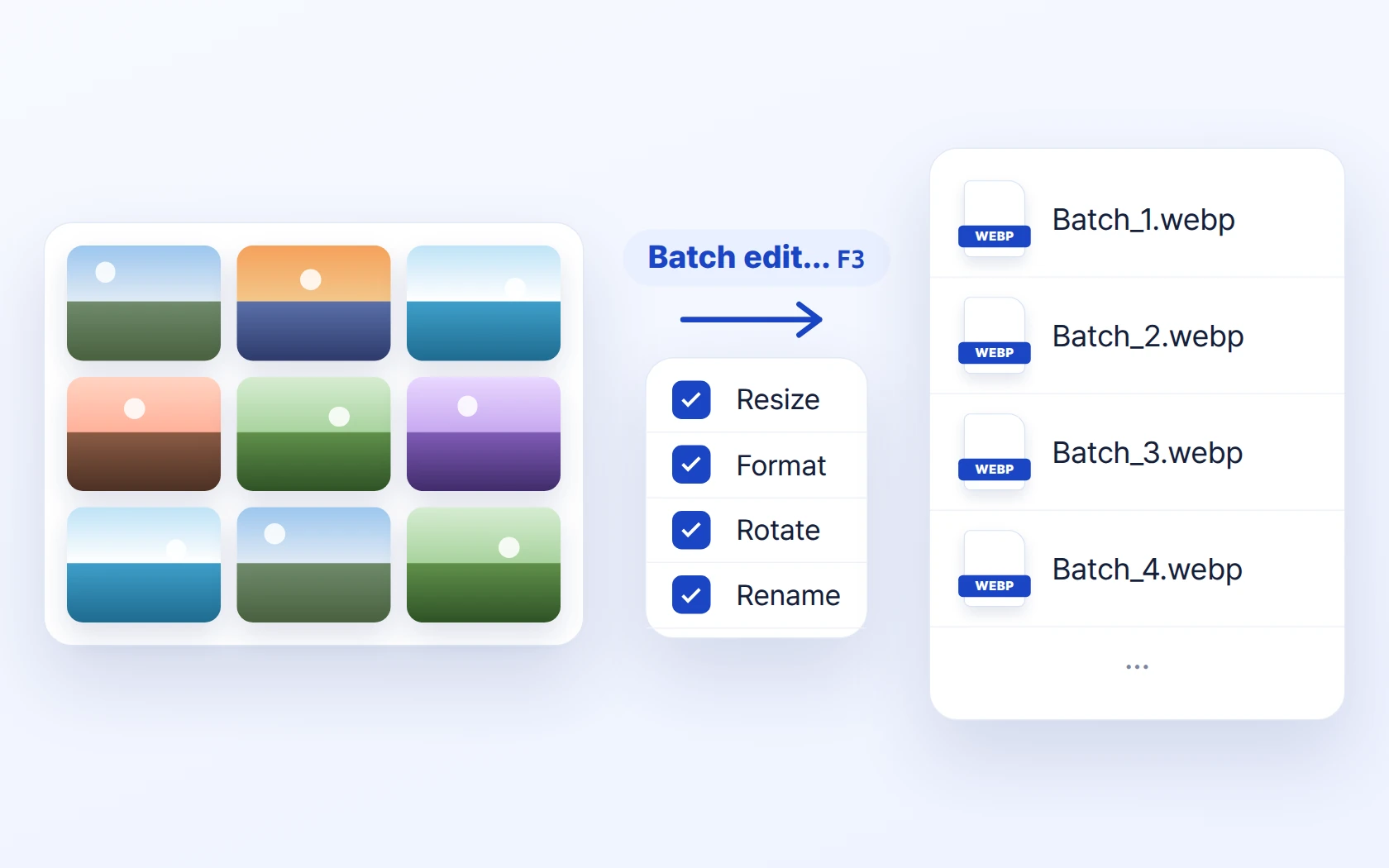
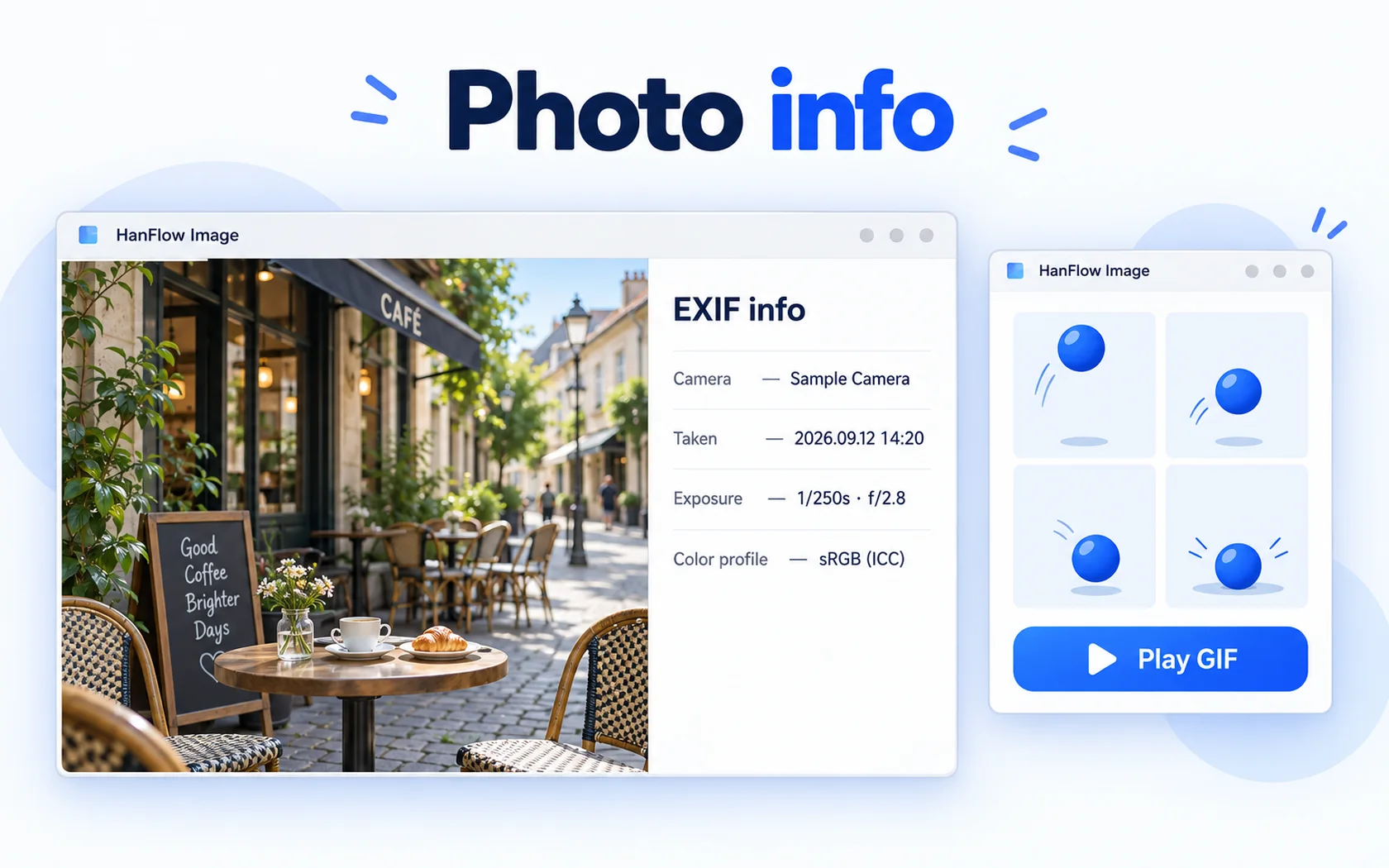
Photo info
Animated GIF playback · EXIF info · color profiles (JPEG ICC)
 Slideshow
 Tabs
 EXIF info
 Animated GIF
 Print
 Move to Recycle Bin

30-day trial
Use every feature for 30 days from the day you install. No payment method required.
FAQ
What happens when the trial ends?
You can still open, view, play and extract existing files. Only creating new captures and saving, exporting or compressing are locked — and a purchase prompt appears when you try.
Supported formats
| Open | JPEG · PNG · GIF · BMP · TGA · WebP · TIFF · AVIF · PSD · HDR · PNM (HEIC with the Windows extension installed) |
|---|---|
| Save | JPEG · PNG · BMP · TGA · WebP · TIFF · AVIF |
| Operating system | Windows (64-bit) · macOS 13 or later (Apple silicon) |
Which versions of Windows are supported?
For 64-bit Windows, and there is also a version for macOS 13 or later (Apple silicon Macs).