
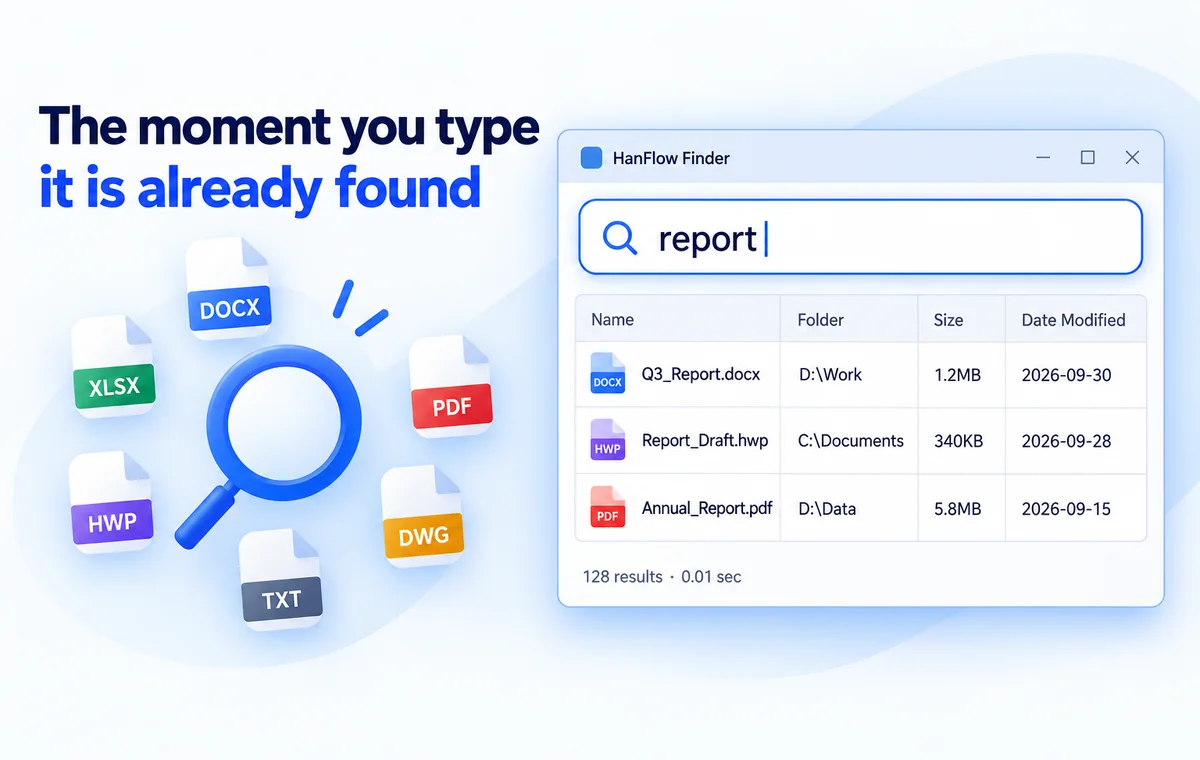
Found before
you finish typing
Results appear the moment you type a file name. It tracks new and deleted files in real time, and you can drag found files to move them — and undo the move.
Features
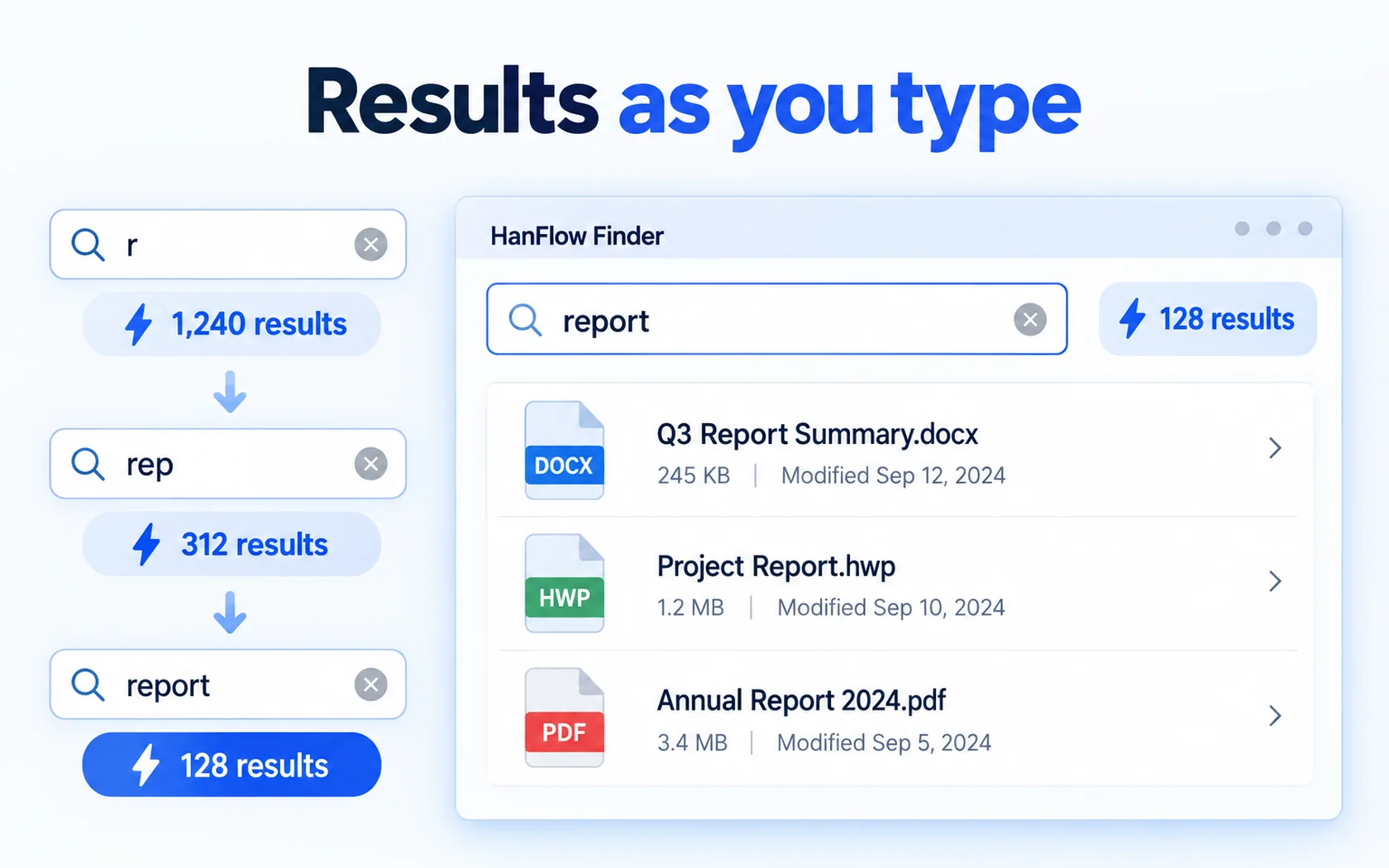
Results as you type
Instant results as you type
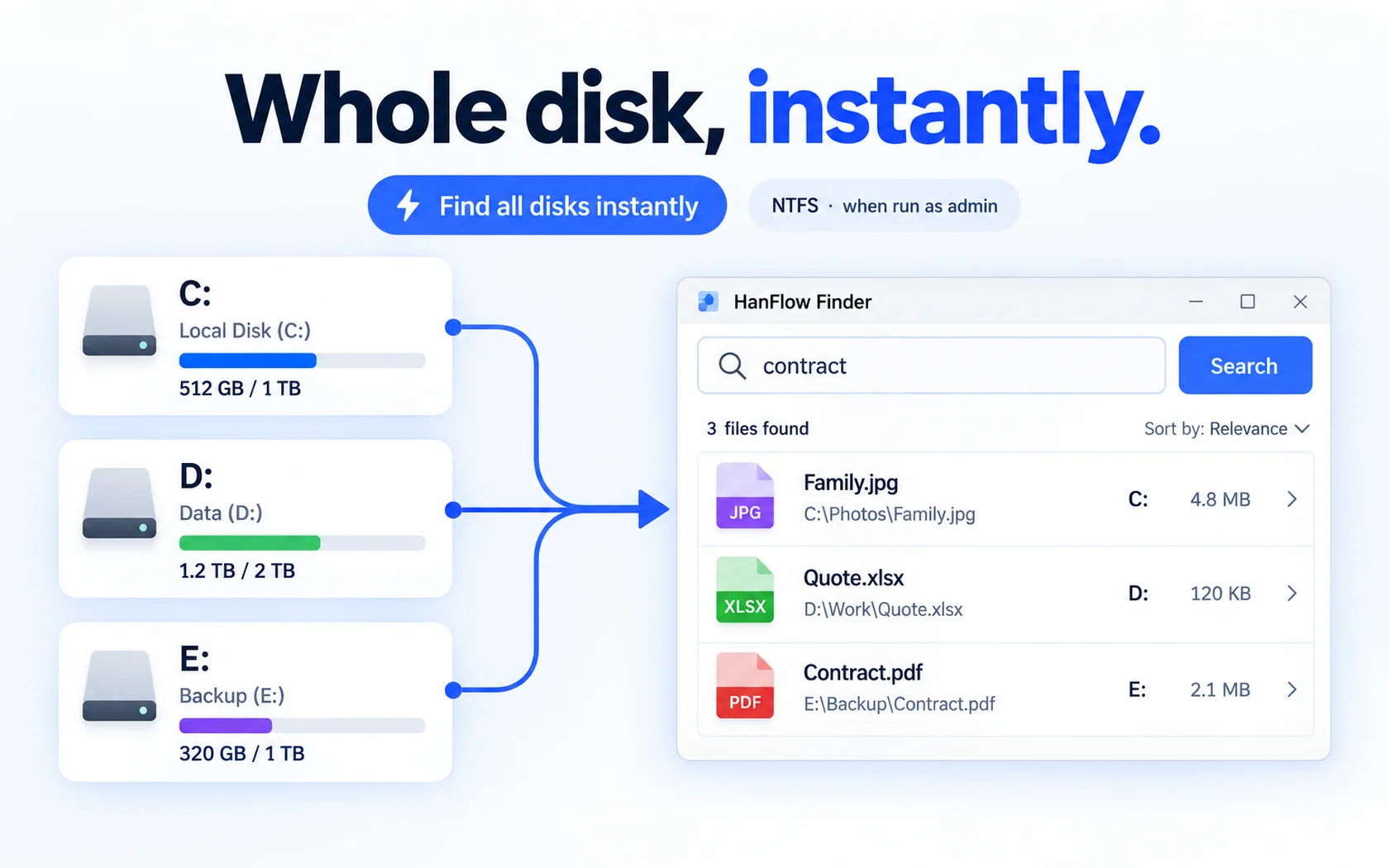
Whole disk, instantly
Instant whole-disk search (NTFS · when run as administrator)
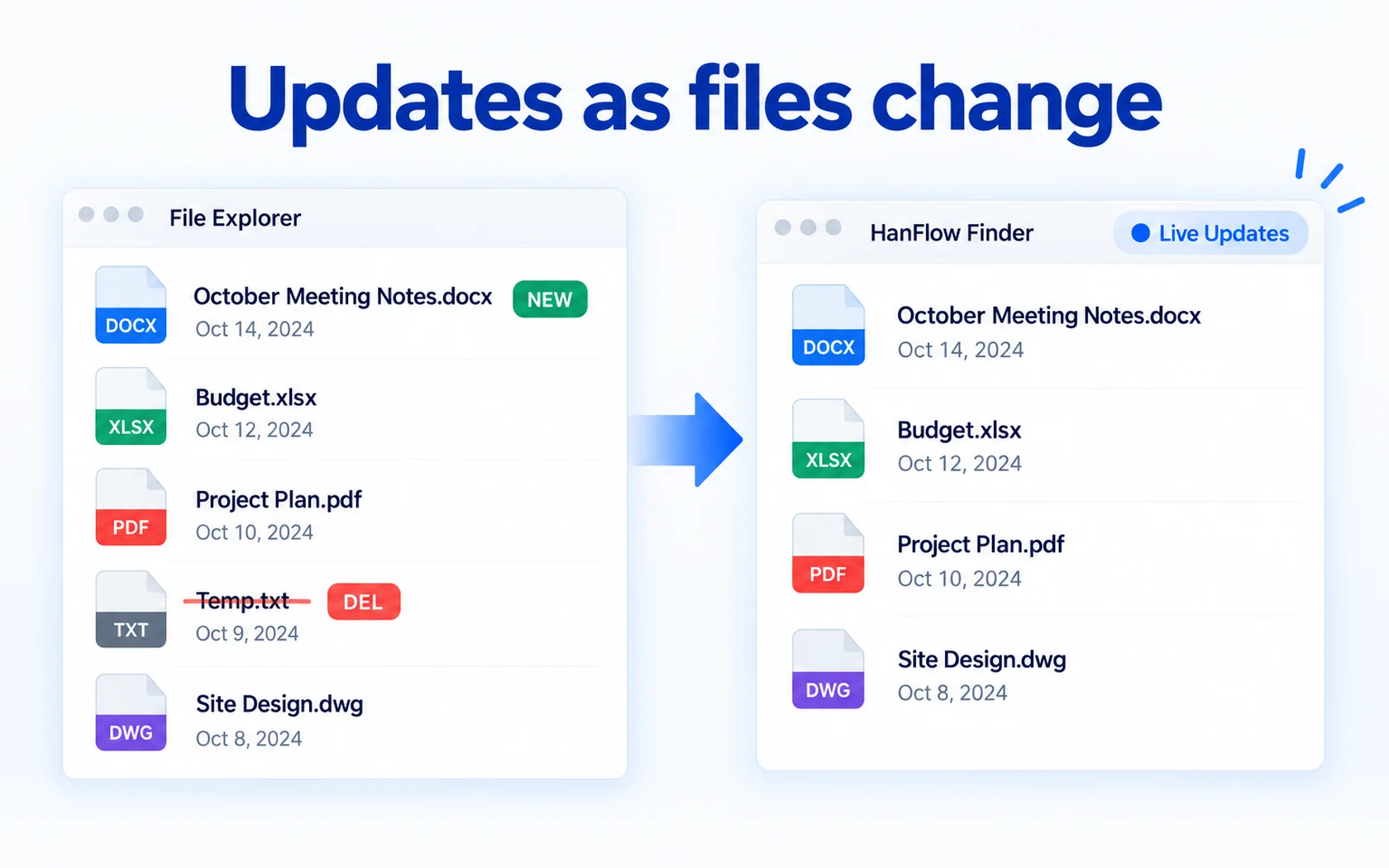
Updates as files change
Live updates — changed files are picked up automatically (even without admin rights)
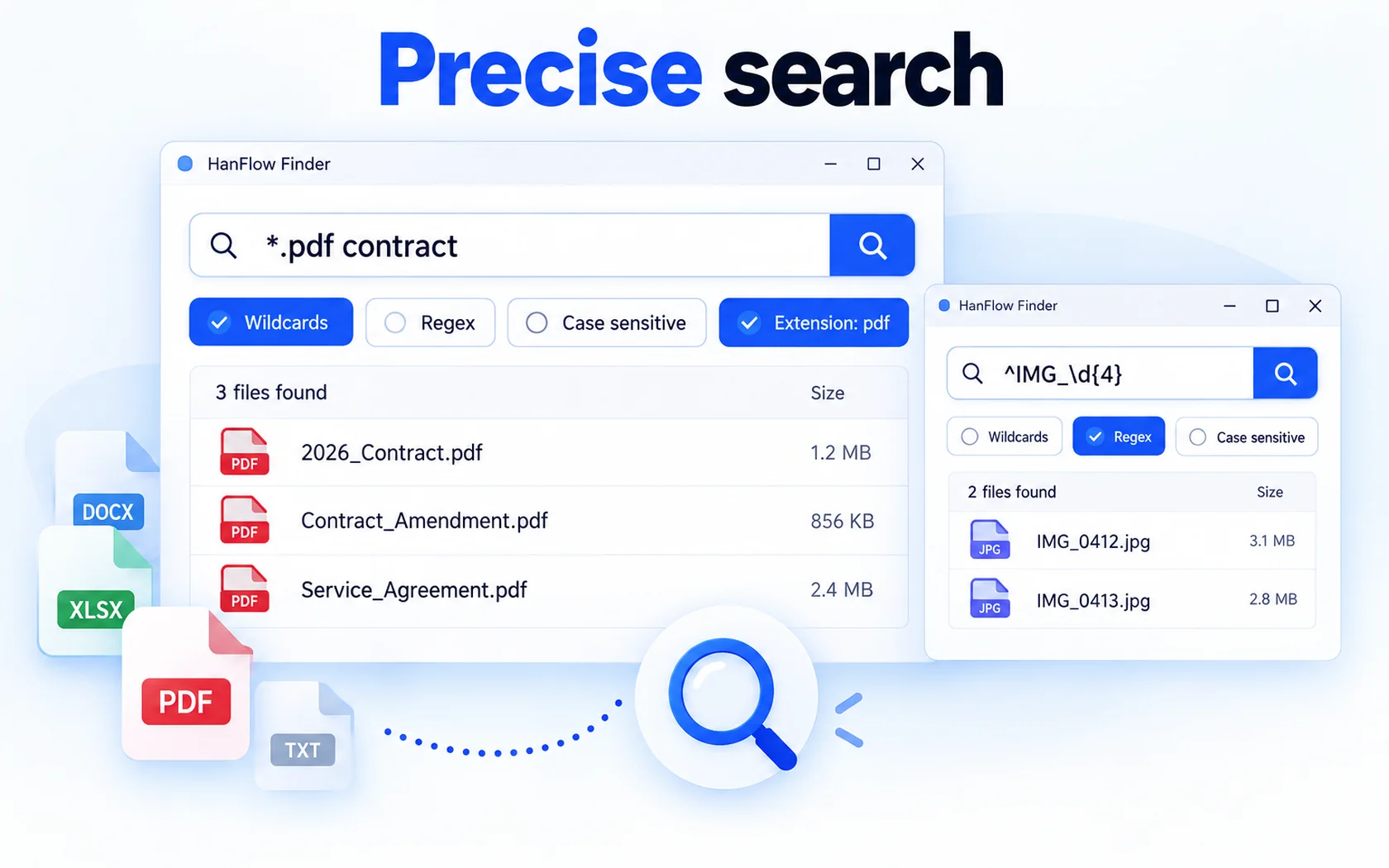
Precise search
Wildcards · regular expressions · case sensitivity · extension filters
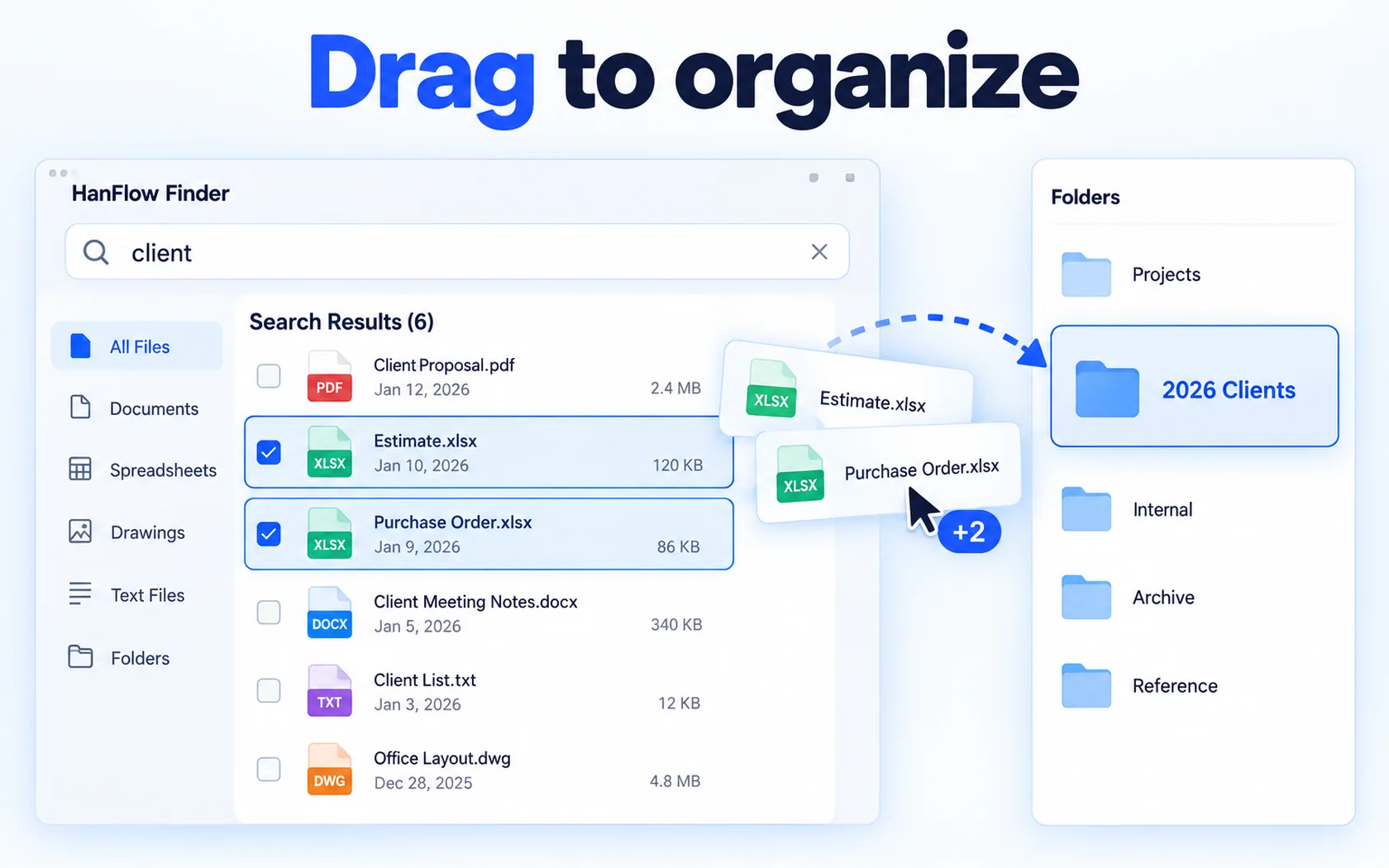
Drag to organize
Drag found files and folders to move them
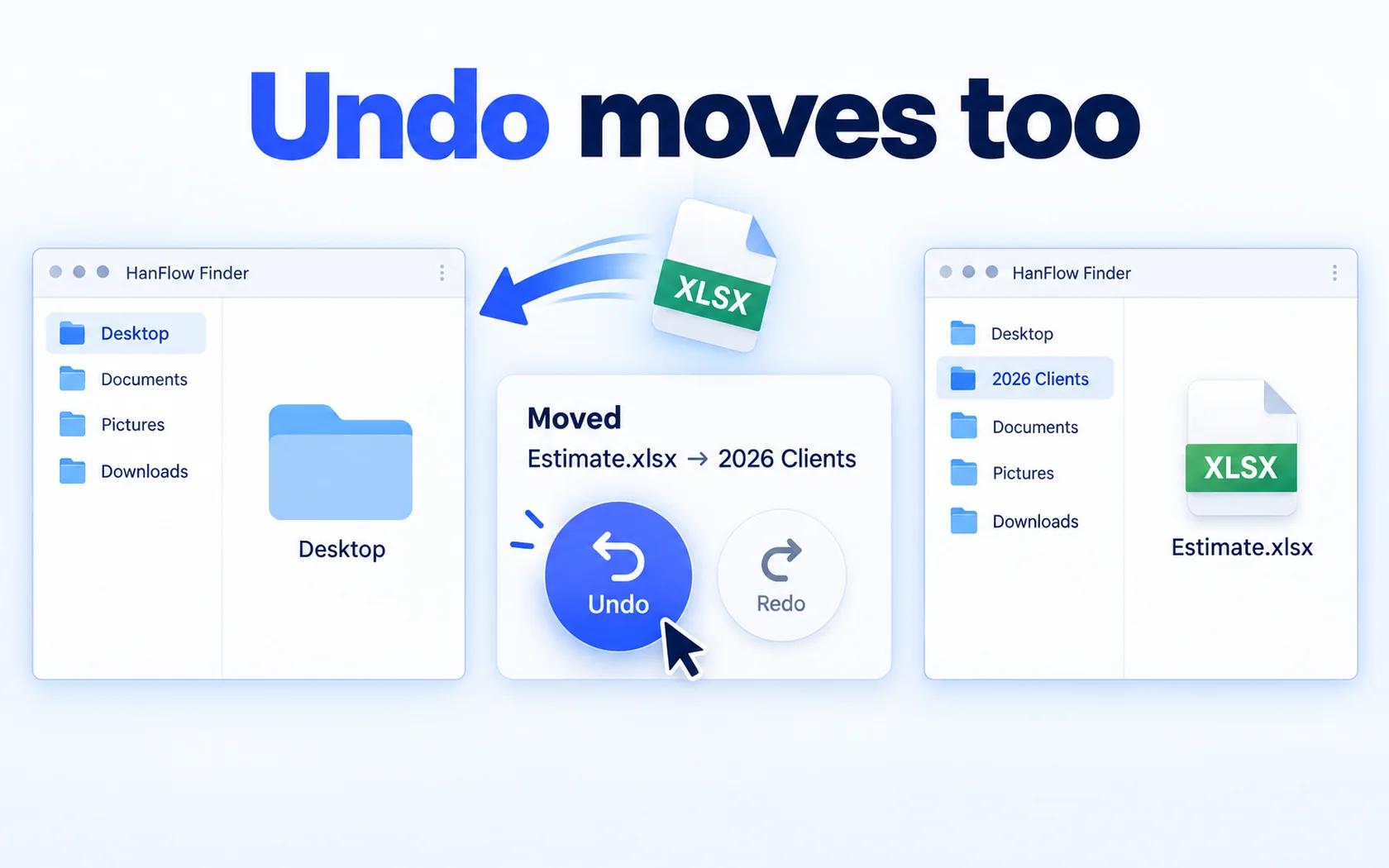
Undo moves too
Undo · redo moves
 Wildcards
 Regex
 Filter by extension
 Group by folder
 Undo
 Explorer menu

30-day trial
Use every feature for 30 days from the day you install. No payment method required.
FAQ
What happens when the trial ends?
Finding files by name, opening them and opening their folder keep working. Only advanced search (wildcards, regular expressions, extension filter, folder scope, whole-disk instant search) and file operations (copy, cut, delete, rename, drag and drop) are locked — and a purchase prompt appears when you try.
Supported formats
Searches file names on fixed drives. Network drives, USB drives and file-content search are not supported.
Which versions of Windows are supported?
For 64-bit Windows, and there is also a version for macOS 13 or later (Apple silicon Macs).
The macOS version has no instant whole-disk search (administrator) or cut; dragging out of the list copies.