
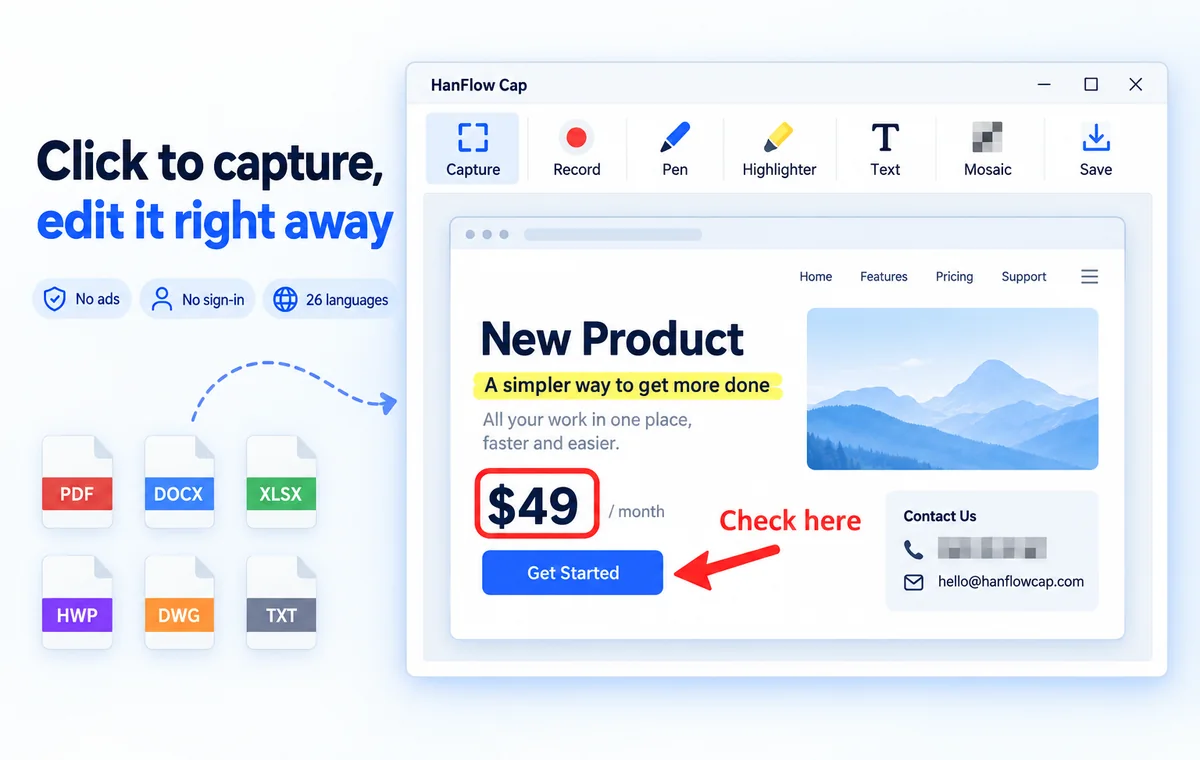
Press to capture,
then edit right away
Region, window, monitor and full-screen capture, scrolling capture, and screen recording with sound. Annotate, redact and save your captures right on the spot.
Features
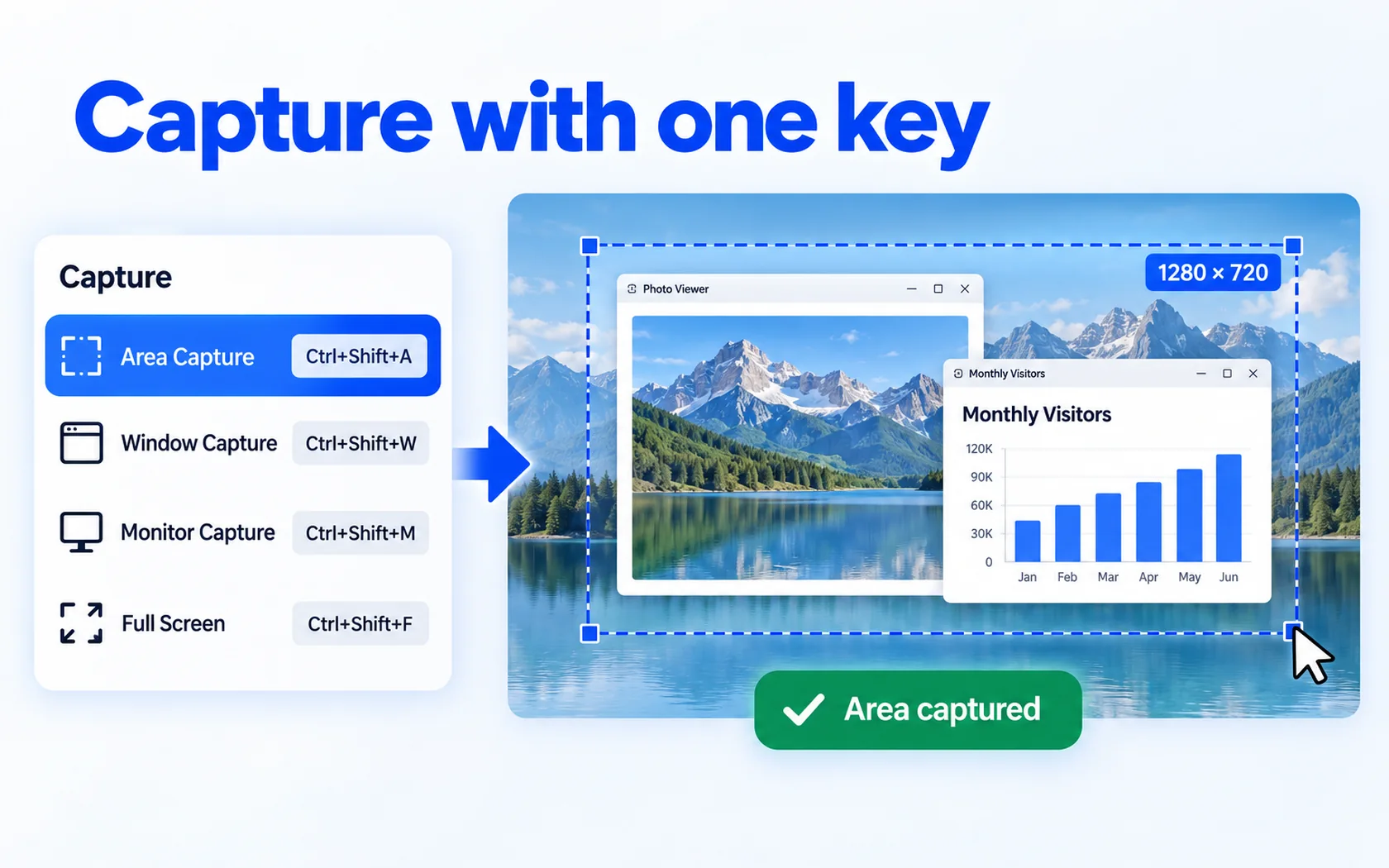
Capture with one key
Capture a region, window, monitor or full screen (Ctrl+Shift+A · W · M · F)
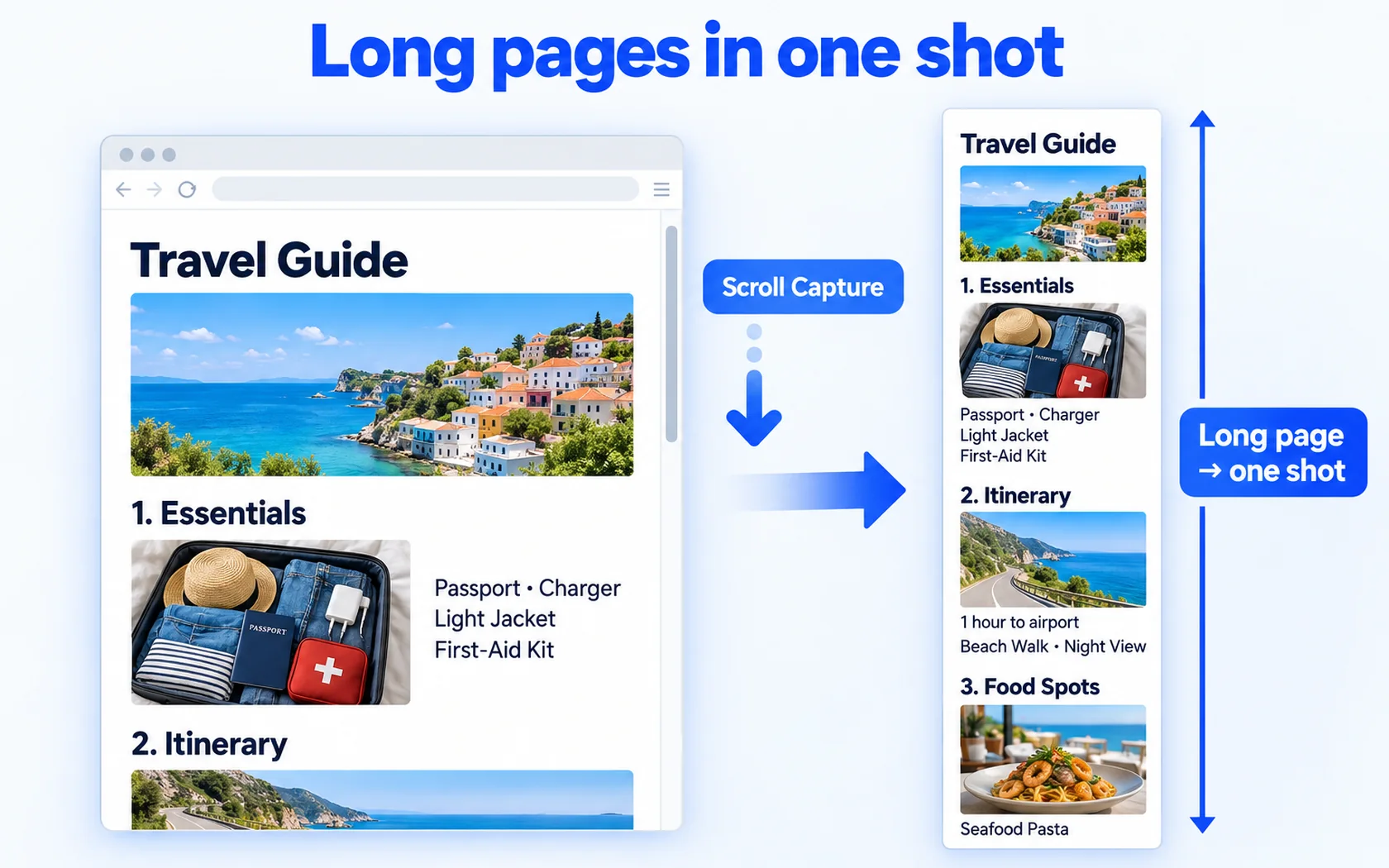
Long pages in one shot
Scrolling capture — even long web pages in a single image
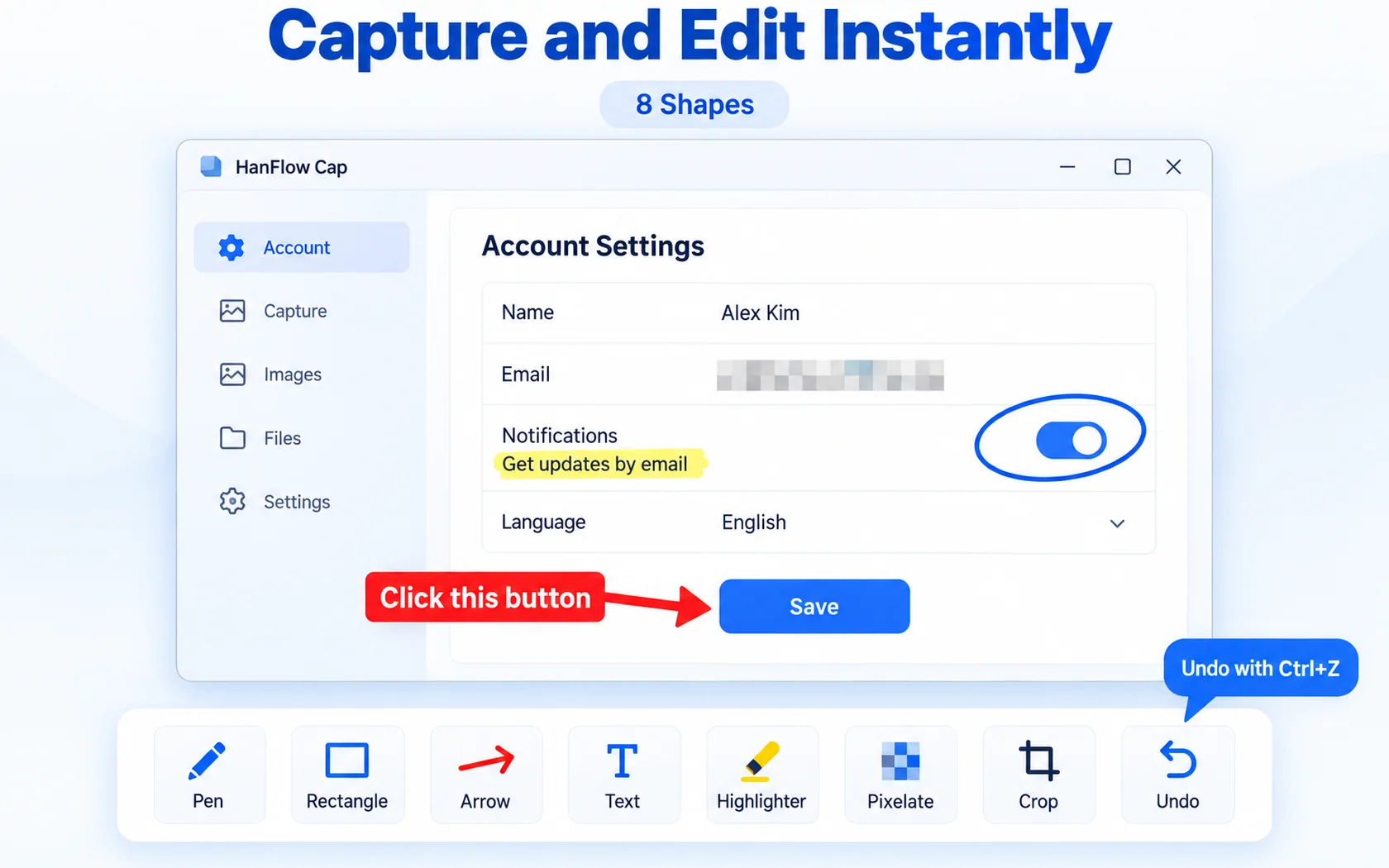
Capture, then edit right away
Pen, rectangle, arrow, text, mosaic and crop — 8 shapes plus undo
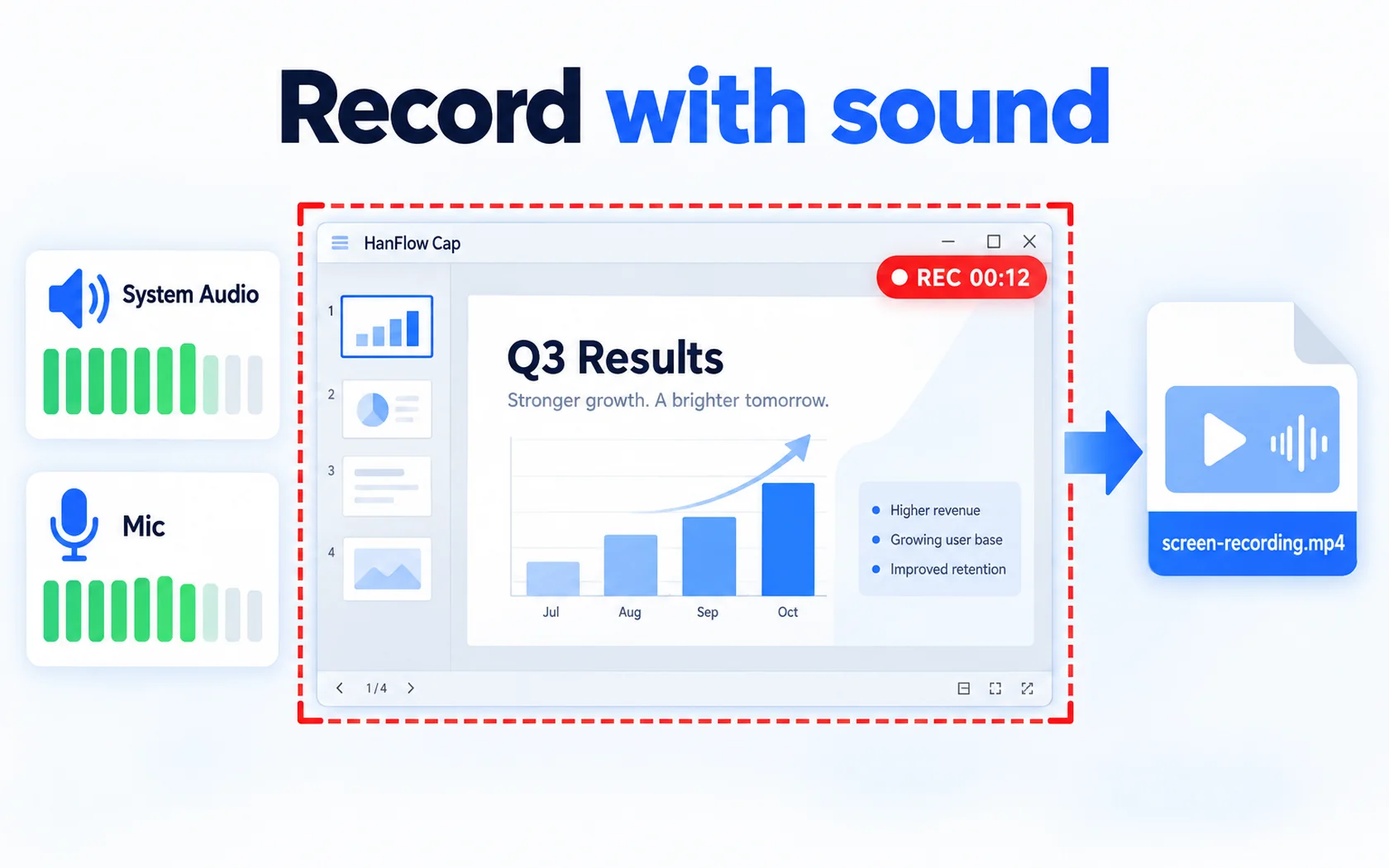
Record with sound
Record system audio and microphone together
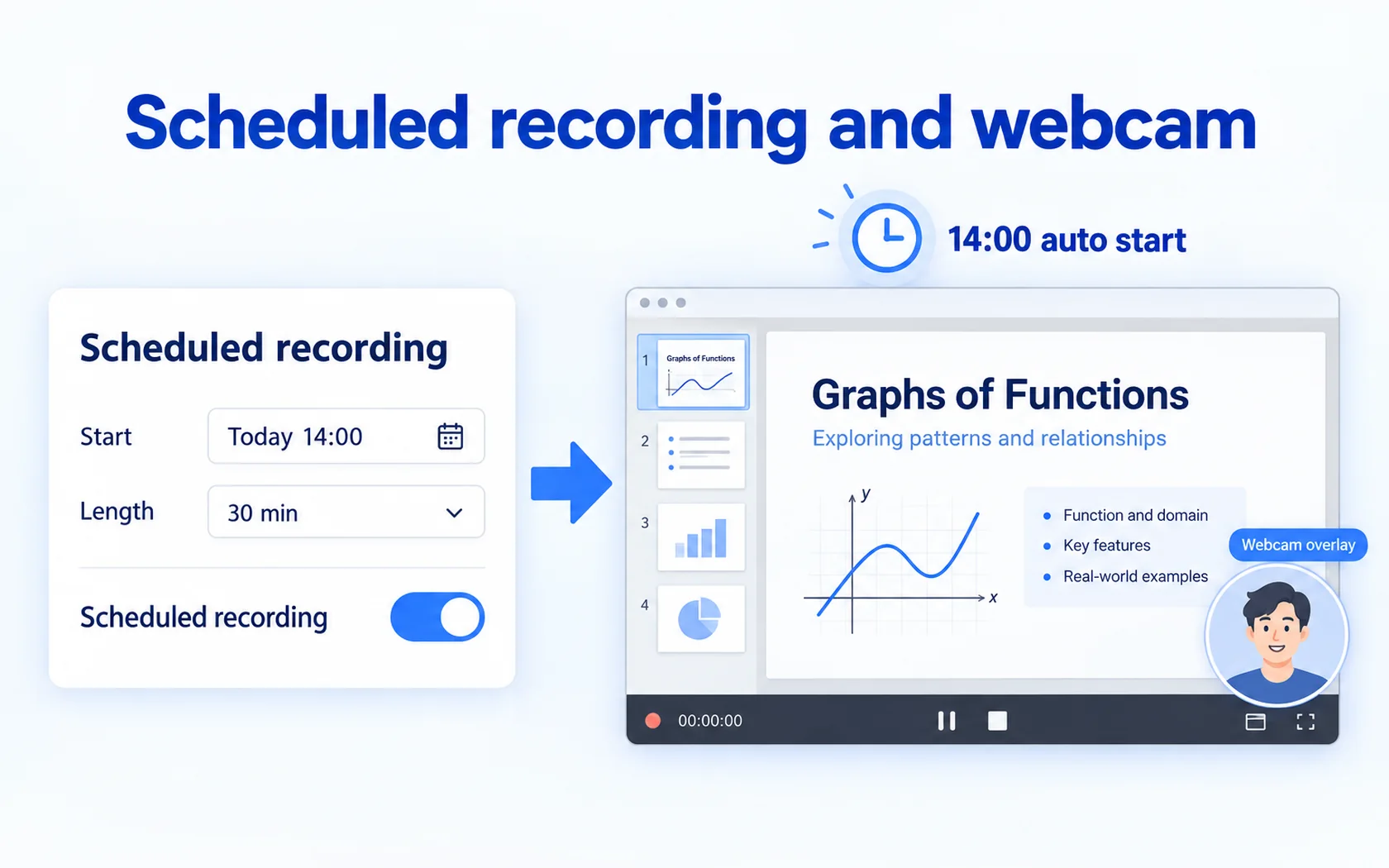
Scheduled recording and webcam
Scheduled recording and webcam overlay
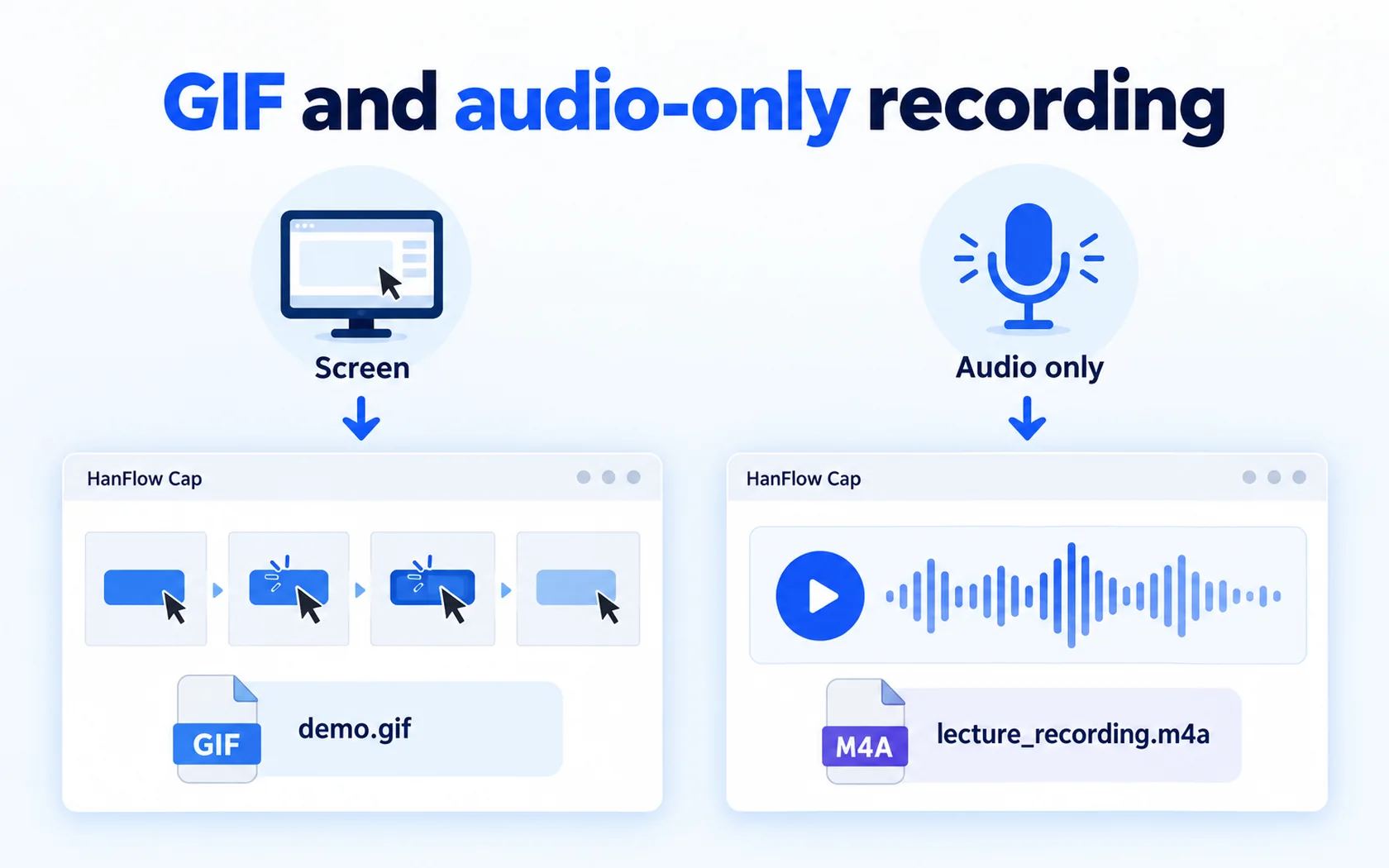
GIF and audio-only recording
Audio-only recording (M4A) · GIF recording
 Delayed capture
 Pin to screen
 Watermark
 Print
 Show cursor
 Screenshot while recording

30-day trial
Use every feature for 30 days from the day you install. No payment method required.
FAQ
What happens when the trial ends?
You can still open, view, play and extract existing files. Only creating new captures and saving, exporting or compressing are locked — and a purchase prompt appears when you try.
Supported formats
| Save capture | PNG · JPG |
|---|---|
| Screen recording | MP4(H.264 + AAC) · GIF · M4A |
| Operating system | Windows (64-bit) |
Some games running in exclusive full-screen mode may record as a black screen.
Which versions of Windows are supported?
For 64-bit Windows, and there is also a version for macOS 14 or later (Apple silicon Macs).
The macOS version has no scrolling capture, unit-sized region, scheduled recording, audio-only recording, webcam, watermark or printing.