
If you want a video editor that exports with no watermark, check what the exported file looks like before you start editing, not after. HanFlow Cut adds no watermark to exported MP4 files, including during its 30-day trial with every feature. It cuts and joins clips on a timeline, adds captions from speech, changes speed and sound and exports MP4 up to 4K, with no ads and no sign-in.
What to check before you pick a video editor
- The exported file: export a short test clip and look for a logo or text on the video.
- Trial limits: find out what still works after the trial, so a project you started is not stuck.
- Sign-in and cloud: decide whether you are happy to create an account or keep projects in the cloud.
- Export formats: make sure the editor exports the format and resolution you need.
- Captions: if you post to social media, check whether it can turn speech into captions.
What HanFlow Cut does
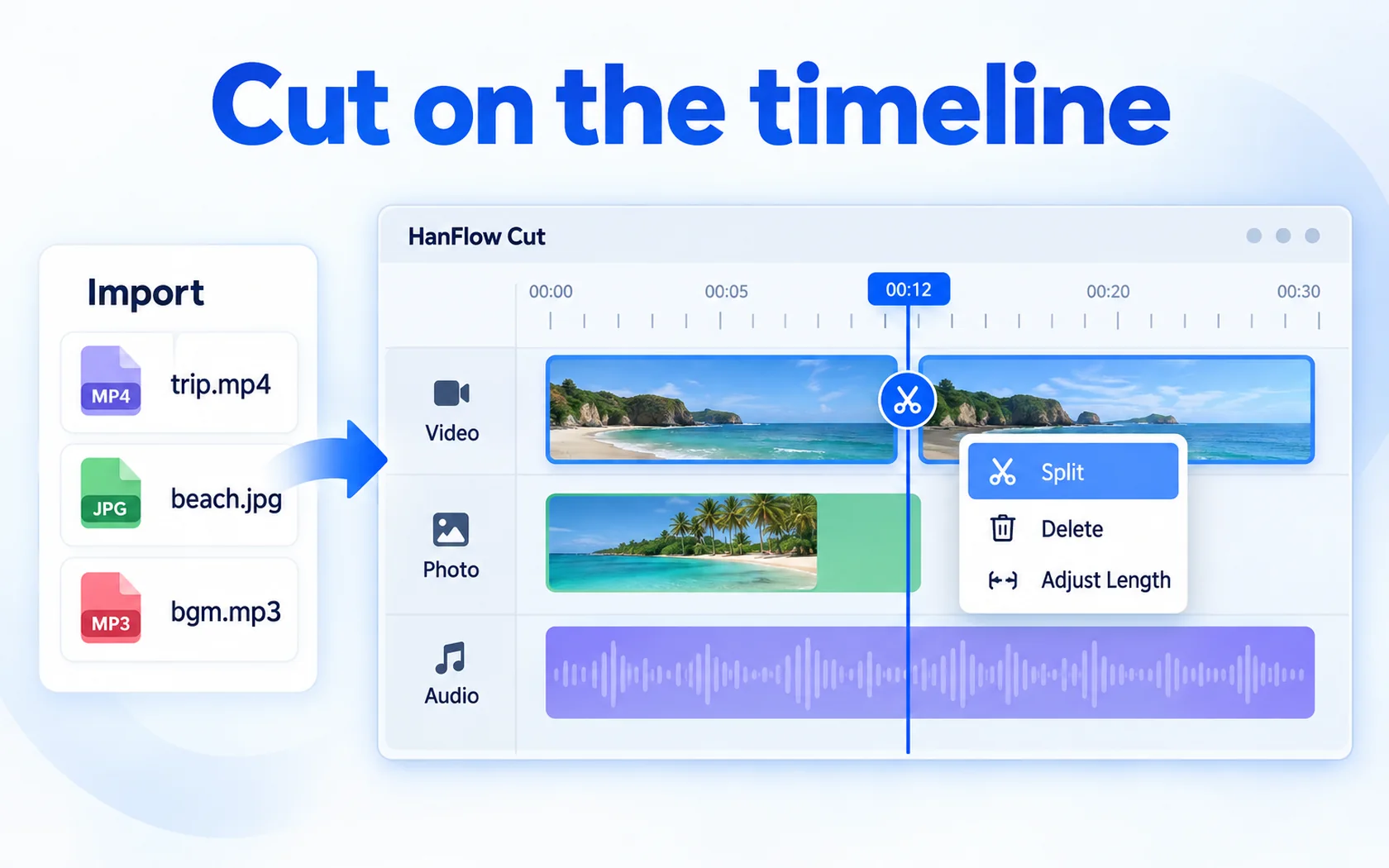
- Timeline editing: import video, photos and sound, then split, delete and change length.
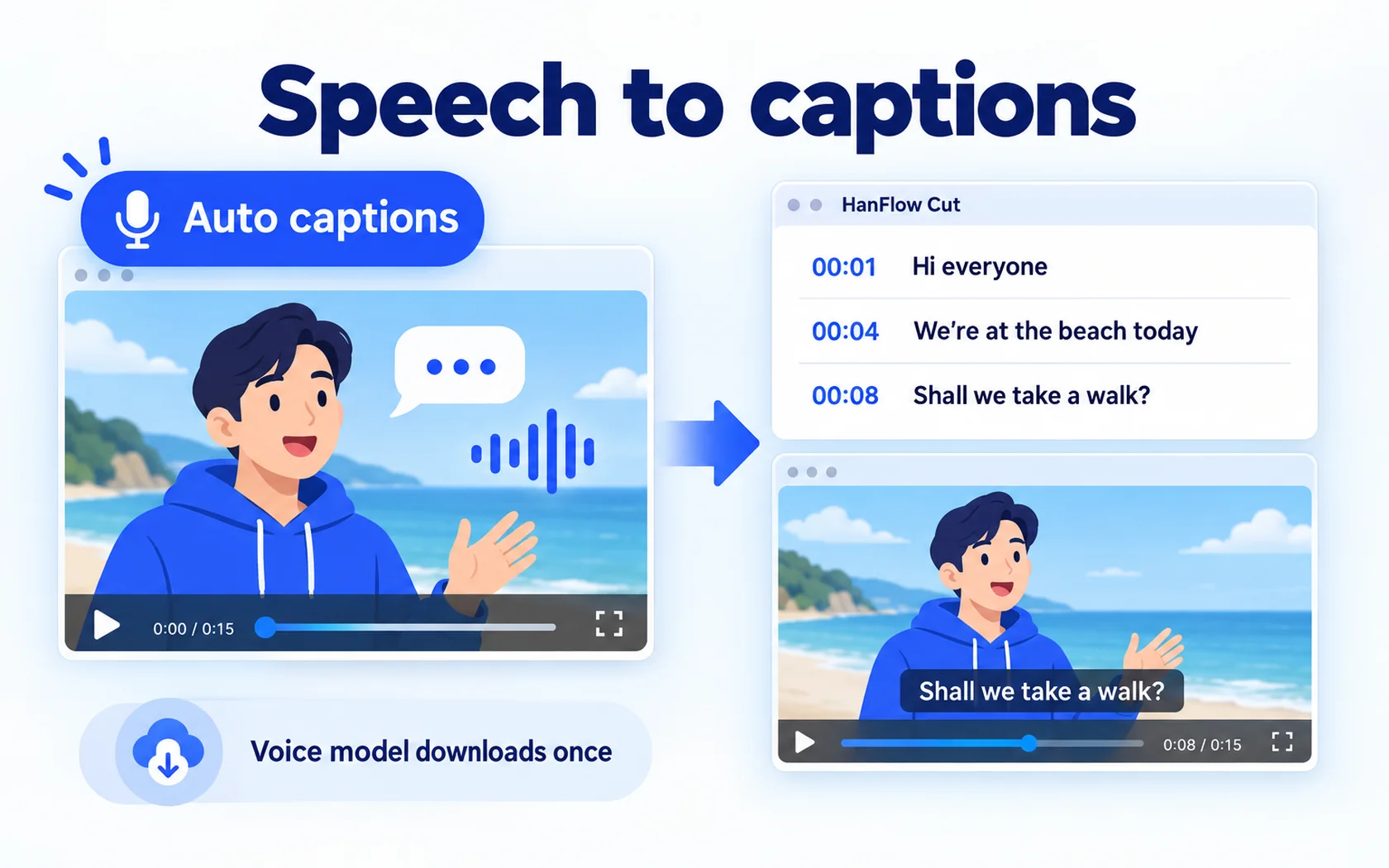
- Captions: automatic captions from speech, 6 caption presets with outline, speech bubble and entrance and exit effects, and .srt import.
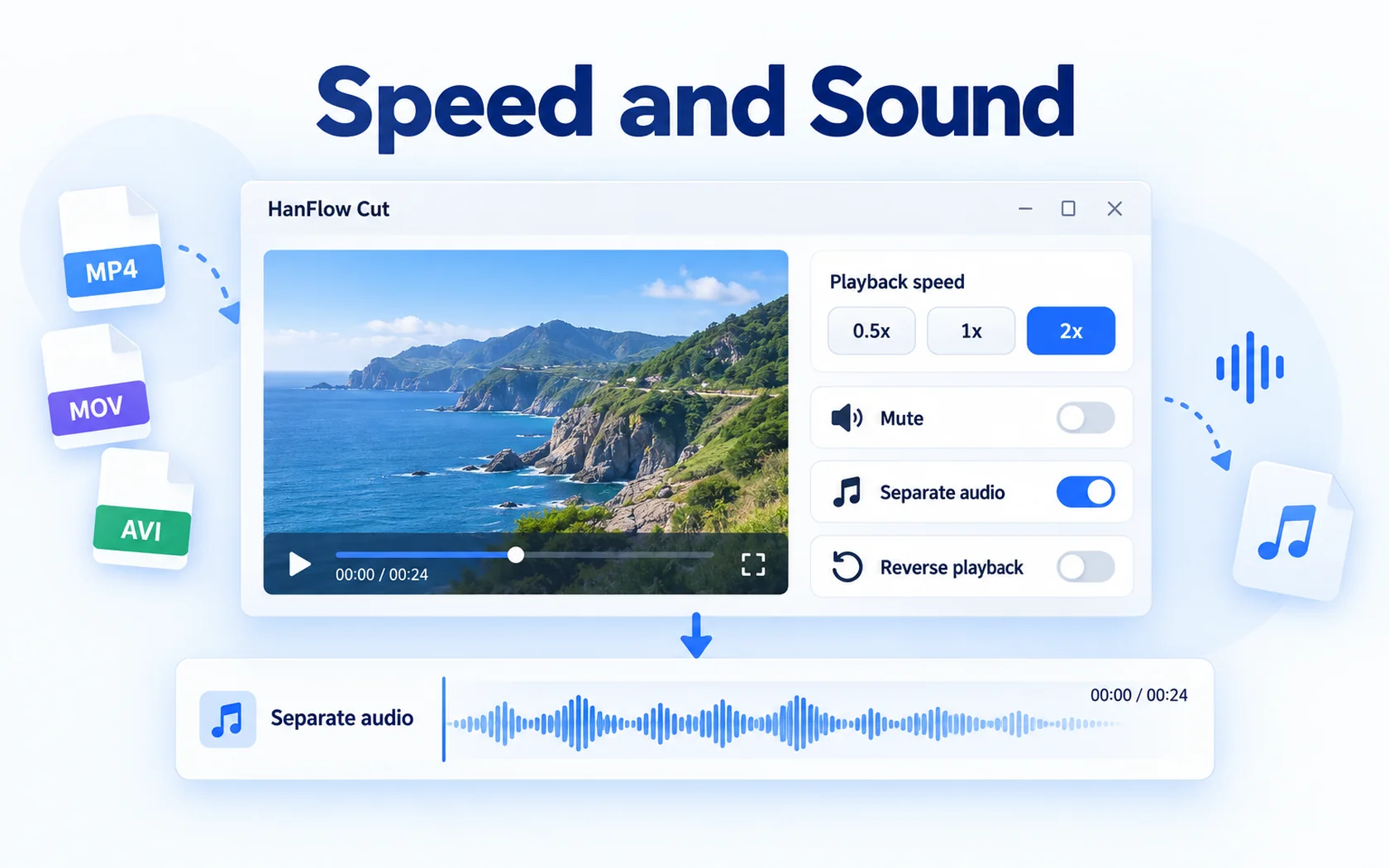
- Speed and sound: 0.5×, 1× and 2× speed, mute, separate audio, reverse, background music, sound effects and voice recording.
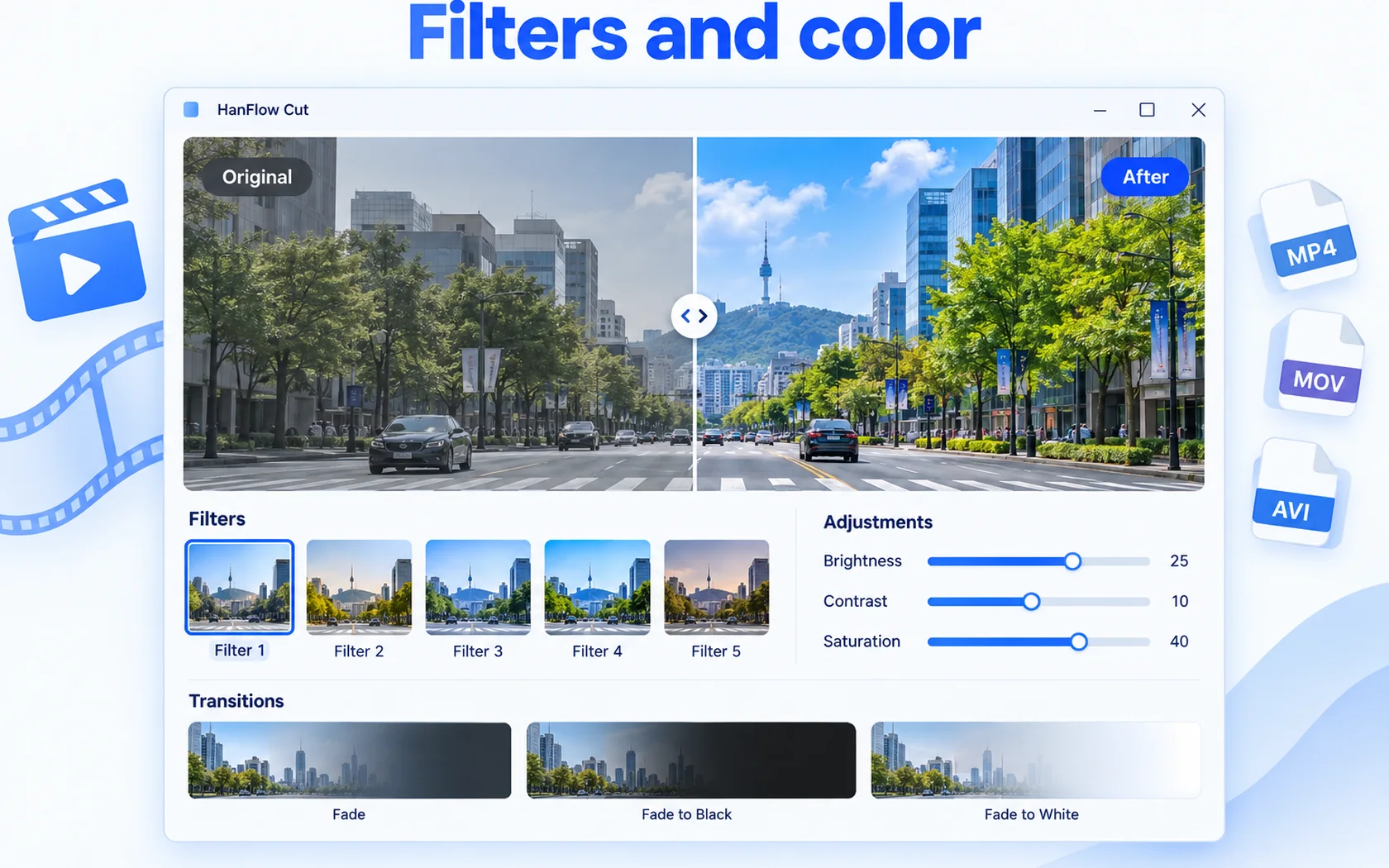
- Look: 5 filters, brightness, contrast and saturation, fades, zoom, position, rotation, mirror, opacity, color-key background removal and 4 overlay tracks.
- Export: MP4 (H.264 and AAC) or M4A, from original resolution up to 4K at 24 to 60 fps, plus file-size optimization and lossless trim.
- No ads, no sign-in, no cloud, and projects save automatically.
Captions from speech
Automatic captions turn what people say in the video into timed captions you can edit and style. The first time you use it, HanFlow Cut downloads the voice model once; after that it is ready on your PC.
Trial and license
HanFlow Cut has a 30-day trial with every feature, and exported videos have no watermark. After the trial you can still open, edit and preview projects and save them; exporting video and sound is what needs a license. See pricing for current licenses.
There is also a Mac version for macOS 13 or later on Apple silicon. Its first release covers cutting, joining, speed, volume, fades, captions from .srt, background music and MP4 or M4A export; some features such as filters, automatic captions and overlays are on Windows only for now.
Frequently asked questions
Does HanFlow Cut add a watermark?
No. Exported videos have no watermark, including during the 30-day trial.
What can I do after the trial ends?
You can keep opening, editing, previewing and saving projects. Exporting video and sound needs a license.
Which formats does it export?
MP4 and M4A. It does not export GIF or MOV, but it can import MOV and many other formats.
What is not included?
Stabilization, noise reduction and AI upscaling are not included.