
If you want a ShareX alternative that is simple to set up and records your screen with system sound and microphone, HanFlow Cap is one option: it captures a region, window, monitor or full screen with one key, takes scrolling captures of long pages, lets you mark up a capture right away and records MP4, GIF or audio-only M4A, with no ads and no sign-in. Below is what each tool offers, based on their own pages, so you can choose for yourself.
What ShareX is good at
ShareX describes itself as a screen capture, file sharing and productivity tool for Windows. Its page says it is open source, needs no account and has no advertisements. Besides region, window, monitor and scrolling capture, it offers screen and GIF recording, text recognition (OCR) after capture, uploading to a destination you choose, a customizable workflow system and extra tools such as a color picker and ruler (ShareX). People who search for an alternative often want fewer settings, a tool that also runs on a Mac, or recording features such as scheduling and a webcam overlay in one place.
What HanFlow Cap does
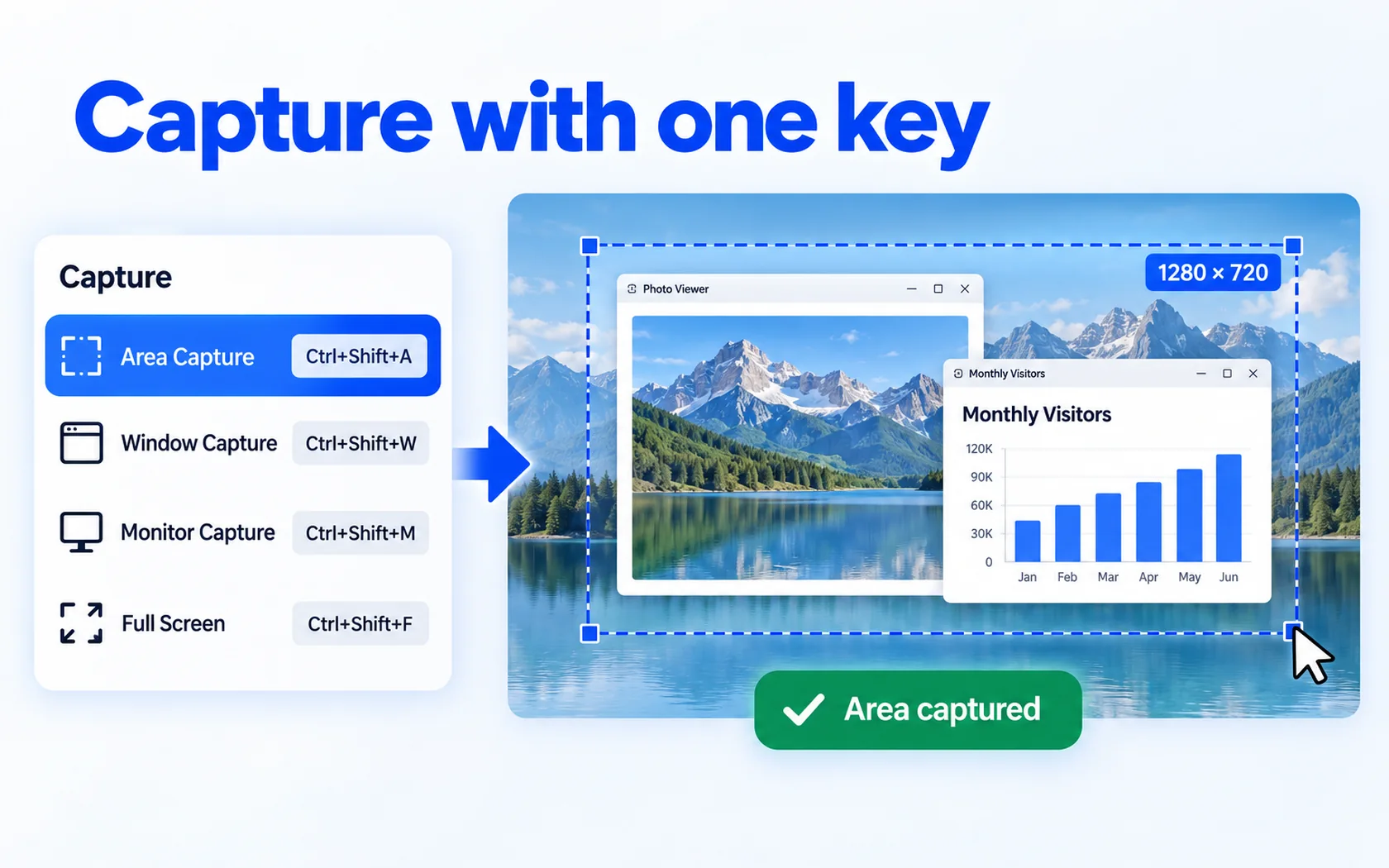
- Capture with one key: region, window, monitor and full screen (Ctrl+Shift+A, W, M, F), fixed-size capture and a delayed capture of 3, 5 or 10 seconds.
- Scrolling capture: save a long web page or document as one image.
- Pin to screen: keep a capture floating on top while you work.
- Edit right away: pen, rectangle, arrow, text, mosaic and crop, 8 shapes and undo.
- Watermark and print for captures, and a watermark for recordings.
- Save as PNG or JPG; record to MP4, GIF or M4A.
- No ads, no sign-in, 26 interface languages.

Screen recording
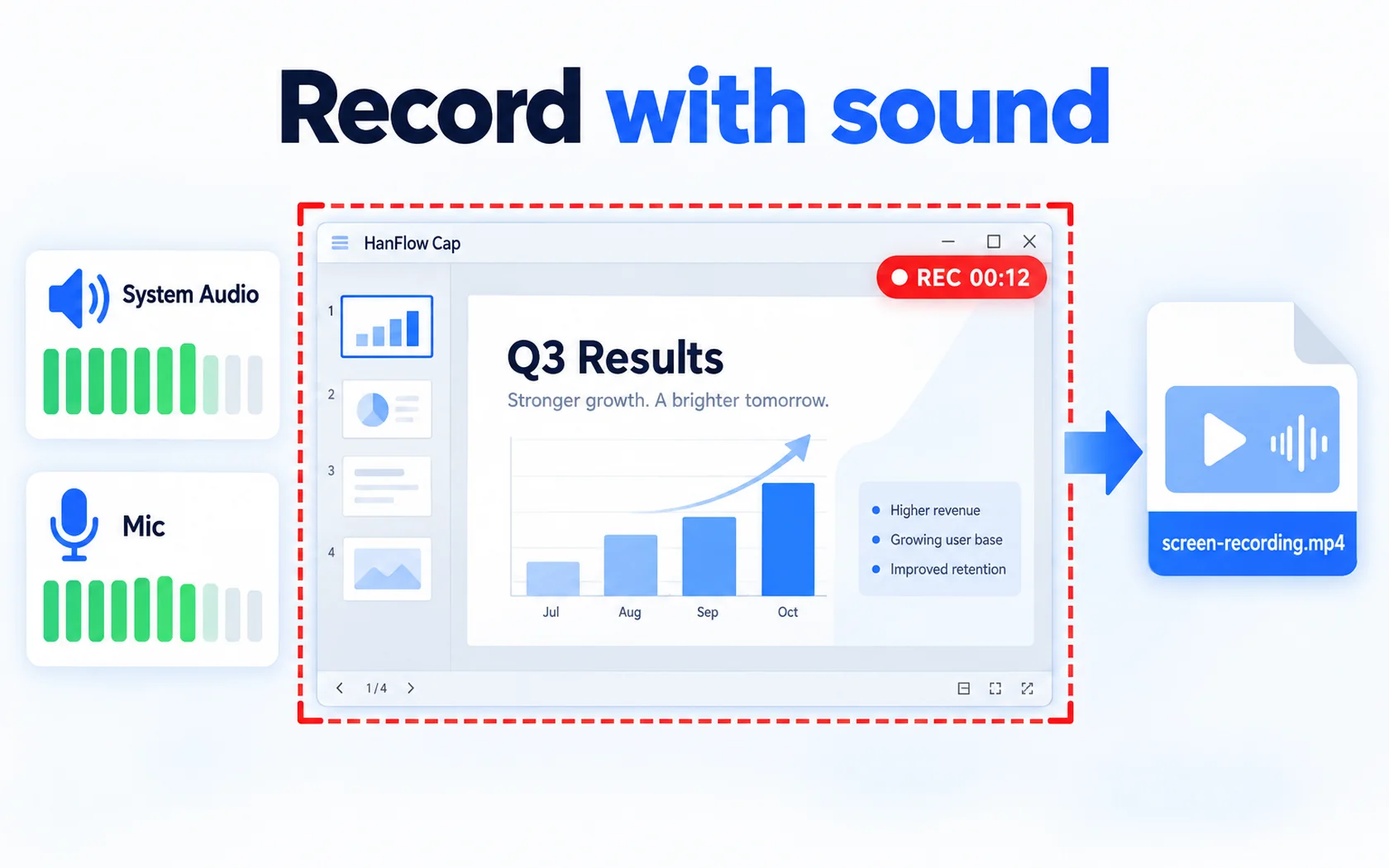
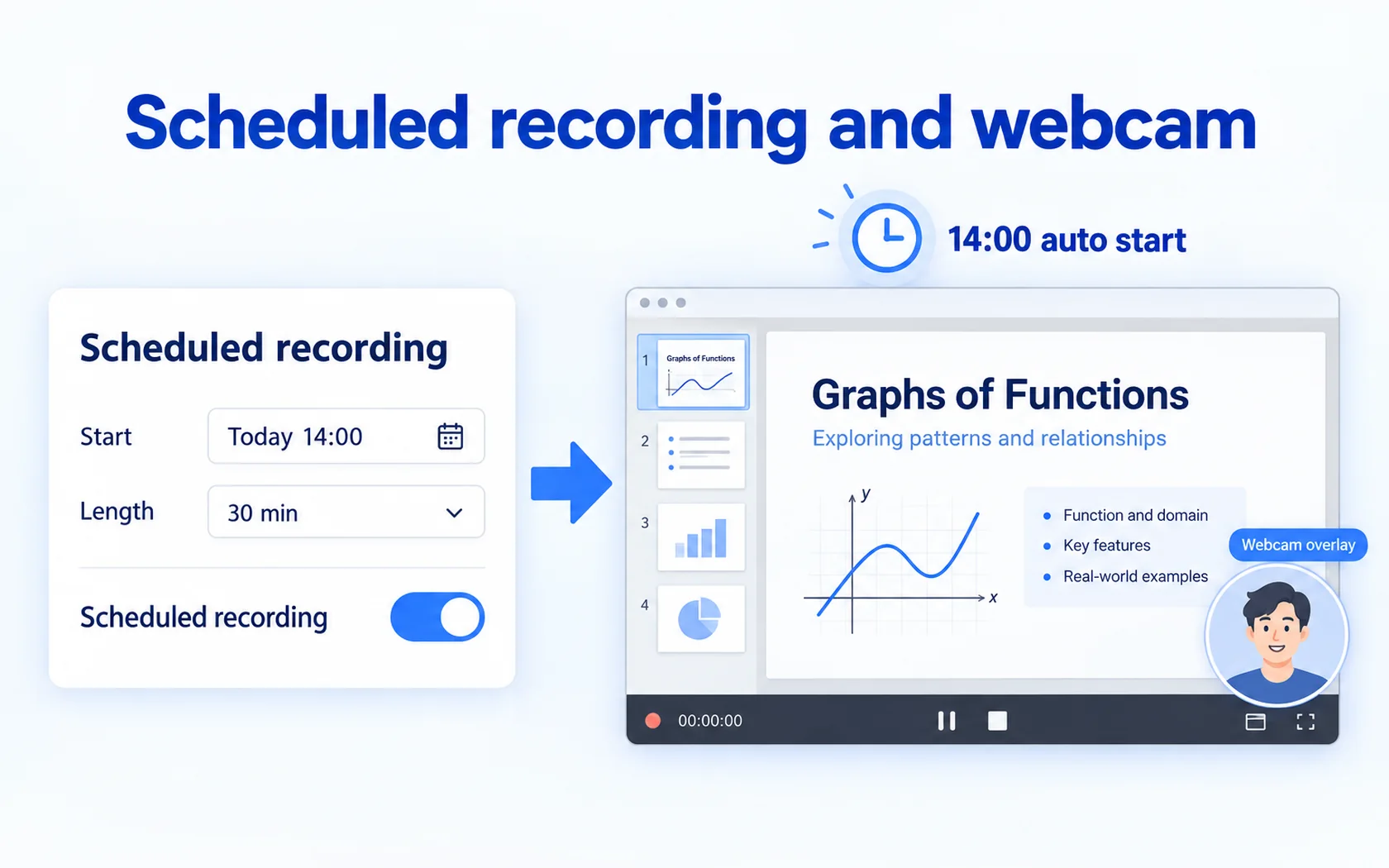
HanFlow Cap records the screen with system sound and microphone. You can show or hide the cursor, pause, take a screenshot while recording, schedule a recording to start at a set time, overlay your webcam, record sound only as M4A, or record a GIF. To trim or cut a recording, use HanFlow Cut, the video editor from the same family; Cap itself does not edit recordings.
Which one to choose
- Choose ShareX if you want open-source software with uploading, OCR and a workflow you can customize.
- Choose HanFlow Cap if you want capture, markup and recording with sound in one simple app, plus scheduled recording and a webcam overlay.
- If you also work on a Mac, HanFlow Cap has a Mac version for macOS 14 or later on Apple silicon.
Trial and license
HanFlow Cap has a 30-day trial with every feature. See pricing for current licenses.
Frequently asked questions
Can HanFlow Cap take scrolling screenshots?
Yes. Scrolling capture saves a long page as one image.
Does HanFlow Cap record system sound?
Yes. It records system sound and microphone, and can record sound only as M4A.
Does HanFlow Cap upload captures to the cloud or read text (OCR)?
No. HanFlow Cap does not upload to the cloud and does not include OCR or translation. Captures are saved as files on your PC.
Can it record every game?
Not always. Games in exclusive full-screen mode may record as a black screen.