
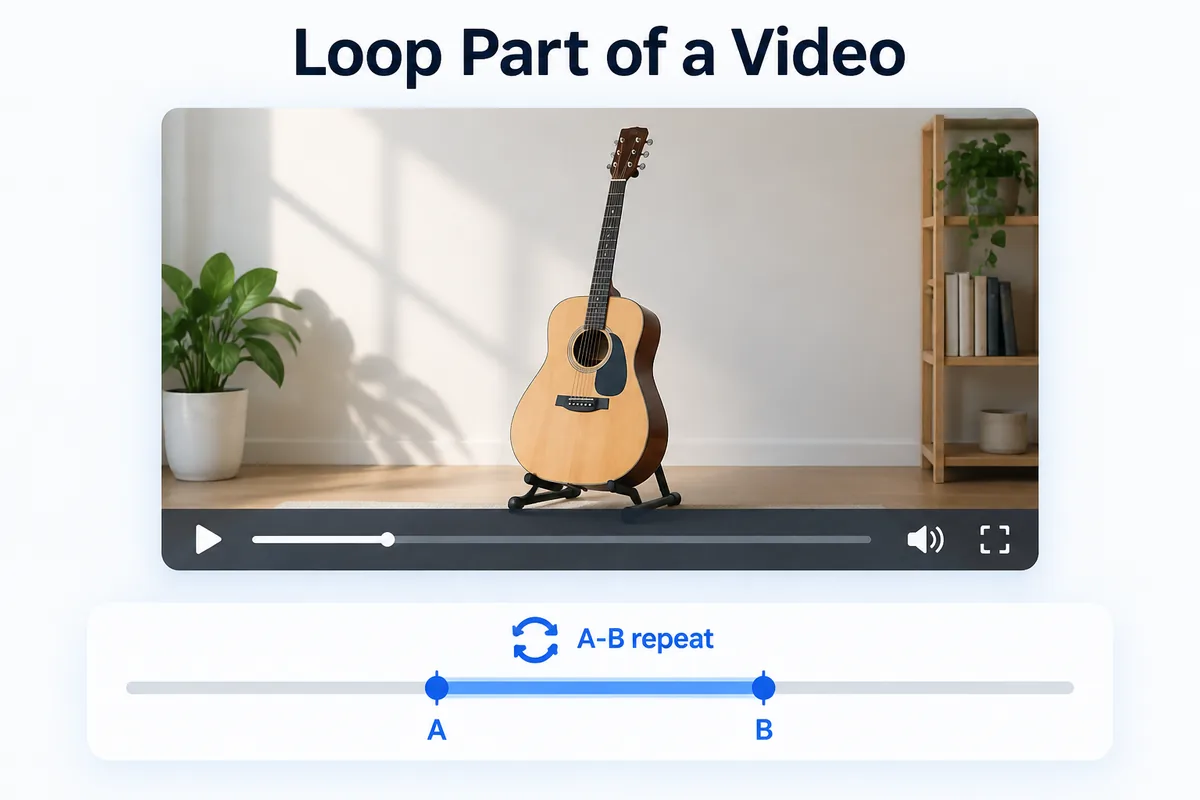
To loop part of a video, open it in a player with A-B repeat, mark the start (A) and the end (B), and the player replays just that stretch until you clear it. HanFlow Player does this for video and music in the same app — and lets you slow the loop down in 0.1× steps.
Why loop instead of rewinding
Dragging the progress bar back by hand is slow and never lands in the same place twice. A loop keeps the exact stretch you need on repeat, so your attention stays on the material instead of the mouse.
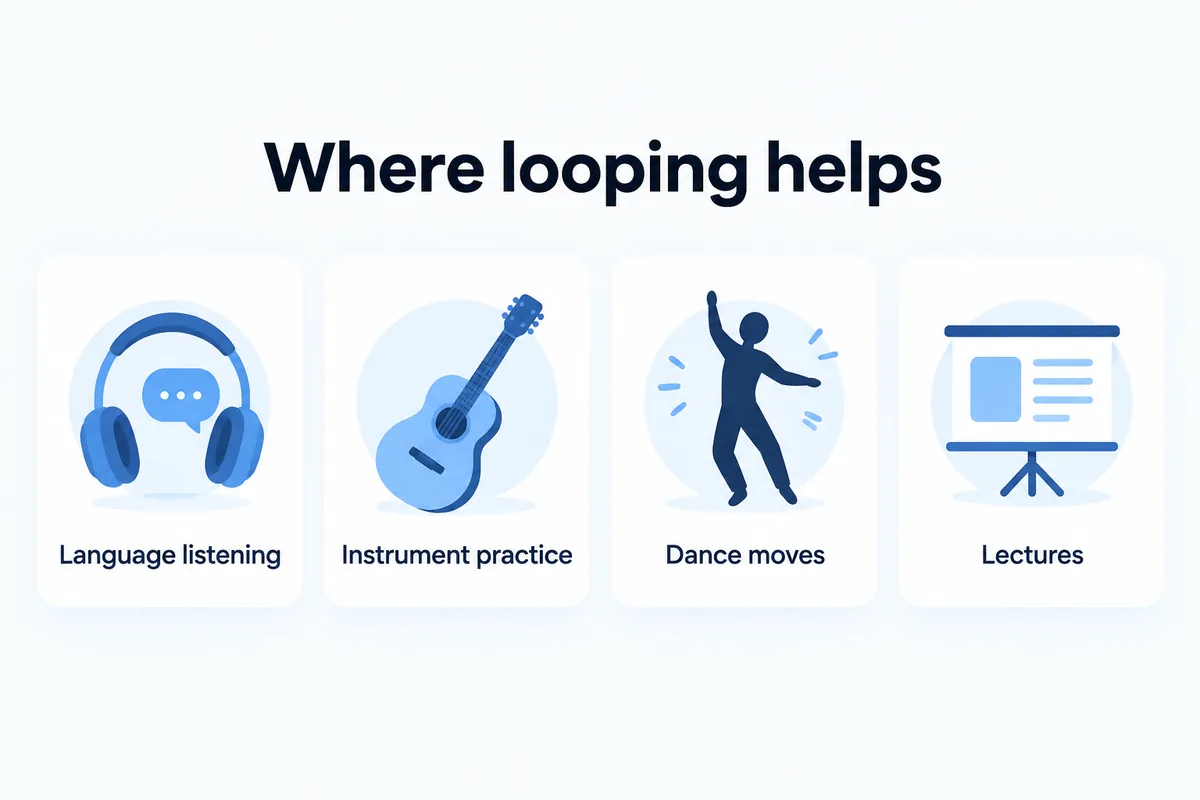
- Language listening — hear one sentence again and again until every word is clear.
- Instrument practice — loop a few bars of a riff and play along.
- Dance and workout moves — watch one movement on repeat with your eyes on yourself, not the screen.
- Lectures — replay the hard part of a recorded class without hunting for it.
How A-B repeat works
While the video plays, mark point A where the loop should start, then point B where it should end. From then on, every time playback reaches B it jumps back to A. When you are done with that passage, clear the loop and pick the next one — no need to reopen the file.
A small habit helps: set A a moment before the sentence or beat you want. That little lead-in keeps the first syllable or first note from being cut off on every pass.
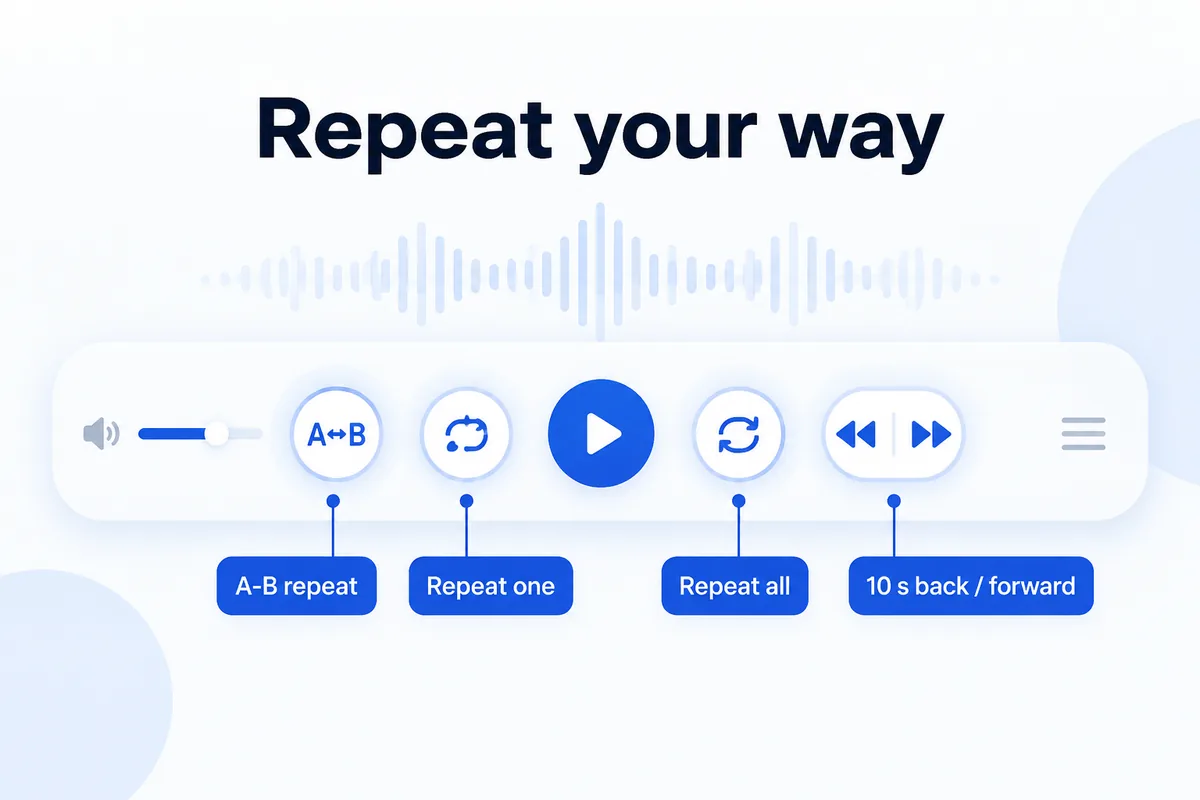
HanFlow Player also has repeat one and repeat all for whole files and playlists, and 10-second back and forward jumps for quick nudges.
Loop and slow it down together
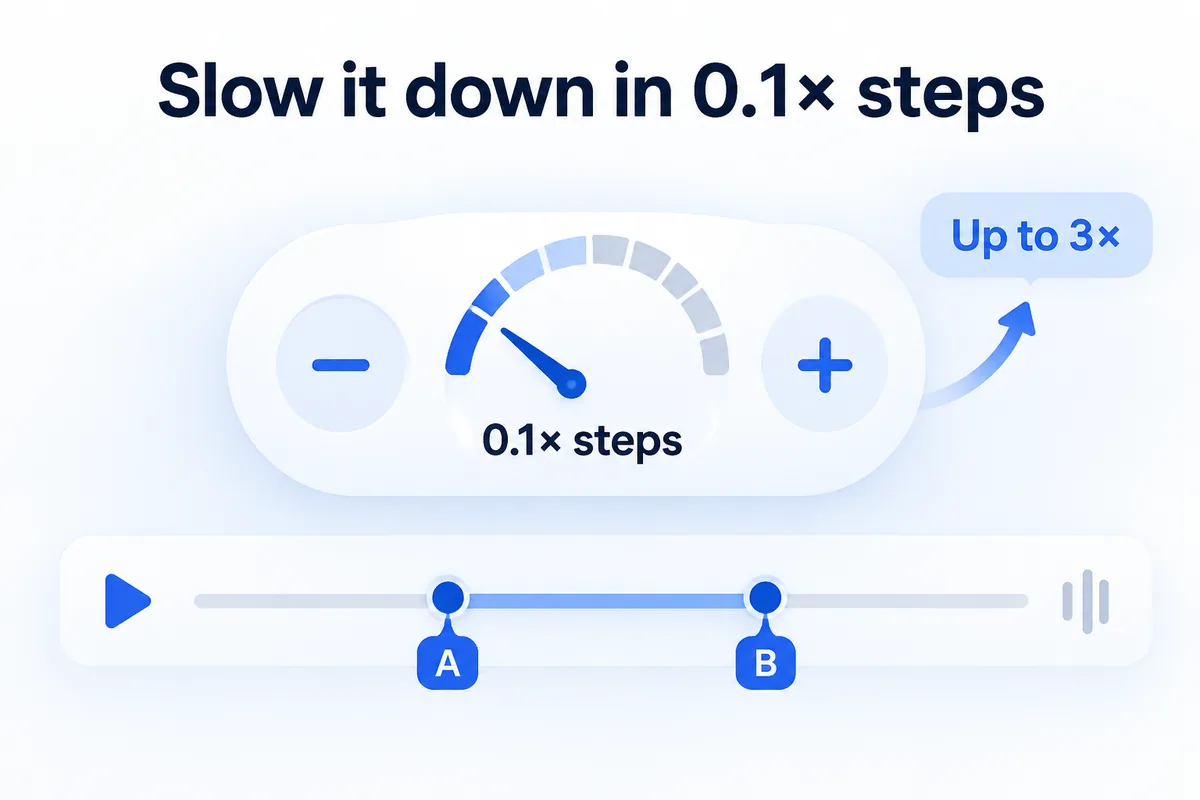
Repeating a passage helps; repeating it a little slower helps more. Let the section loop at a reduced speed, then raise the speed bit by bit as it starts to feel easy.
HanFlow Player sets playback speed in 0.1× steps, up to 3×, so you can choose exactly how much slower — not just a fixed half speed.
Playlists and whole folders
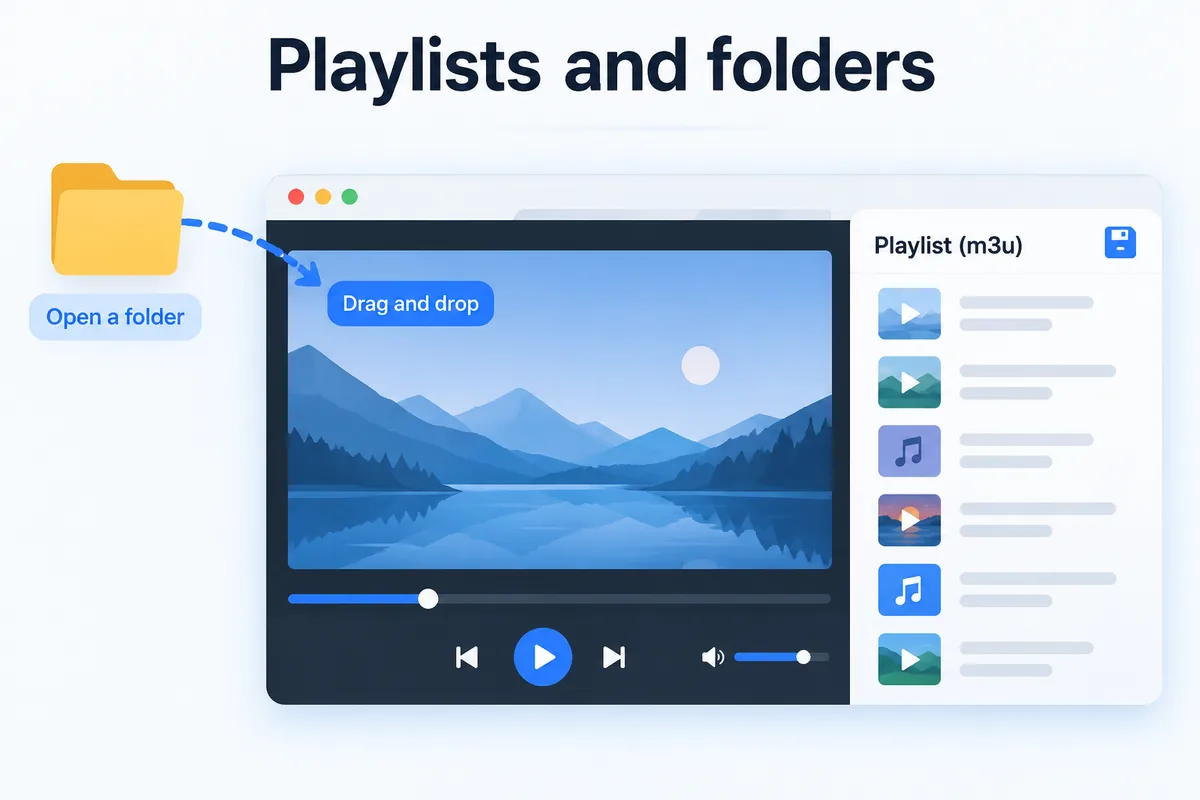
Practice material usually comes in a set — a folder of lesson clips, an album of backing tracks. Open a whole folder at once or drag files onto the window, and keep the list as a playlist (m3u) to open again next time.
Video and music play in the same window: MP4, MKV, WebM, AVI, MOV, WMV and more, plus MP3, M4A, AAC, FLAC, WAV, WMA, OGG and Opus. On Windows the player uses the codecs already installed on your PC rather than adding its own. The macOS version (macOS 13 or later, Apple silicon) opens the formats macOS plays — MP4, MOV, M4V, 3GP, MP3, M4A, AAC, FLAC and WAV — but not MKV, WebM, AVI or WMV.
HanFlow Player has no ads and needs no sign-in. The 30-day trial unlocks every feature without a payment method. After the trial, opening and playing files (at 1× and up to 100% volume) and A-B repeat keep working; speed control, volume boost above 100% and saving playlists ask for a license. It runs on 64-bit Windows and on macOS 13 or later (Apple silicon).
Frequently asked questions
Can I loop part of a YouTube video with HanFlow Player?
No. HanFlow Player plays files on your computer; it does not play streaming addresses. For YouTube, use the site's own loop option.
Does it show subtitles while looping?
No — subtitles are not supported. HanFlow Player focuses on playback, speed and repeat.
Does A-B repeat still work after the trial?
Yes. Playing files and A-B repeat continue after the 30-day trial. Speed control, volume boost above 100% and saving playlists need a license.
Can I loop music as well as video?
Yes. Video and music open in the same app, and A-B repeat, repeat one and repeat all work for both.