
If you are looking for a video editor on Windows, or on an Apple silicon Mac, this post is for you if you want an editor with no ads and no sign-in, or a perpetual license. It lays out what HanFlow Cut does and what CapCut says it offers, side by side, so you can decide for yourself.
What CapCut says it offers
CapCut's own product page advertises massive effects and viral templates (CapCut). It describes automatic caption generation from video and audio, keyframes and graphs, a color wheel and auto adjust, and powerful searching tools that search by object, dialogue, or person. The same page highlights an AI writer and a script-to-video feature. According to CapCut, you can change aspect ratios as you like, access your projects in your Space from different devices, and share to YouTube in one click.
CapCut's help page on joining CapCut Pro tells you to open the app and log in, and, in the online version, to sign in with your CapCut account (CapCut help). CapCut's help center says CapCut Pro usually offers monthly and yearly subscription plans, and that pricing can vary depending on region, device, and available promotions (CapCut help). That page describes each plan as giving access to premium features, templates, and advanced tools; when we read it on 16 November 2026, we did not find a list of which features need Pro and which do not.
What HanFlow Cut does
- Timeline editing — import video, photos, and audio; split, delete, and trim
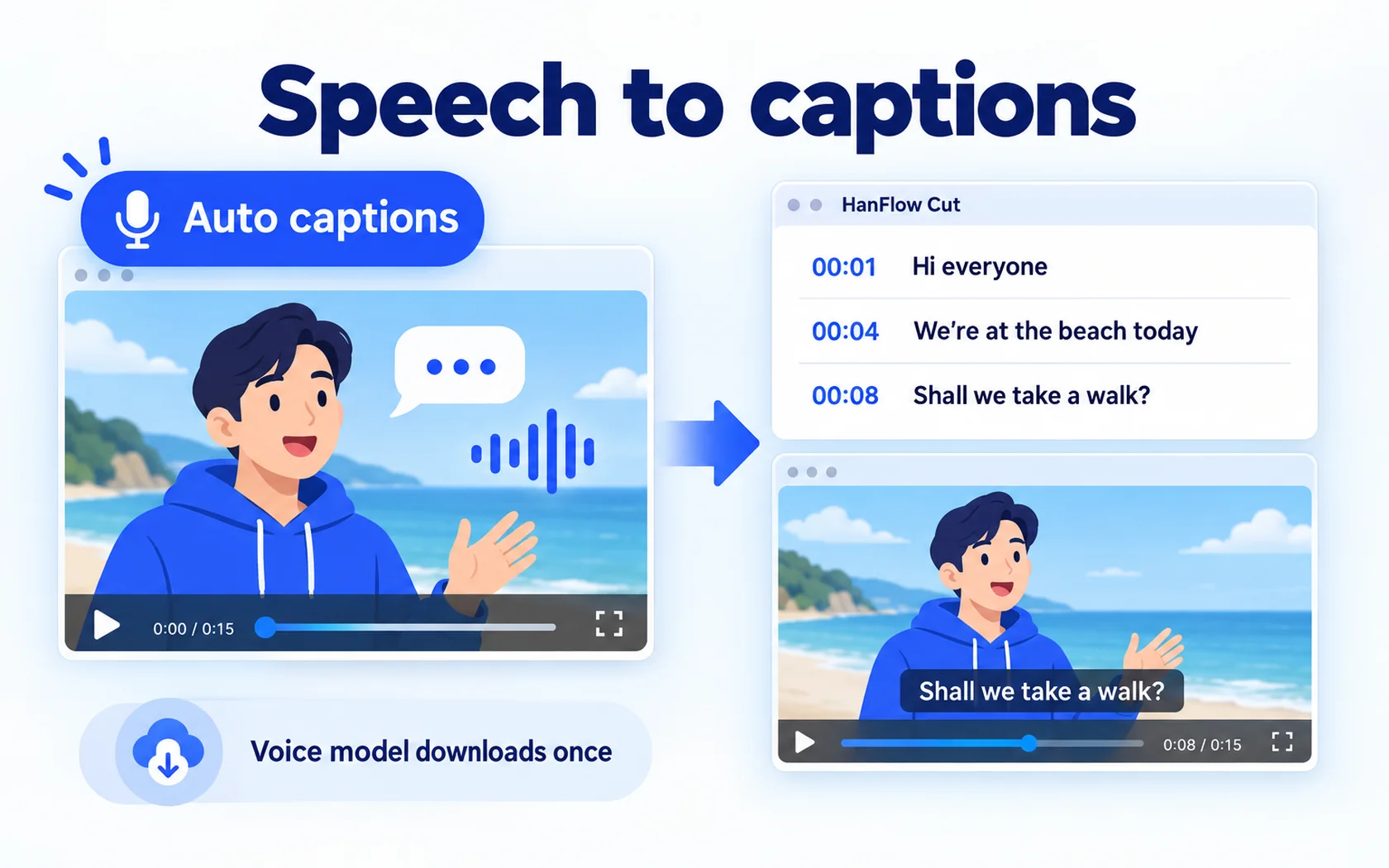
- Speech to captions — auto captions convert speech into subtitles (the app downloads the speech model once on first use)
- Caption styles — 6 subtitle presets, outlines, speech bubbles, entrance and exit effects
- Speed and sound — 0.5×, 1×, 2× speed; mute, detach audio, reverse playback
- Filters and color — 5 filters, brightness / contrast / saturation controls, fade and black/white transitions
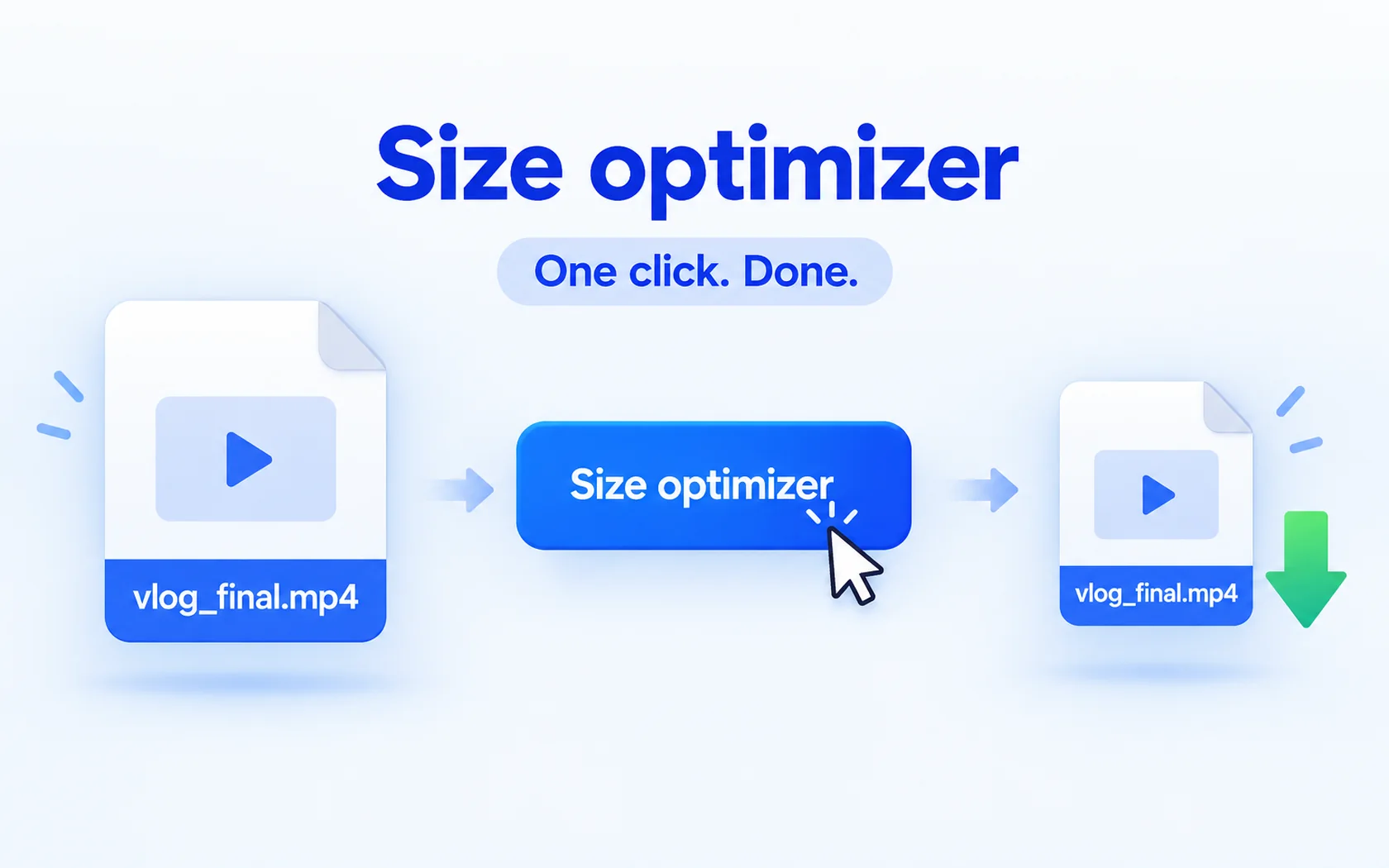
- Size optimizer — shrink the file with one click
- Also included — autosave, lossless trim, background removal, voice recording, audio waveform
No ads. No sign-in. 26 languages. Runs on Windows (64-bit) and macOS 13 or later (Apple silicon). Some of the features above are not in the macOS version — see the next section.
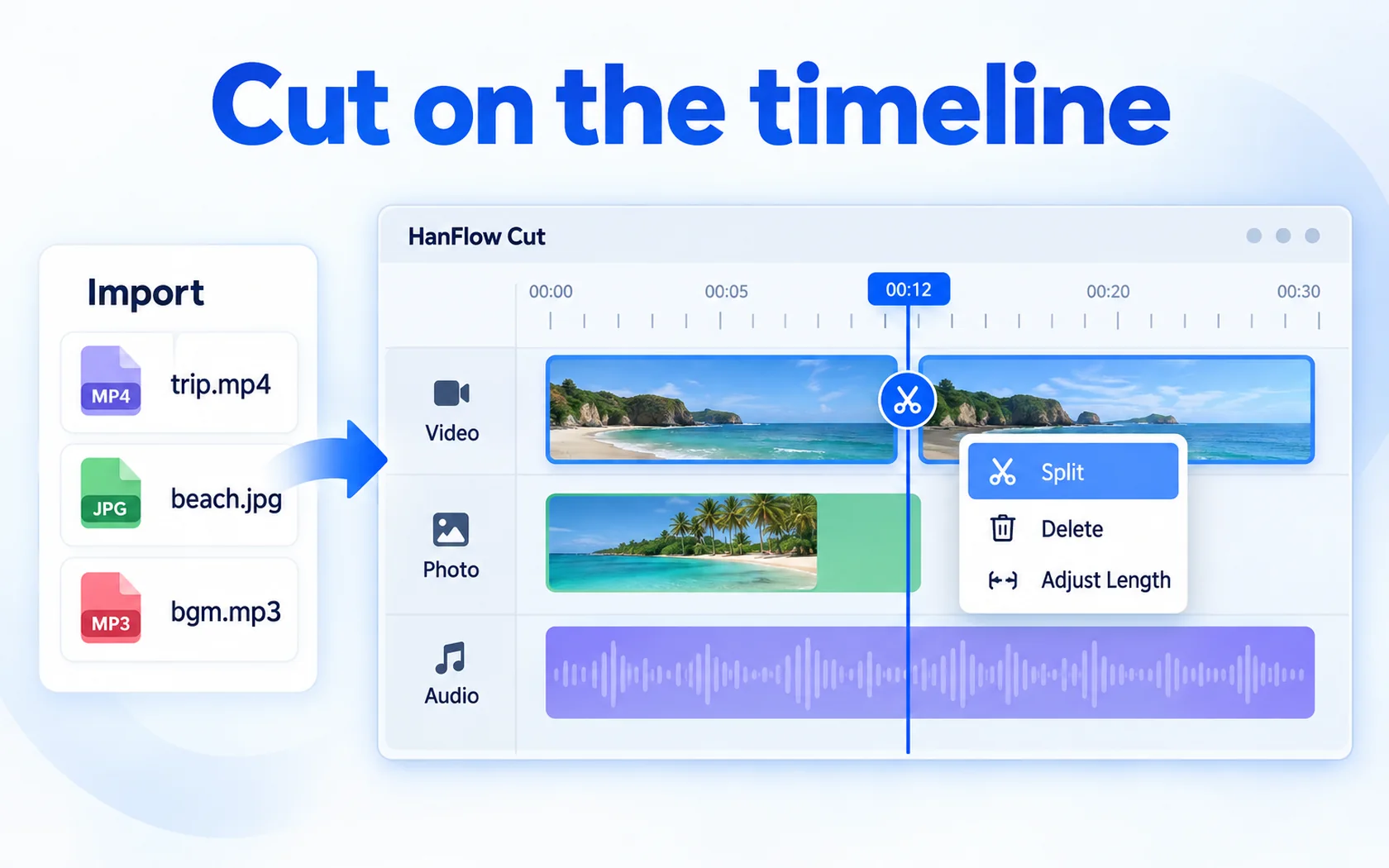
For step-by-step guides, see how to trim a video and how to add auto captions.
What to know before you switch
HanFlow Cut's feature list does not include an AI writer, script-to-video, or viral templates. The feature list also does not include access to projects in your Space from different devices, or one-click sharing to YouTube.
The macOS version does not include overlay video (picture-in-picture), stickers, masks, background removal, keyframes, transitions, filters, auto captions, and voice recording. You can open and edit projects that use those features on macOS, but they are exported with the Windows version.
The export formats listed are MP4 (H.264 + AAC) and M4A.
How to choose
- Choose CapCut if you want the features it advertises: an AI writer and script-to-video, access to your projects in your Space from different devices, viral templates, and its massive effects.
- Choose HanFlow Cut if you want an editor with no ads and no sign-in, you use the features listed above on Windows (64-bit), and you prefer a perpetual license — several of those features are not in the macOS version.
To make a finished video smaller, see how to reduce video file size. If you are comparing other editors too, see the Clipchamp alternative post.
Trial and license
Use every feature for 30 days from the day you install. No payment method is required. After the trial, you can still import, edit and play your clips and save projects; only exporting video or audio and the size optimizer are locked. See the pricing page.
Frequently asked questions
Do I need to sign in to use HanFlow Cut?
No. The app has no sign-in.
What formats can I import?
Video: MP4, MOV, M4V, AVI, MKV, WebM, WMV. Images: PNG, JPG, BMP, GIF, WebP, TIFF. Audio: MP3, WAV, M4A, AAC, FLAC, OGG, WMA.
Can I export in 4K?
Export resolution ranges from the original up to 4K, at 24–60 fps.
Do auto captions work on macOS?
No. Auto captions is not in the macOS version.