
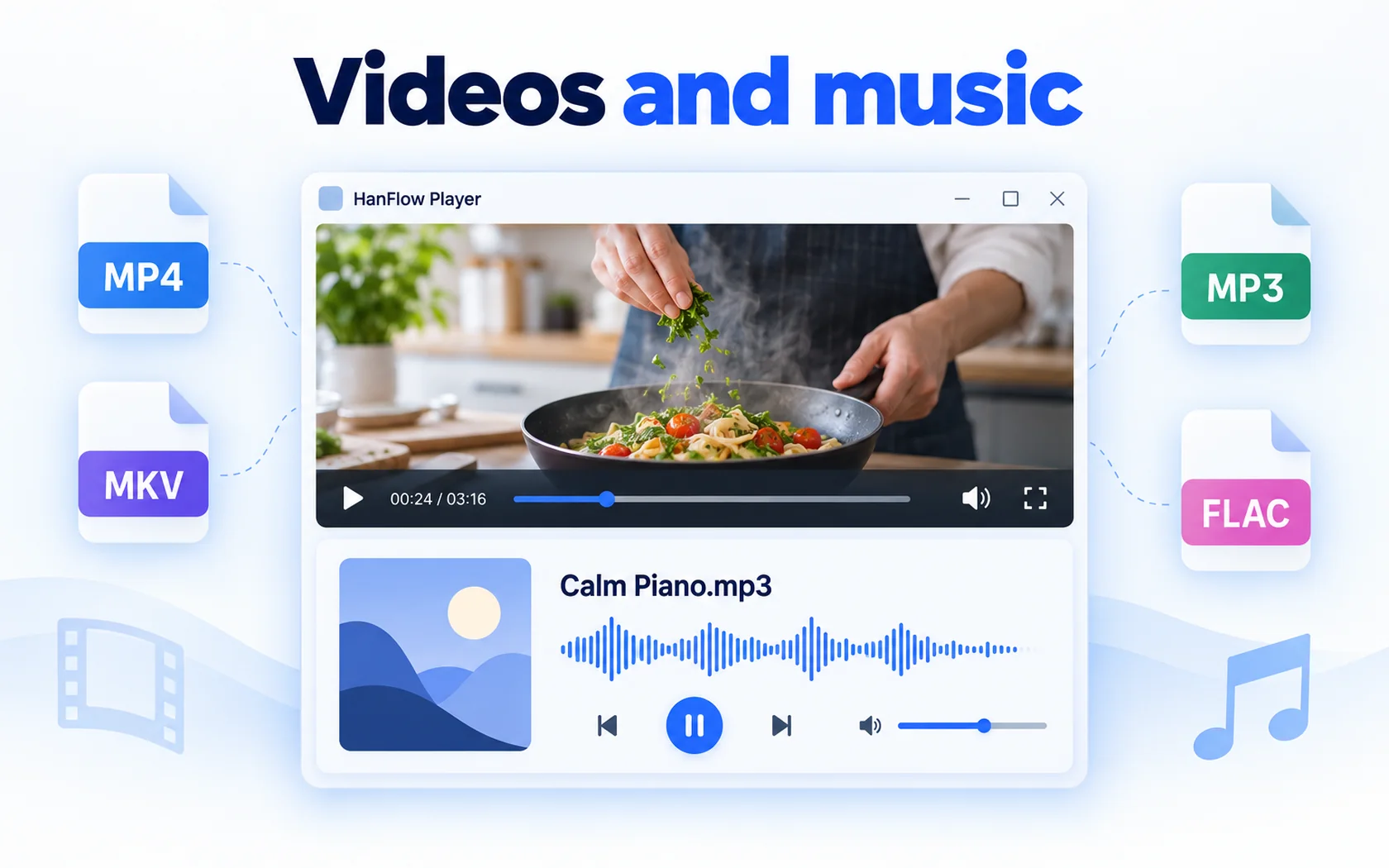
If you are looking past VLC for a player to study with, HanFlow Player is one option: it plays video and music in the same window, lets you adjust speed in 0.1× steps and loop a chosen section with A-B repeat. Below is what each tool offers, based on their own pages, so you can choose for yourself.
What VLC is good at
VLC describes itself as an open-source cross-platform multimedia player and framework that you can use without paying. Its page says it has no spyware, no ads and no user tracking. It plays files, discs, webcams, devices and streams, supports hardware decoding on most platforms and handles a long list of video, audio and subtitle formats, and its input list covers DVD, Audio CD, DVB and various streaming protocols (VLC). Its download page lists versions for many operating systems, including Windows, Linux and Android. This page stays on one job: playing your own video and music files while studying.
What HanFlow Player does
- Video and music in one app. Open a whole folder or drag and drop files.
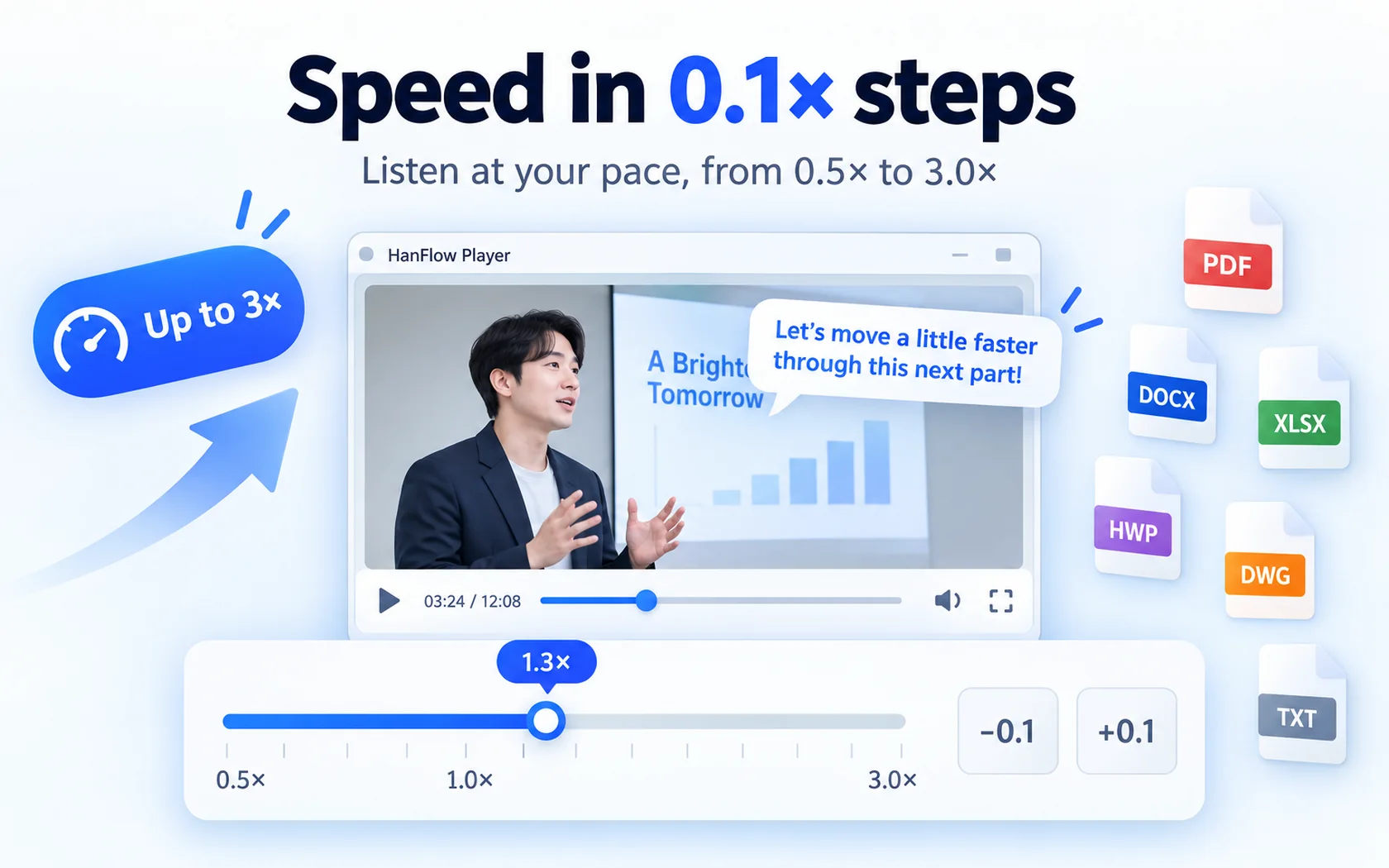
- Playback speed in 0.1× steps, up to 3×.
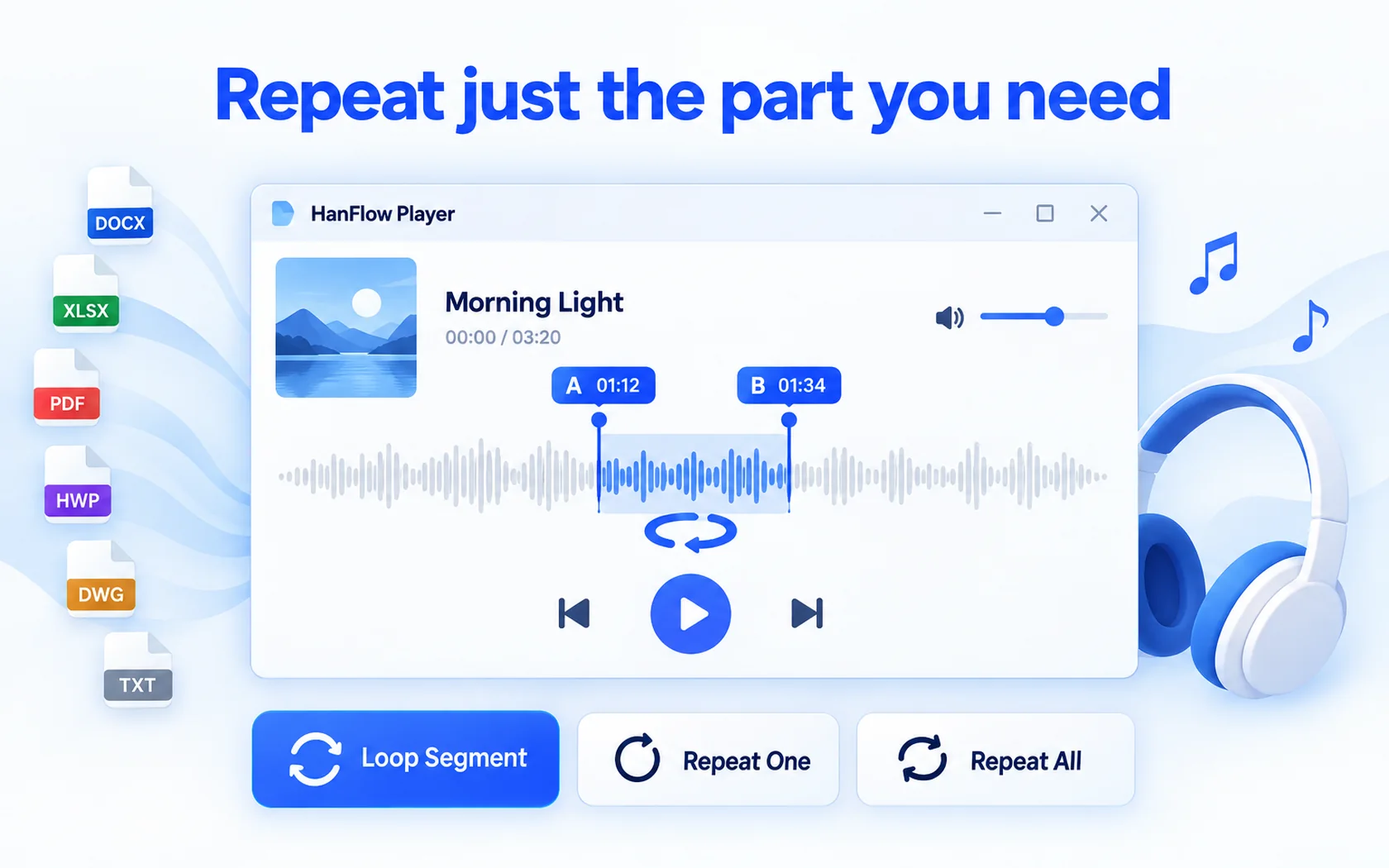
- A-B repeat to loop just the part you need, plus repeat one and repeat all.
- Playlists: open and save m3u files.
- Skip 10 seconds forward or back.
- Full screen and a file info panel.
- No ads, no sign-in, 26 languages.
To change the speed step by step, see how to change video playback speed; to loop one part, see how to loop part of a video.
What to know before you switch
HanFlow Player does not support subtitles. It does not open streaming URLs.
On 64-bit Windows it plays using the codecs installed in Windows; no codecs are bundled with the app. On macOS (13 or later, Apple silicon) the app opens only the formats macOS can play — MP4, MOV, M4V, 3GP, MP3, M4A, AAC, FLAC and WAV. It cannot open MKV, WebM, AVI or WMV on macOS.
How to decide
What is above is not a score card — it is what each page says about itself. VLC's own page lists subtitles, discs, webcams, streams and a long set of formats, and says it is open source and costs nothing to use — if any of those is on your list, VLC fits.
HanFlow Player's page lists: video and music in the same window, speed in 0.1× steps up to 3×, A-B repeat, m3u playlists (see how to make an m3u playlist), a 10-second skip and a file info panel. If that is the set you want, the 30-day trial lets you try it on your own files before buying.
Trial and license
HanFlow Player has a 30-day trial with every feature, and no payment method is required. When the trial ends, opening and playing video and music at 1× speed and up to 100% volume still works, and A-B repeat keeps working too. Only playback speed adjustment, volume boost above 100% and saving playlists are locked. For the license, see the pricing page.
Frequently asked questions
Does HanFlow Player support subtitles?
No. Subtitles are not supported.
Can it open streaming URLs?
No. Streaming URLs are not supported.
Can it play MKV files?
MKV is in the supported video list. On Windows the app plays using the codecs installed in Windows; no codecs are bundled with it. The macOS version cannot open MKV.
What happens when the trial ends?
You can still open and play video and music at 1× speed and up to 100% volume, and A-B repeat keeps working. Playback speed adjustment, volume boost above 100% and saving playlists are locked, and a purchase prompt appears when you try.