
IrfanView is a long-running image viewer for Windows. If you use it at work, need a license for business use anyway, or want a viewer that also browses zip files, edits color and handles batches of photos in tabs, HanFlow Image is one option, with no ads and no sign-in. Below is what each tool offers, based on their own pages, so you can choose for yourself.
What IrfanView is good at
IrfanView is a fast, compact graphic viewer for Windows. Its page lists many supported file formats, thumbnails, a paint option, lossless JPG rotation and crop, slideshows, batch conversion, effects, Photoshop filter support, screen capturing, a multimedia player and many plugins and command line options. It is offered at no cost for private, non-commercial use and for education and charity; use at a place of business or for commercial purposes requires registering and buying a license (IrfanView). If you need a very wide format list and plugins at home, IrfanView may be all you need.
What HanFlow Image does
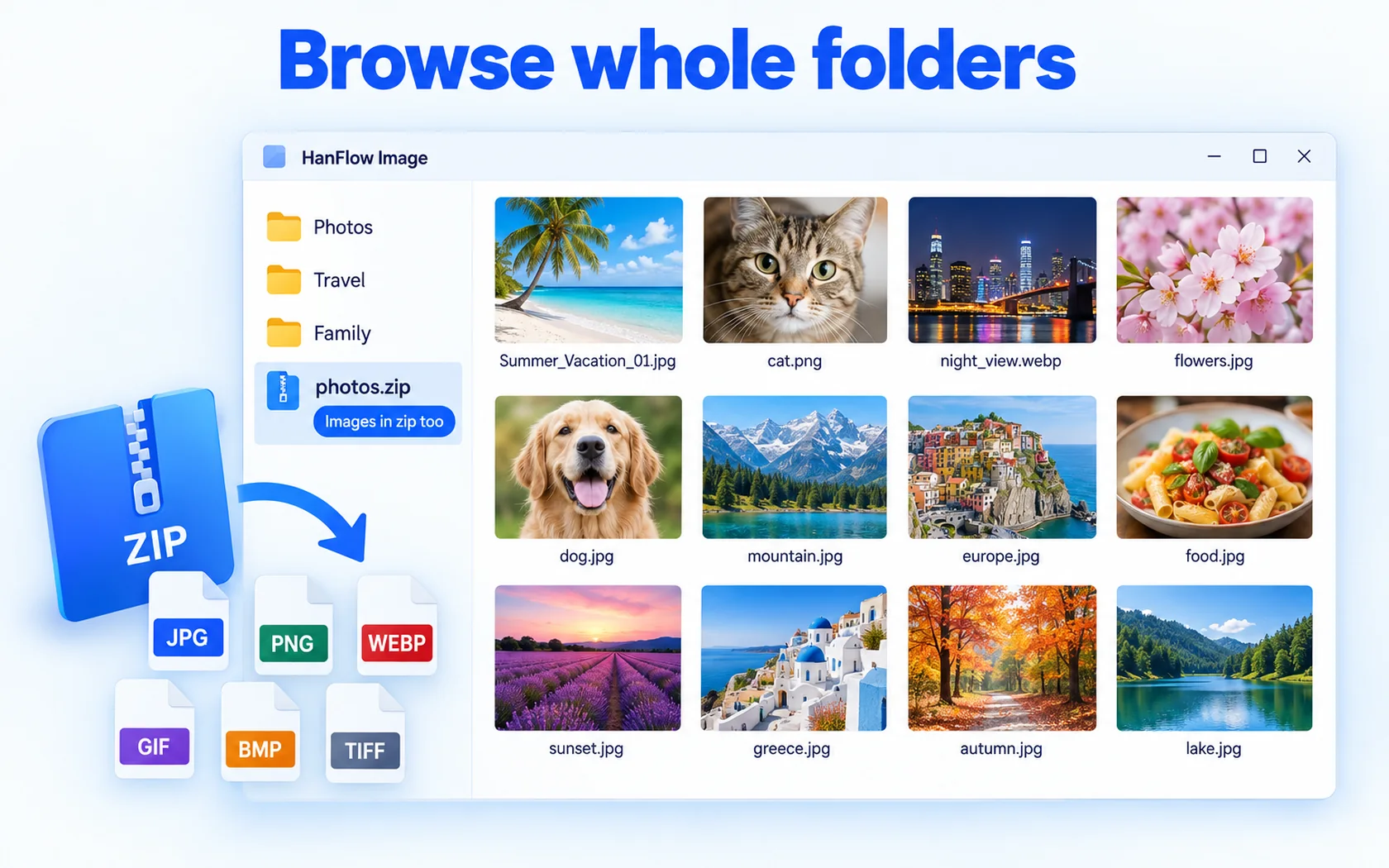
- Browse folders: thumbnails of a whole folder, including pictures inside zip files.
- View big: full screen, slideshow and multiple tabs.
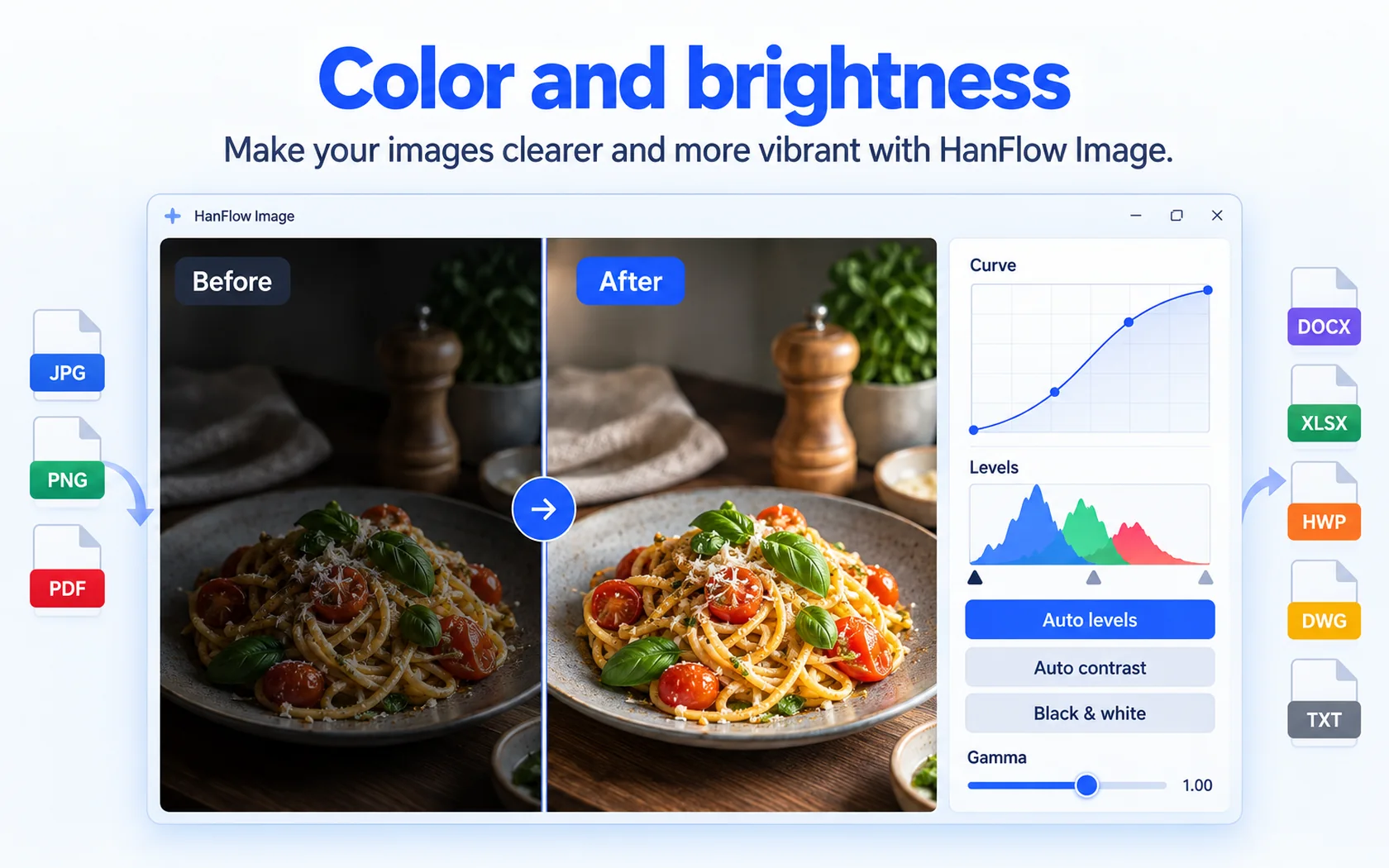
- Edit as you browse: zoom, rotate, flip, crop and resize, auto levels, contrast, gamma, levels, curves, black and white and brightness, with undo.
- Many photos at once: batch resize, convert, rotate and rename.
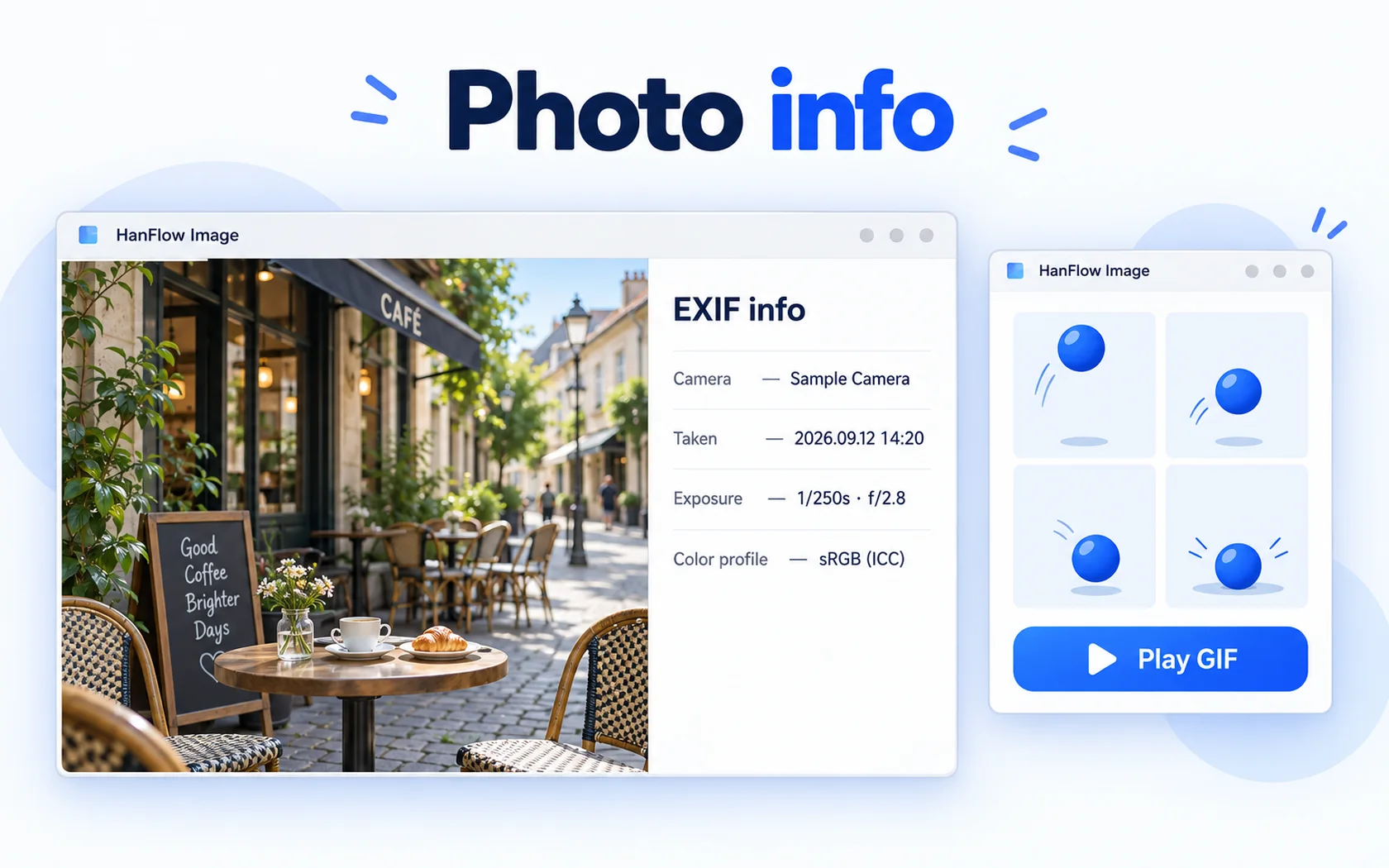
- File tasks: copy, move, rename and send to Recycle Bin, plus printing and EXIF view.
- Formats: opens JPEG, PNG, GIF (including animated), BMP, TGA, WebP, TIFF, AVIF, PSD, HDR and PNM; saves JPEG, PNG, BMP, TGA, WebP, TIFF and AVIF. HEIC opens on Windows when the Windows HEIC extension is installed.
- No ads, no sign-in, 26 interface languages.

Color and brightness in place
When a photo looks dark or flat, fix it where you are viewing it. Auto levels and auto contrast adjust it in one step, or you can set curves, levels and gamma yourself, or switch to black and white. If you don't like the result, undo it.
Which one to choose
- Choose IrfanView if you want a compact Windows viewer with a very wide format list, plugins, effects and command line options, and you use it at home or have a business license.
- Choose HanFlow Image if you want to browse folders and zip files as thumbnails in tabs, correct color as you view, and batch-process photos in one app.
- If you also work on a Mac, HanFlow Image has a Mac version for macOS 13 or later on Apple silicon.
Trial and license
HanFlow Image has a 30-day trial with every feature. See pricing for current licenses.
Frequently asked questions
Can I use IrfanView at work?
IrfanView's page says business or commercial use requires registering and buying a license; it is offered at no cost for private, non-commercial use and for education and charity.
Can HanFlow Image save GIF files?
No. It plays animated GIFs but does not save GIF. It saves JPEG, PNG, BMP, TGA, WebP, TIFF and AVIF.
Does HanFlow Image open HEIC photos?
On Windows, HEIC opens when the Windows HEIC extension is installed.